




Jump to content
View in the app

A better way to browse. Learn more.

RDR2Mods.com

A full-screen app on your home screen with push notifications, badges and more.

To install this app on iOS and iPadOS
  1. Tap the Share icon in Safari
  2. Scroll the menu and tap Add to Home Screen.
  3. Tap Add in the top-right corner.
To install this app on Android
  1. Tap the 3-dot menu (⋮) in the top-right corner of the browser.
  2. Tap Add to Home screen or Install app.
  3. Confirm by tapping Install.

RDOT - Red Dead Outfit Tool 1.0.0

(0 reviews)

4 Screenshots


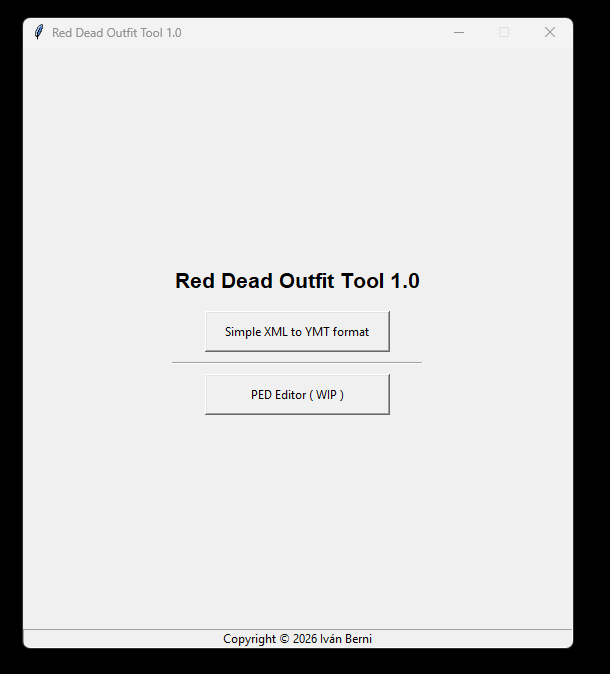
This software has currently two main tools:

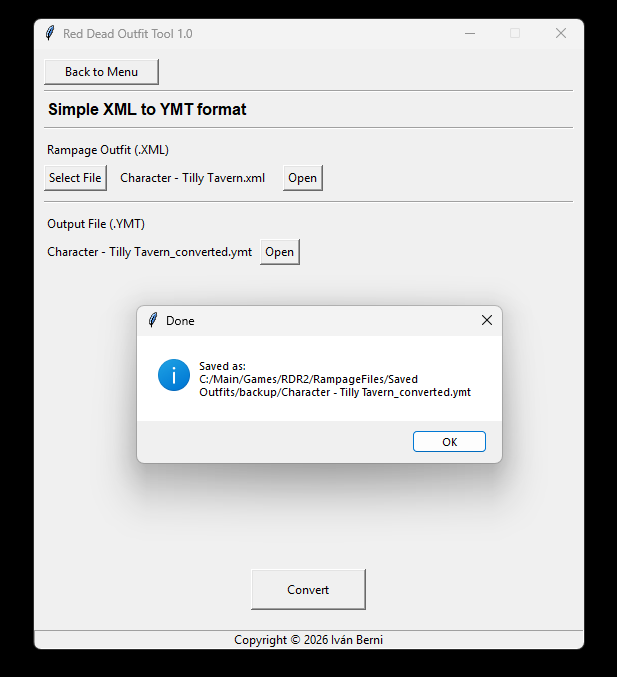
Simple XML to YMT format: Converts a rampage outfit into a format readable in a ymt file

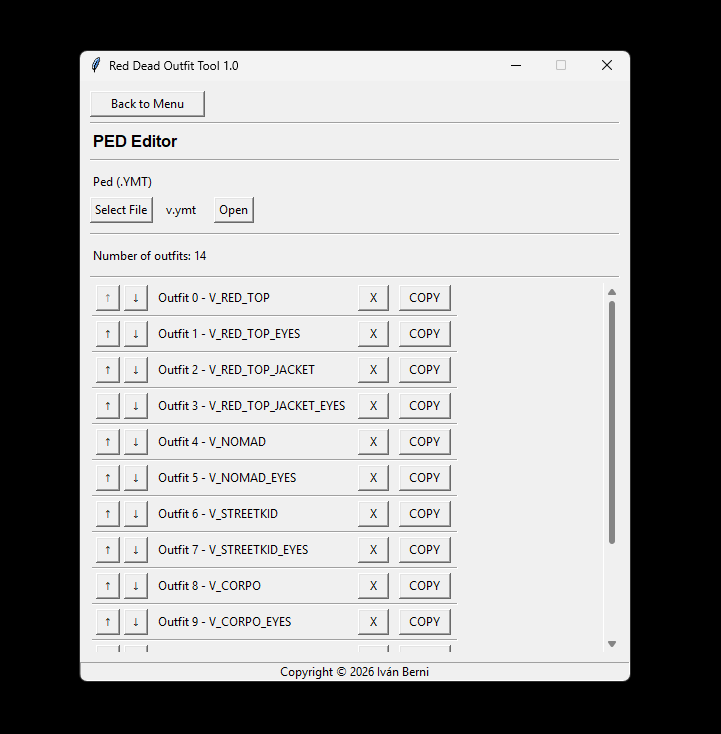
PED Editor: Read all outfits slots from a Ped and helps to rearrange, delete, or add new outfits in the list

WARNING: Always make backups of the files you are working with, unless you know what you are doing, if you delete all the outfits you need to start again, currently there is no way to create outfits from zero
WARNING 2: Its likely your Antivirus, Firewall, Defender, or Browser could flag this file as dangerous, that's a false positive, Its not because the file is dangerous, Its because I suck at programming.

Give it a try, it would save you a lot of time, its pretty simple so there is no much to learn about it, I want to keep updating it, fixing it, and hear your recommendations.

Edited by TectonicTechnomancer

User Feedback

Recommended Comments

There are no comments to display.

Create an account or sign in to comment

Account

Navigation

Search

Configure browser push notifications

Chrome (Android)
  1. Tap the lock icon next to the address bar.
  2. Tap Permissions → Notifications.
  3. Adjust your preference.
Chrome (Desktop)
  1. Click the padlock icon in the address bar.
  2. Select Site settings.
  3. Find Notifications and adjust your preference.