




WAYPOINT TELEPORT
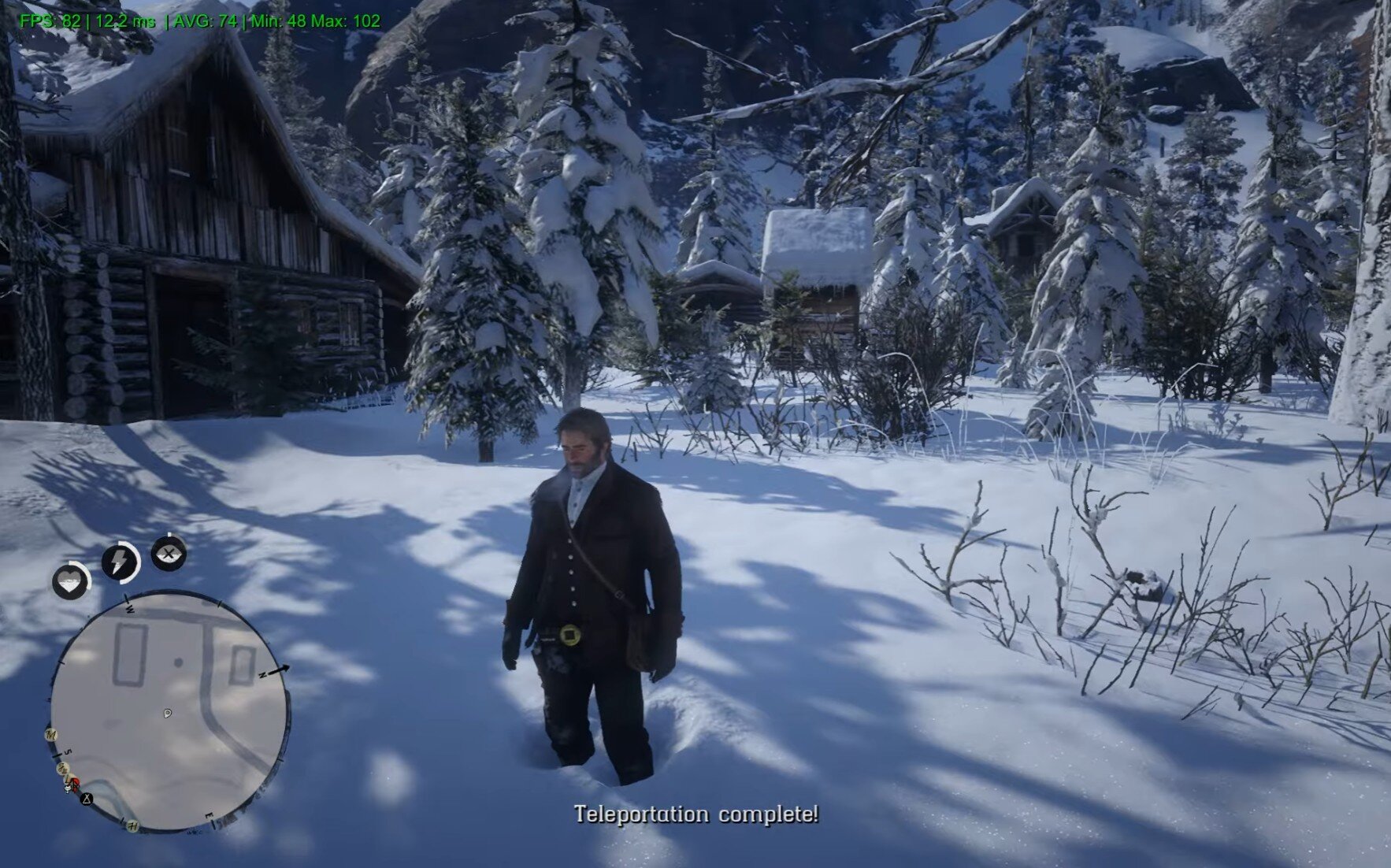
Waypoint Teleport is a standalone utility that brings a fast-travel experience to Red Dead Redemption 2.
This mod uses a Smart Scanning System to ensure a safe landing every single time. Whether you are on top of Mount Hagen or in the middle of Flat Iron Lake, you will arrive exactly where you need to be.
CORE FEATURES
Smart Terrain Detection: The script dynamically scans from the sky down to find the highest solid ground or water surface.
Horse Integration: Automatically detects if you are mounted. Your horse is your companion; it travels with you seamlessly.
Cinematic Transitions: Features professional Fade-Out and Fade-In effects. This hides the "world-hopping" and makes the teleportation feel like a native game feature.
Safety Protocol: Grants 2 seconds of temporary invincibility to both Arthur and his horse upon arrival. This prevents accidental death from physics glitches or height offsets.
Water Surface Support: Teleporting to a lake or ocean? The mod detects the water height and places you on the surface instead of the dark bottom.
10 Fast Travel Presets: Instant access to all major townsand stations via hotkeys (F3 + 0-9).
HOW TO USE
WAYPOINT TRAVEL:
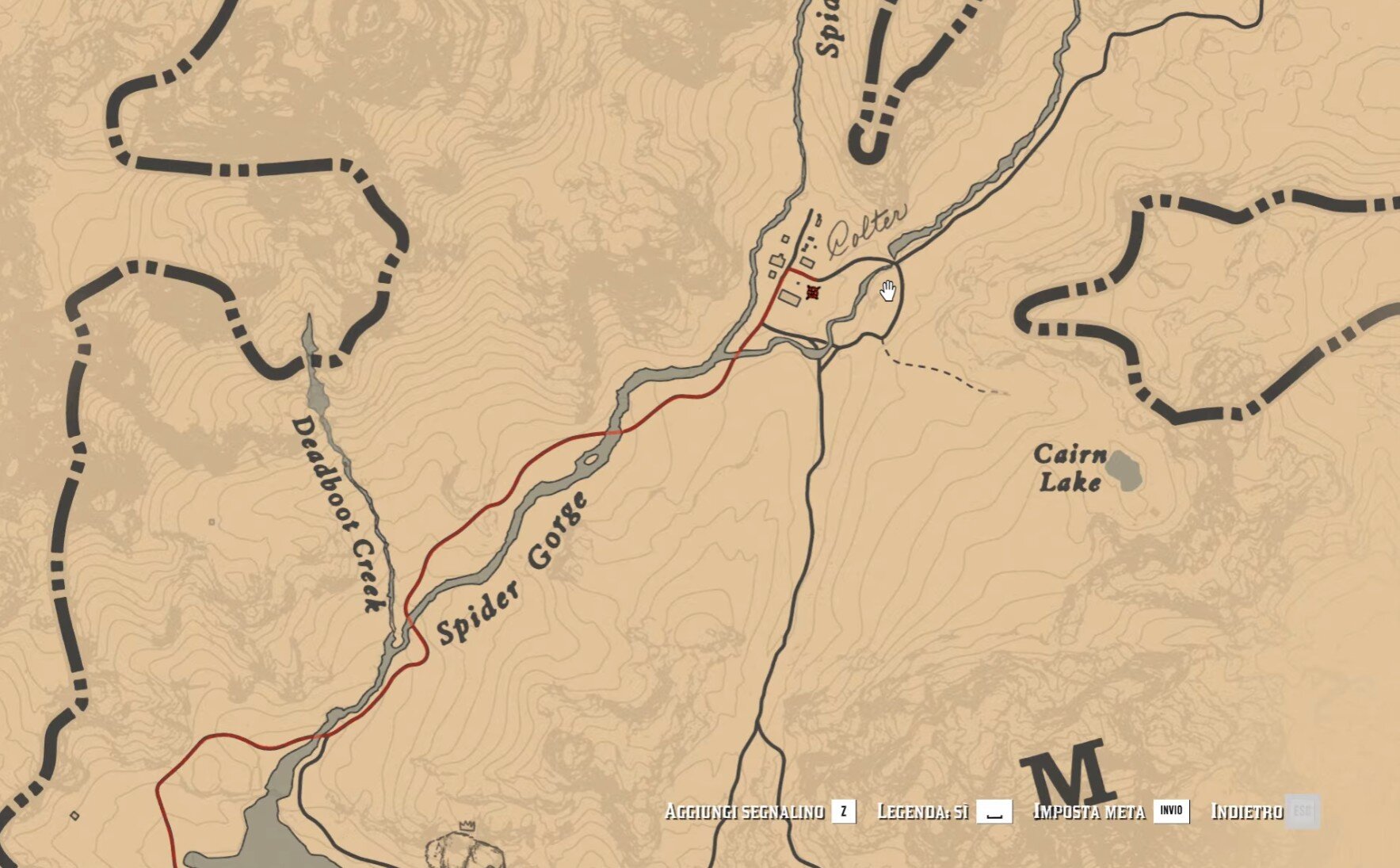
Open Map -> Place Waypoint
Close Map -> Press F3 (Default).
PRESET TRAVEL (F3 + Number):
1: Valentine * 6: Annesburg
2: Saint Denis * 7: Emerald Station
3: Rhodes * 8: Colter
4: Blackwater* 9: Lagras
5: Strawberry* 0: Bacchus Bridge
CONFIGURATION (.INI)
The mod creates a configuration file at C:\Users\Public\Documents\RDR2_Teleport.ini after the first run. You can customize the TeleportKey using Decimal Virtual Key codes:
113 = F2
114 = F3
115 = F4
116 = F5
84 = T
Full list of virtual-key codes: Link
INSTALLATION
Download and install the latest ScriptHook RDR2 by Alexander Blade.
Drag and drop RDR2_Teleport.asi into your main Red Dead Redemption 2 directory.
Launch the game and start traveling!
Developed by Joolace
Edited by Joolace
What's New in Version 1.1
Released
Changelog v1.1
NEW: Preset Locations System
Added 10 Quick-Travel Presets: You can now teleport instantly to major towns and landmarks using F3 + Number Keys (0-9). Custom Calibrated Coordinates: Every preset (Valentine, Saint Denis, Rhodes, Blackwater, Strawberry, Annesburg, Emerald Station, Colter, Lagras, Bacchus Bridge).
Travel Notifications: Added on-screen feedback that confirms your destination the moment you press the key combination.
NEW: Advanced Safety & "Parachute" Logic
20-Second Invincibility Shield: Implemented a mandatory safety window. Arthur and his horse are now immune to all damage for 20 seconds upon arrival.
Smart Landing Detection: The script now monitors air status and speed. It won't disable protection until the player is safely stationary on the ground.
Instant Chain-Teleport: Optimized the code to allow jumping to a new location even if the previous invincibility timer hasn't finished (pressing the key again overrides the wait).
Improved Ground Scanning Engine
Collision-Thru Scan: The scanning logic now temporarily disables player collisions. This prevents the "High Spawn" bug where the script would accidentally detect tree branches or rooftops as solid ground.
Water & Interior Handling: Added specific checks for water height and interior detection to ensure you never spawn under the map or inside glitched voids.
Visibility Fix: Player model is hidden during the millisecond-long scan to ensure a smooth visual transition.
System & Performance
Code Optimization: Migrated to 64-bit timers (GetTickCount64) to prevent overflows during long play sessions.
UI Cleanup: Recoded the notification system to instantly clear old messages, preventing HUD lag.
-
 1
1
Recommended Comments
Create an account or sign in to comment