





🇹🇷 Özel Siparişler & Mod Mağazası
Özel mod siparişleri ve mağazam için aşağıdaki bağlantıları kullanabilirsiniz:
Patreon: https://www.patreon.com/cw/UGURPRODUCTION
Discord: https://discord.gg/GAn6zJjC8P
🇺🇸 Custom Orders & Mod Store
For custom mod orders and my mod store, you can use the links below:
Patreon: https://www.patreon.com/cw/UGURPRODUCTION
Discord: https://discord.gg/GAn6zJjC8P
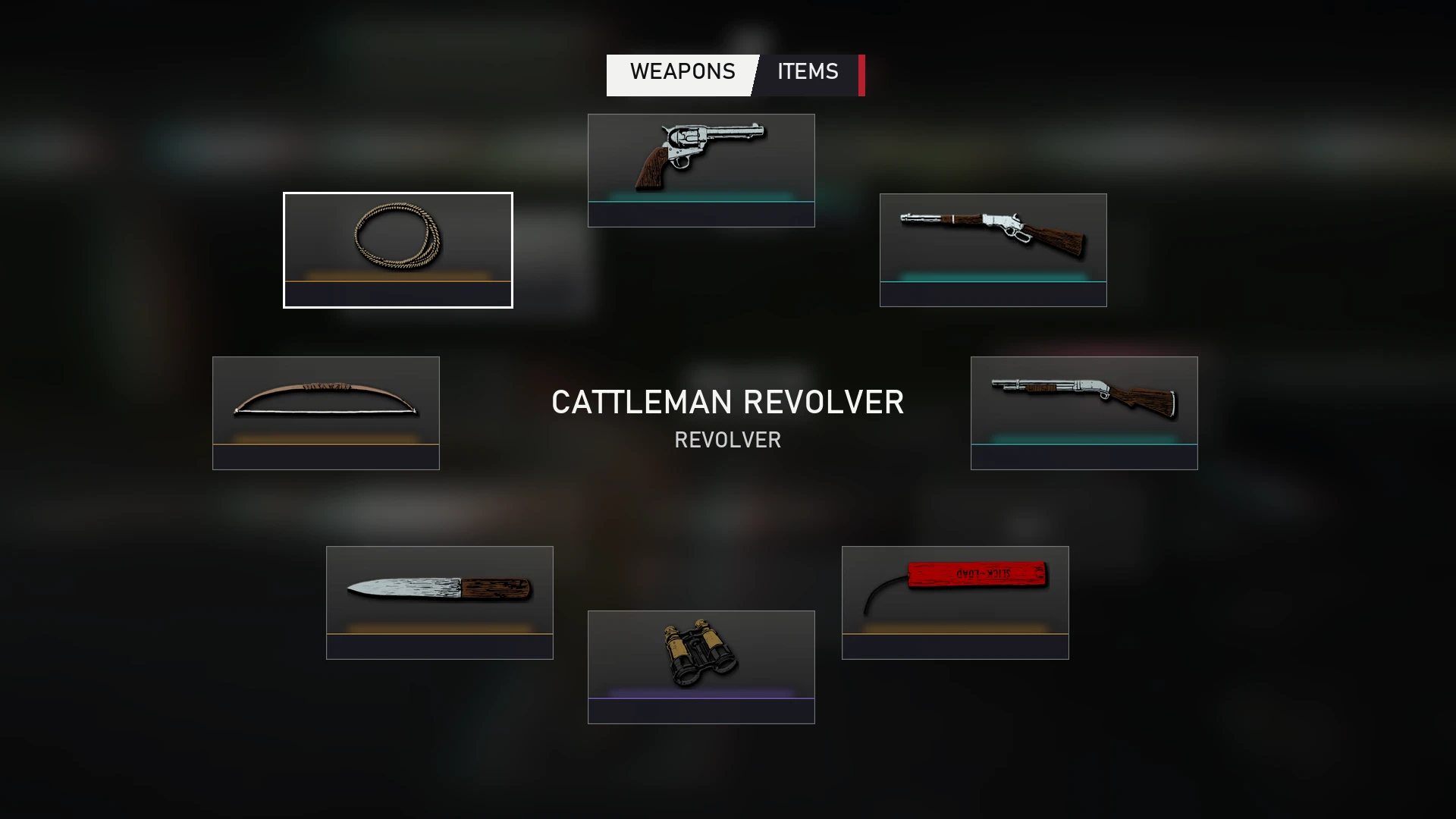
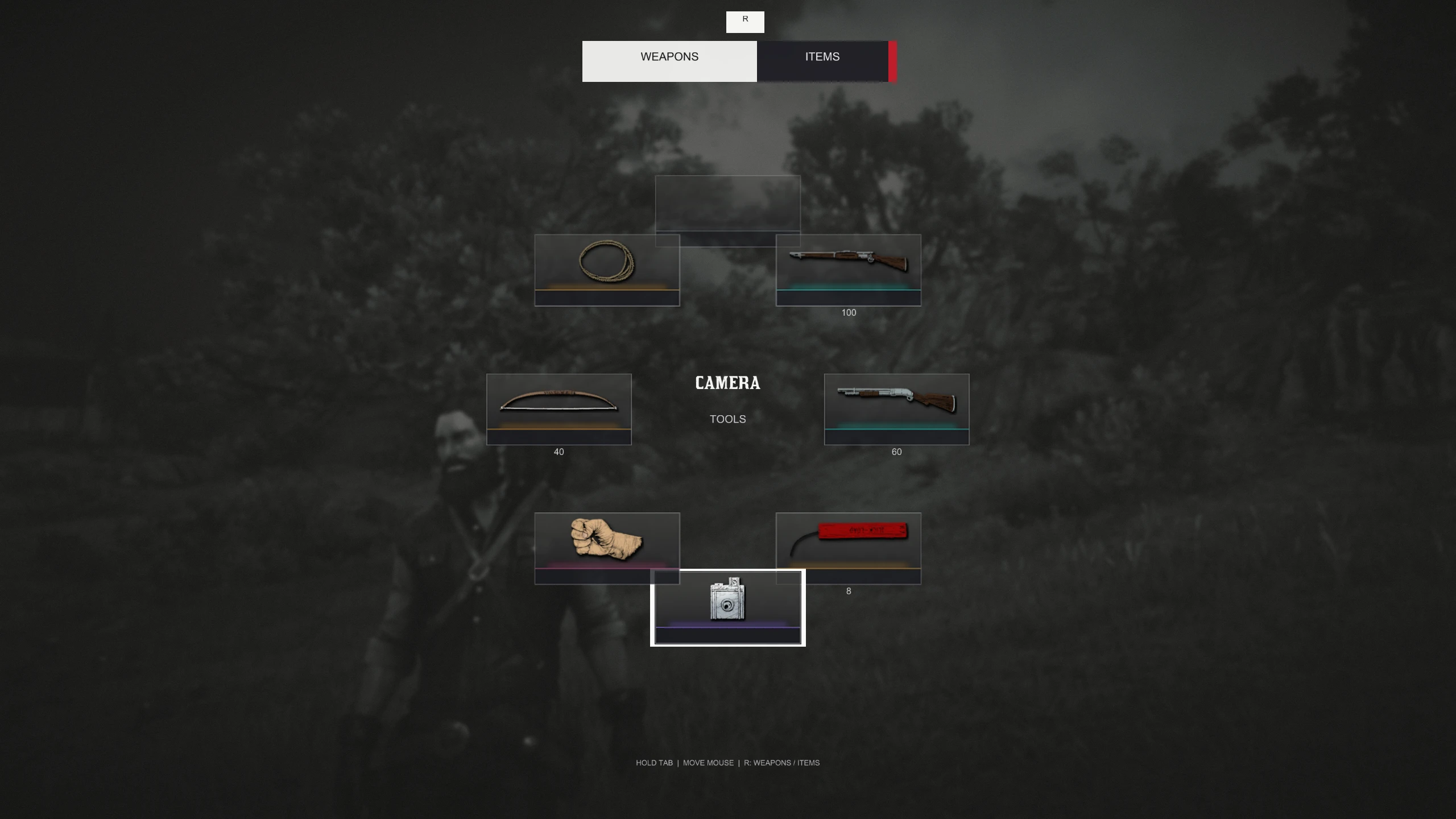
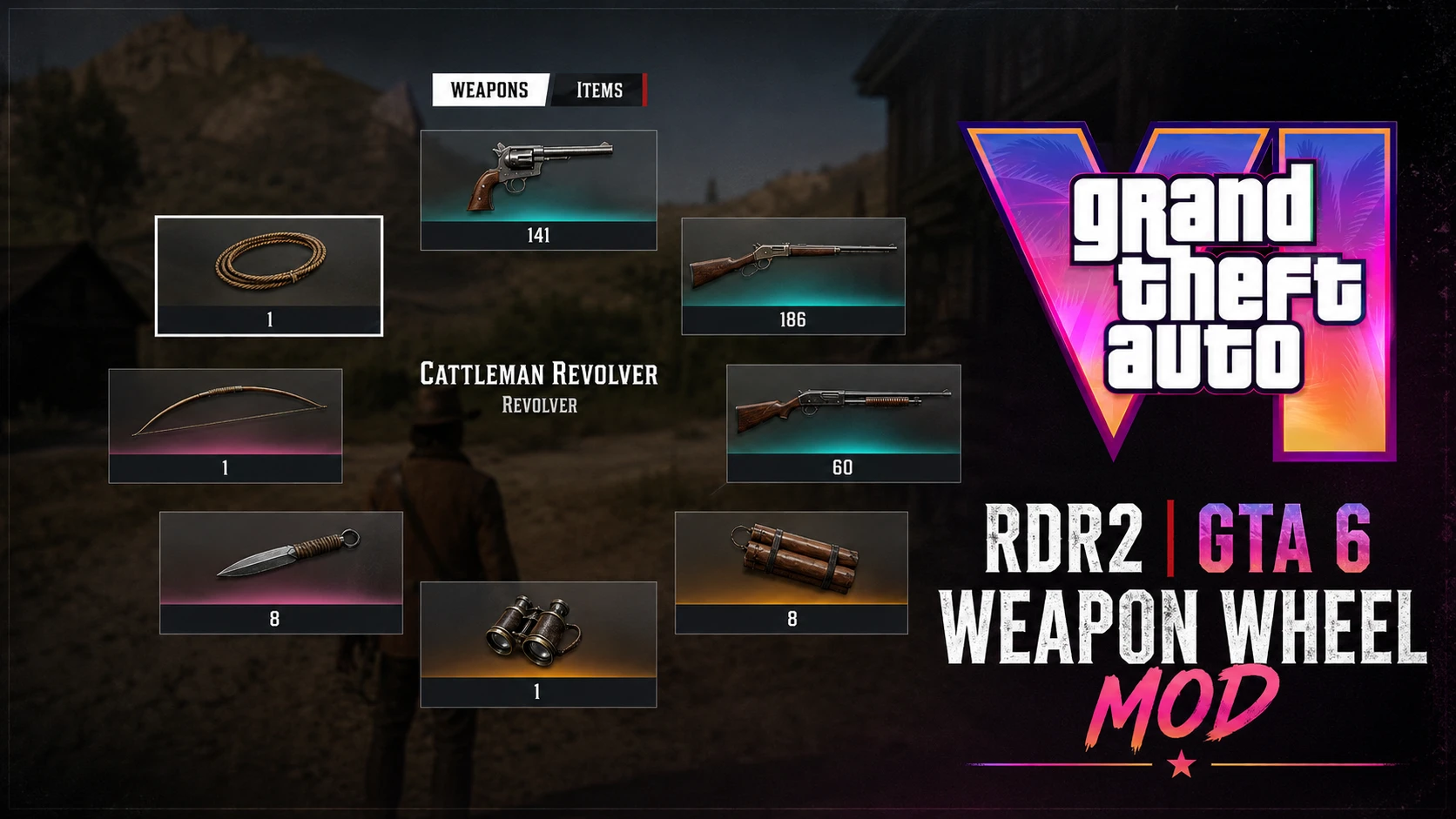
GTA 6 Weapon Wheel Mod, Red Dead Redemption 2'nin silah seçme sistemine GTA 6'dan esinlenen yeni bir görünüm ve kullanım hissi kazandırır.
Mod, silahlar arasında geçiş yaparken daha modern ve farklı bir Weapon Wheel deneyimi sunmak için hazırlanmıştır.
TR:
Kurulum:
Mod dosyalarının tamamını:
Red Dead Redemption 2 ana oyun klasörüne kopyalayın.
Dosyaları oyunun çalıştırılabilir
Hassasiyet Ayarı
Modun içerisindeki
.inidosyasını açarak Weapon Wheel hassasiyetini kendi kullanımınıza göre değiştirebilirsiniz.
Hassasiyet çok hızlı veya yavaş geliyorsa
.iniiçerisindeki ilgili sensitivity değerini düzenleyebilirsiniz.
ENG:
GTA 6 Weapon Wheel Mod brings a GTA 6-inspired look and feel to the weapon selection system of Red Dead Redemption 2.
The mod is designed to provide a more modern and different Weapon Wheel experience while switching between your weapons.
Installation
Copy all included mod files into your:
Red Dead Redemption 2 main game directory.
Sensitivity Settings
You can customize the Weapon Wheel sensitivity by opening the included
.iniconfiguration file.
If the wheel feels too fast or too slow, simply adjust the relevant sensitivity value inside the
.inifile to suit your preference.
Recommended Comments
Create an account or sign in to comment