





🇹🇷 Özel Siparişler & Mod Mağazası
Özel mod siparişleri ve mağazam için aşağıdaki bağlantıları kullanabilirsiniz:
Patreon: https://www.patreon.com/cw/UGURPRODUCTION
Discord: https://discord.gg/GAn6zJjC8P
🇺🇸 Custom Orders & Mod Store
For custom mod orders and my mod store, you can use the links below:
Patreon: https://www.patreon.com/cw/UGURPRODUCTION
Discord: https://discord.gg/GAn6zJjC8P
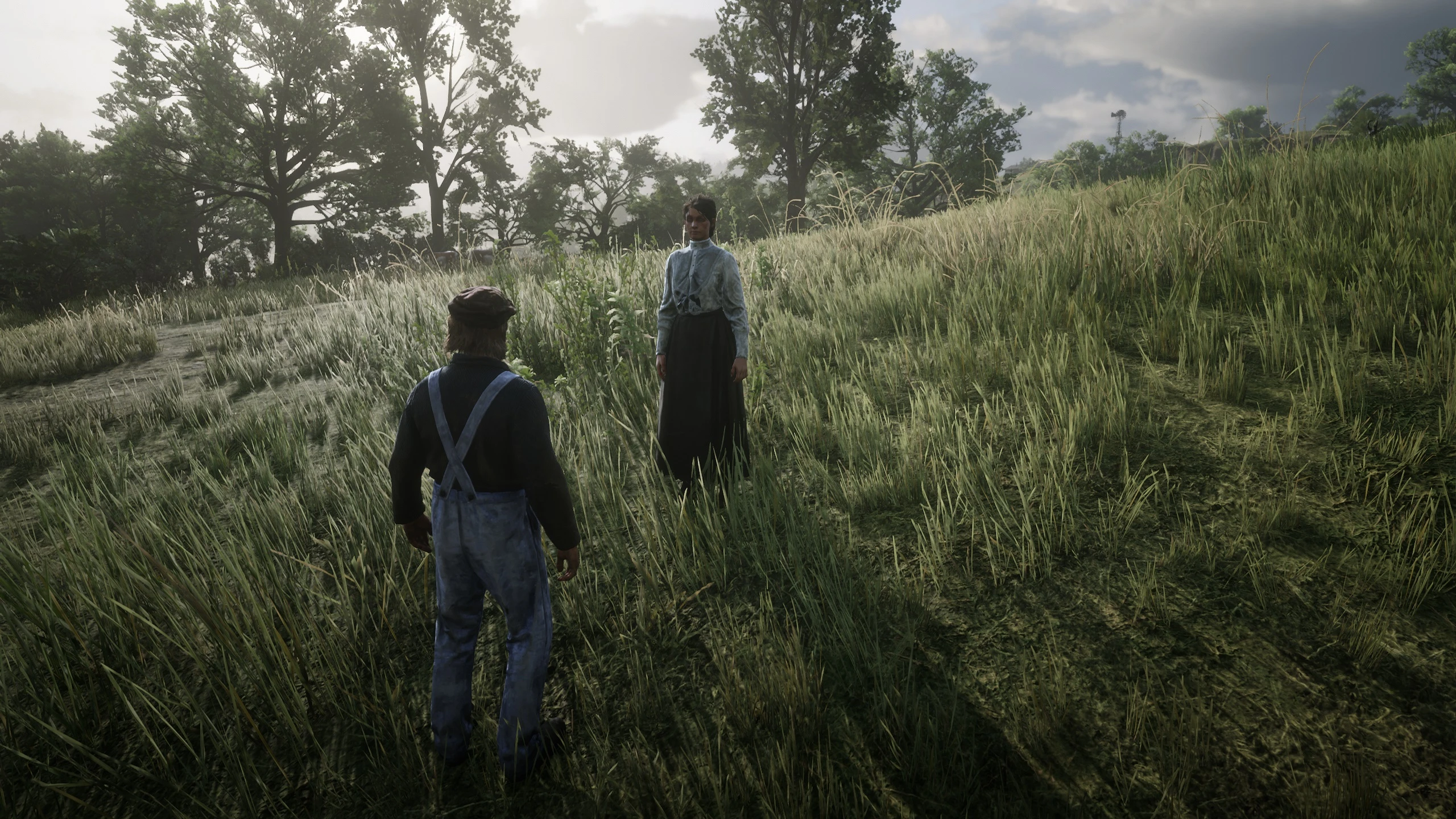
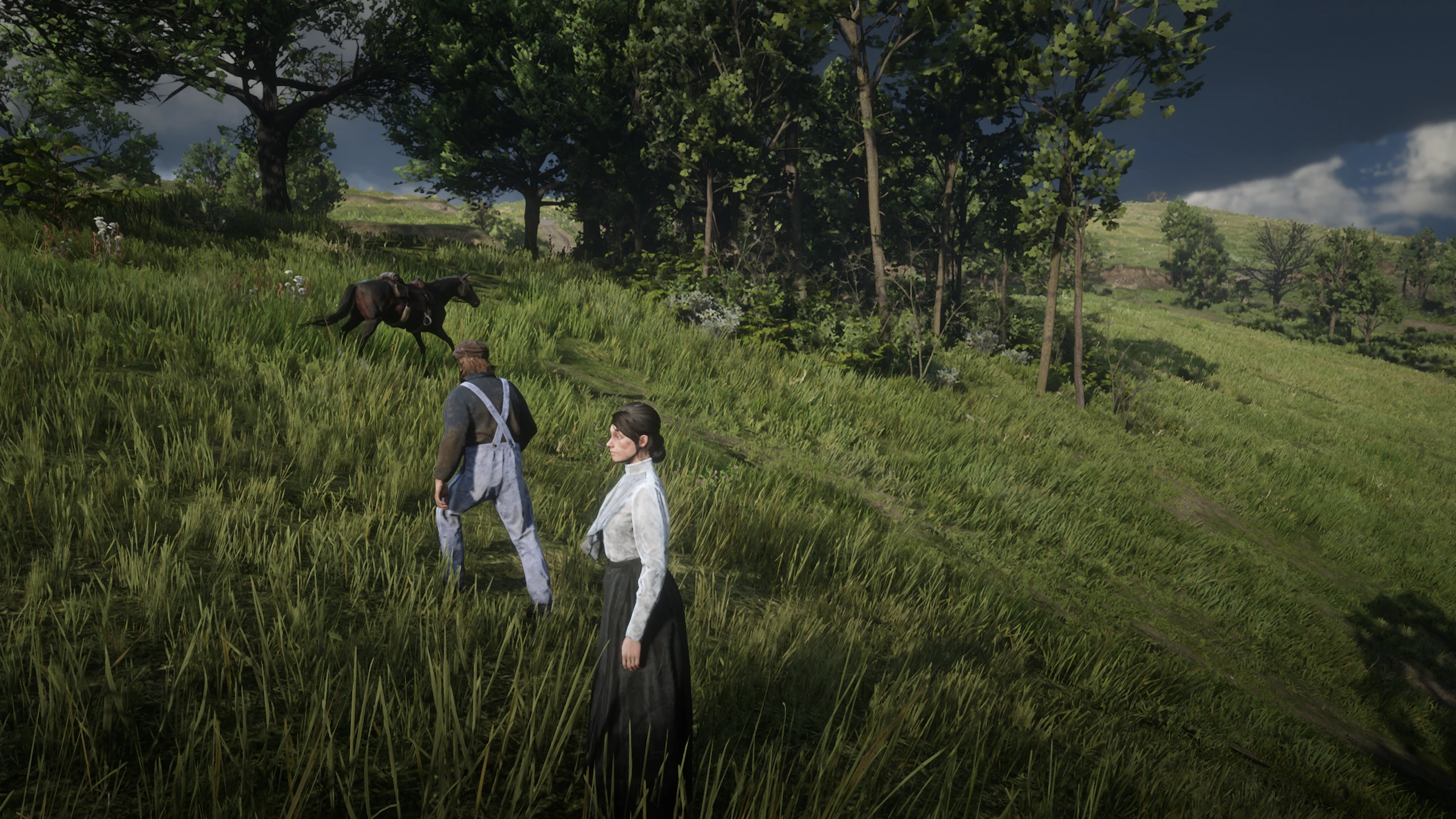
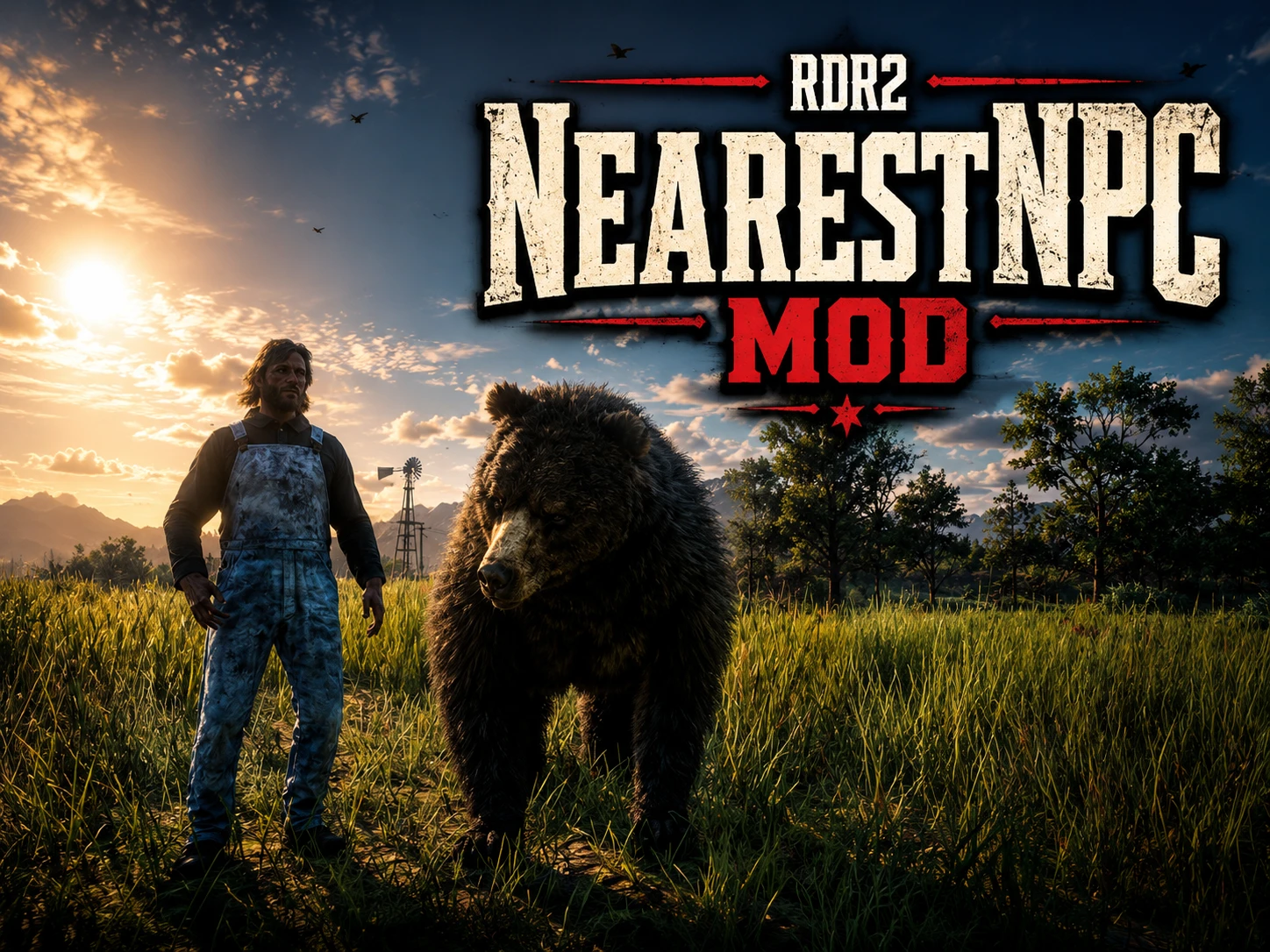
NearestNPC Mod: Yakınınızdaki herhangi bir NPC’ye veya hayvana doğru gidip F12 tuşuna bastığınızda, doğrudan o karakter veya hayvan olursunuz ve kontrolünü ele alırsınız. İnsanlar ve hayvanlar arasında anında geçiş yapabilirsiniz.
Türkçe
Kurulum:
Mod dosyalarını Red Dead Redemption 2 ana oyun klasörüne, yani RDR2.exe dosyasının bulunduğu konuma atın.
Kullanım:
Yakınınızdaki bir NPC’ye veya hayvana doğru gidin ve F12 tuşuna basın. Anında o NPC veya hayvanın kontrolünü ele alırsınız.
English
Installation:
Place the mod files into your Red Dead Redemption 2 main game directory, where RDR2.exe is located.
Usage:
Walk toward a nearby NPC or animal and press F12. You will instantly take control of that NPC or animal.
Recommended Comments
Create an account or sign in to comment