




🇹🇷 Özel Siparişler & Mod Mağazası
Özel mod siparişleri ve mağazam için aşağıdaki bağlantıları kullanabilirsiniz:
Patreon: https://www.patreon.com/cw/UGURPRODUCTION
Discord: https://discord.gg/GAn6zJjC8P
🇺🇸 Custom Orders & Mod Store
For custom mod orders and my mod store, you can use the links below:
Patreon: https://www.patreon.com/cw/UGURPRODUCTION
Discord: https://discord.gg/GAn6zJjC8P
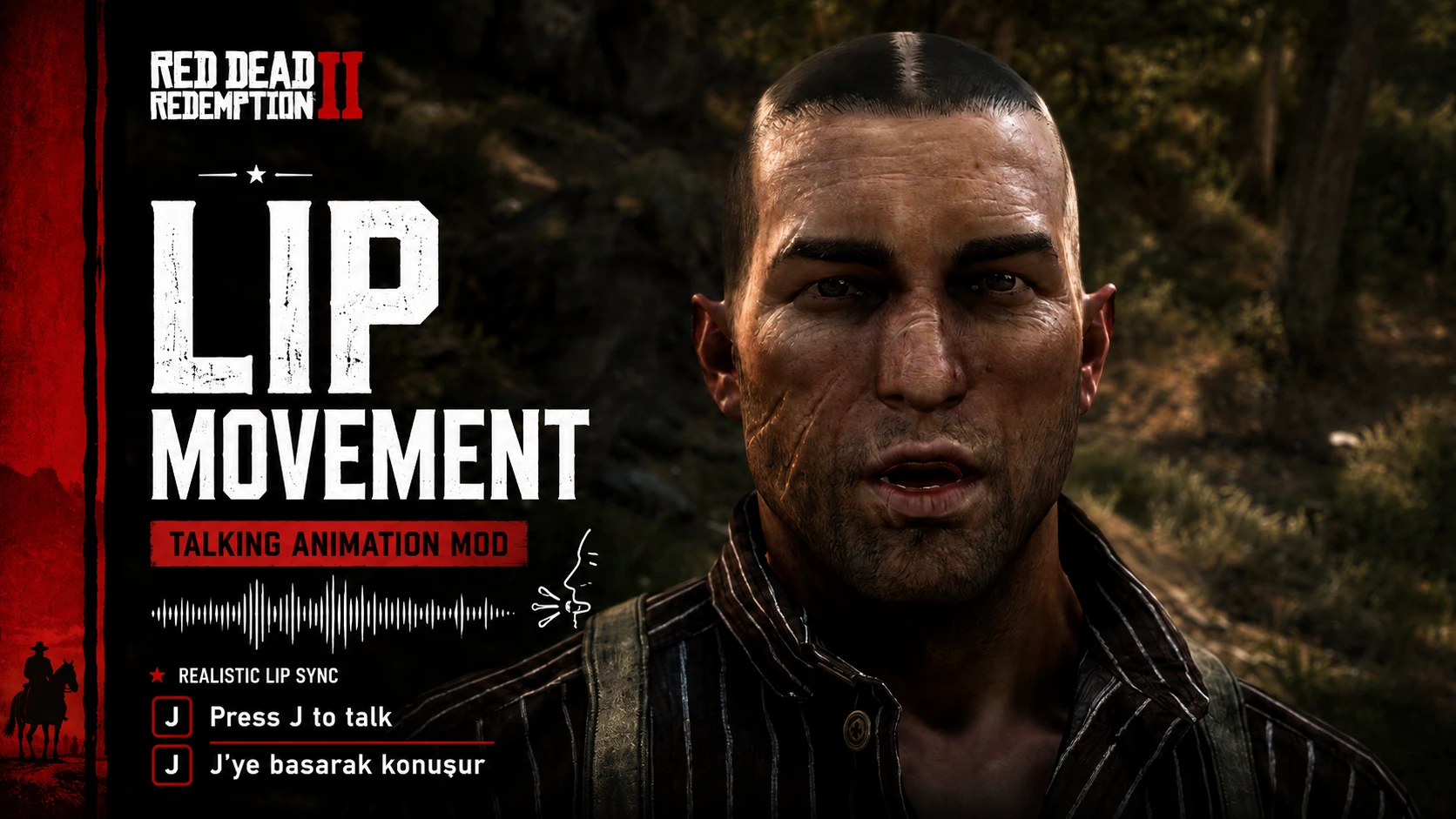
Make the characters in RDR2 move their mouths however you like.
Share
RequirementsPermissions and credits
Türkçe
Kurulum
LipMovementRDR2.asidosyasını RDR2.exe'nin bulunduğu ana klasöre atın.
ScriptHookRDR2 ve ASI Loader kurulu olmalıdır.
Kullanım
Oyuna girin.
J tuşuna basılı tutun: Karakter konuşma/ağız hareketi yapar.
J tuşunu bırakın: Ağız hareketi durur ve yüz normale döner.
English
Installation
Place
LipMovementRDR2.asiin your Red Dead Redemption 2 main directory, next to
RDR2.exe
.ScriptHookRDR2 and an ASI Loader are required.
Usage
Launch the game.
Hold J: Your character will perform talking/lip movement.
Release J: The lip movement stops and the face returns to normal.
Recommended Comments
Create an account or sign in to comment