





Skip to content
View in the app

A better way to browse. Learn more.

RDR2Mods.com

A full-screen app on your home screen with push notifications, badges and more.

To install this app on iOS and iPadOS
  1. Tap the Share icon in Safari
  2. Scroll the menu and tap Add to Home Screen.
  3. Tap Add in the top-right corner.
To install this app on Android
  1. Tap the 3-dot menu (⋮) in the top-right corner of the browser.
  2. Tap Add to Home screen or Install app.
  3. Confirm by tapping Install.

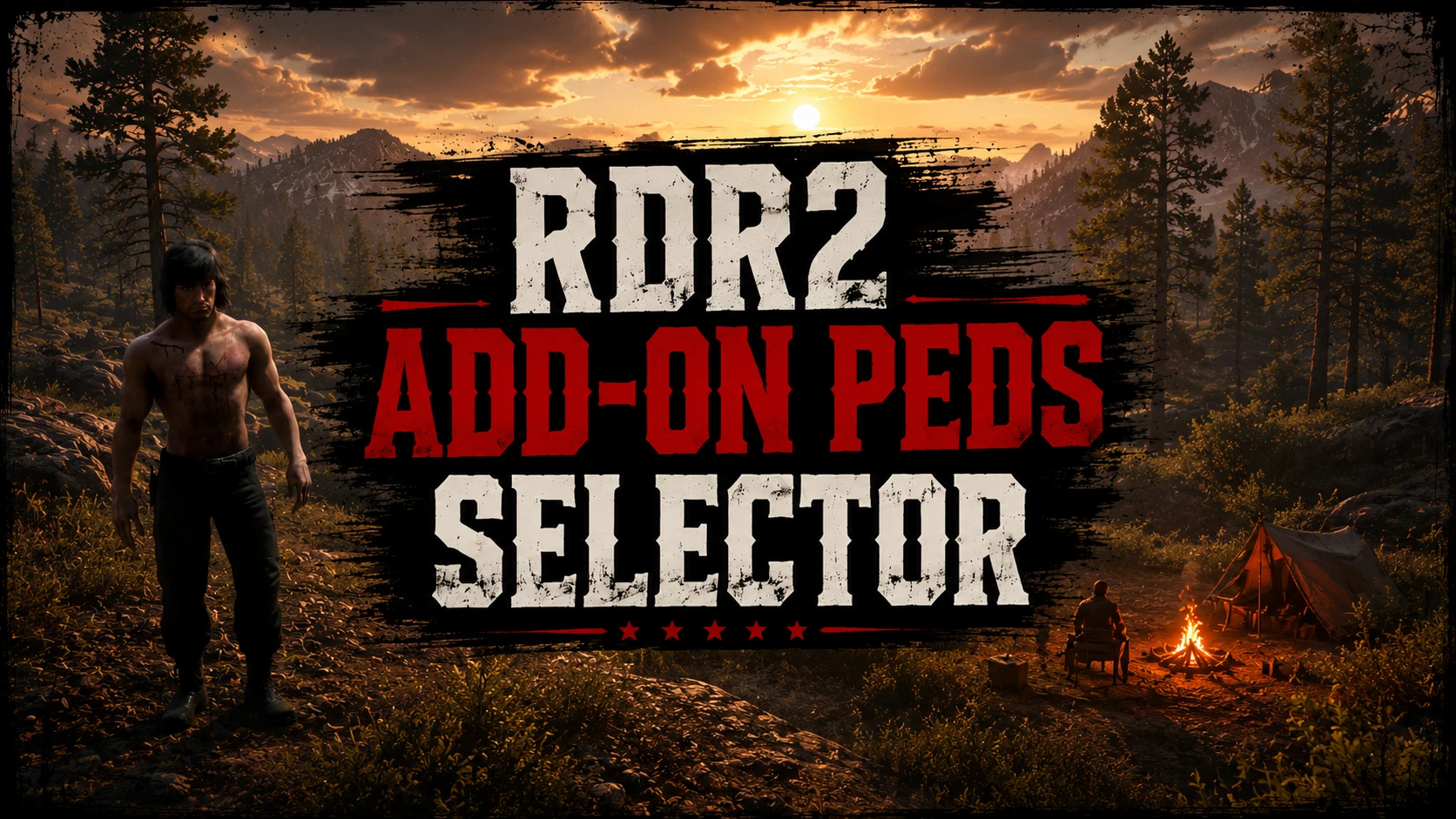
RDR2 Add-On Peds Selector 1.0.0

(0 reviews)

2 Screenshots


🇹🇷 Türkçe
Kurulum

  • Videolu kurulumdur, izlemenizi önerilir.
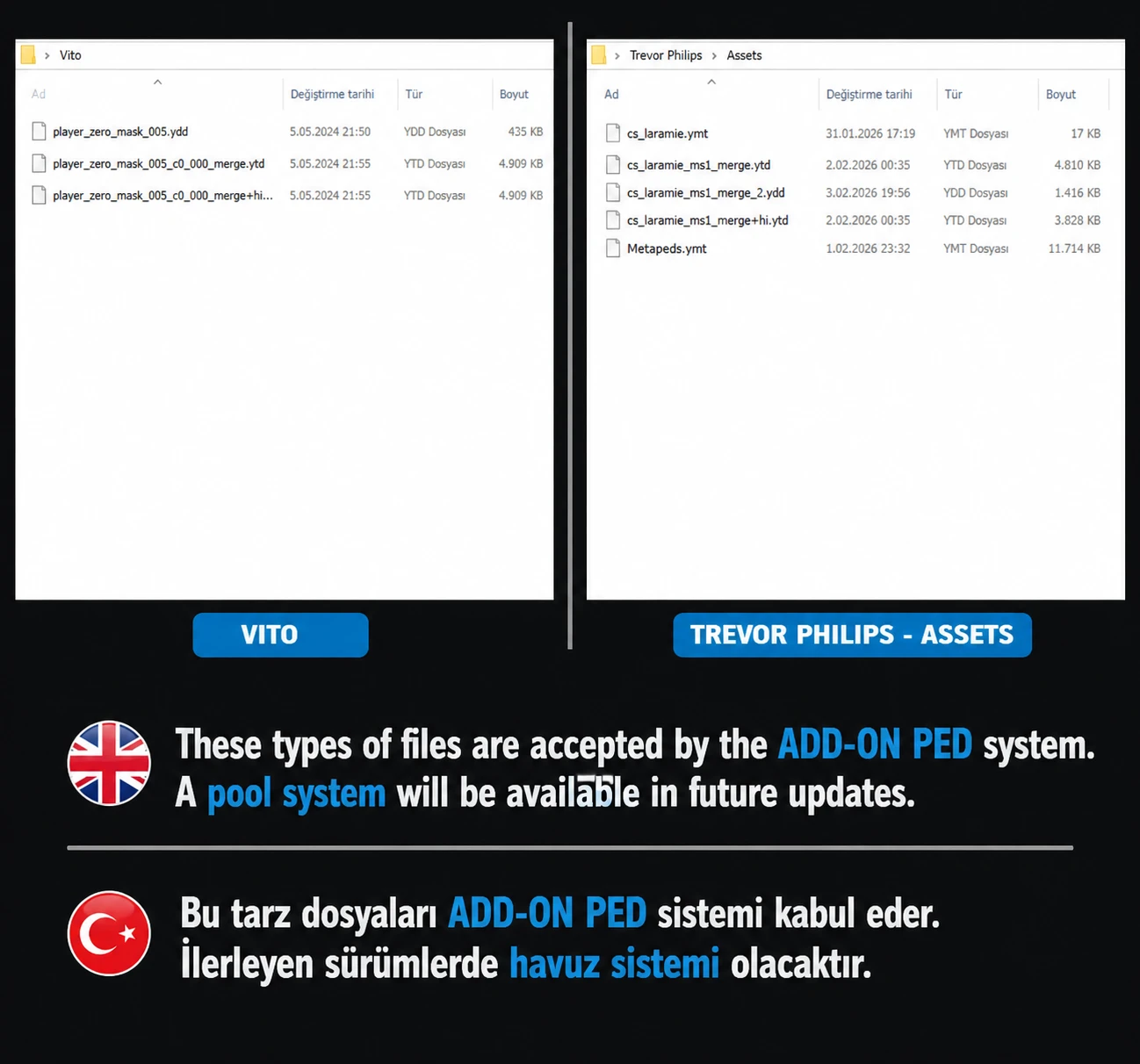
    -Toplam 13 Karakteri koyabilirsiniz.Ve sadece görselde'de paylaştığım gibi 2 tarz dosya stili kabul etmektedir.
    -  Tekrardan karakterin tipi değişirse aynı işlemi bir daha yapın.(F11 ile seçme yani).
    Gerekli Dosya:

    • ScriptHook RDR2
      Mod Yükleyici

      https://www.youtube.com/watch?v=uZTctZRMAxQ

      🇺🇸 English
      İnstall
      This is a video-based setup; we recommend watching it.
      - You can add a total of 13 characters. It only accepts the two file formats shown in the image.
      - If you change the character type again, simply repeat the same process (i.e., selecting via F11).


User Feedback

Recommended Comments

There are no comments to display.

Create an account or sign in to comment

Account

Navigation

Search

Search

Configure browser push notifications

Chrome (Android)
  1. Tap the lock icon next to the address bar.
  2. Tap Permissions → Notifications.
  3. Adjust your preference.
Chrome (Desktop)
  1. Click the padlock icon in the address bar.
  2. Select Site settings.
  3. Find Notifications and adjust your preference.