




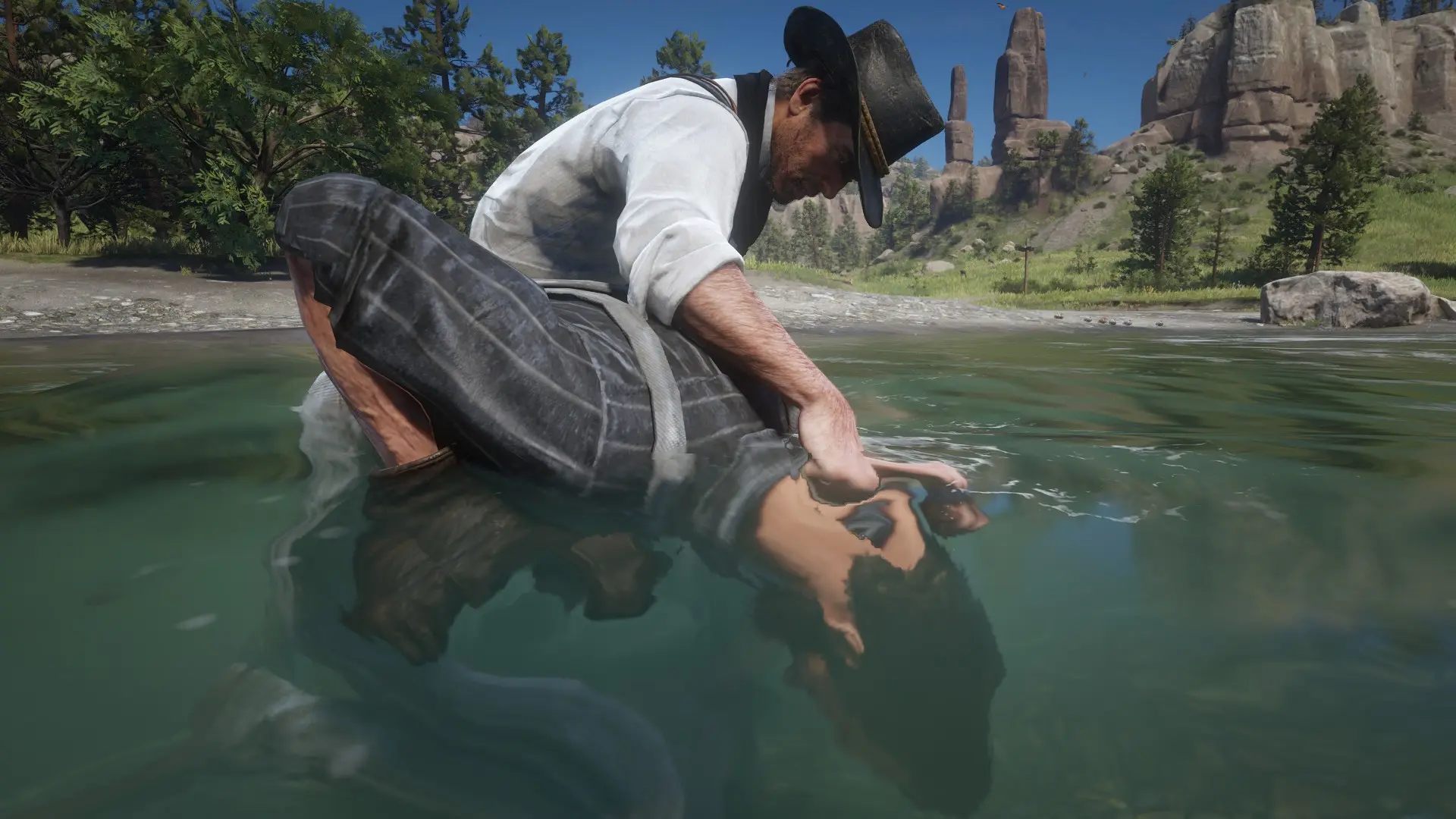
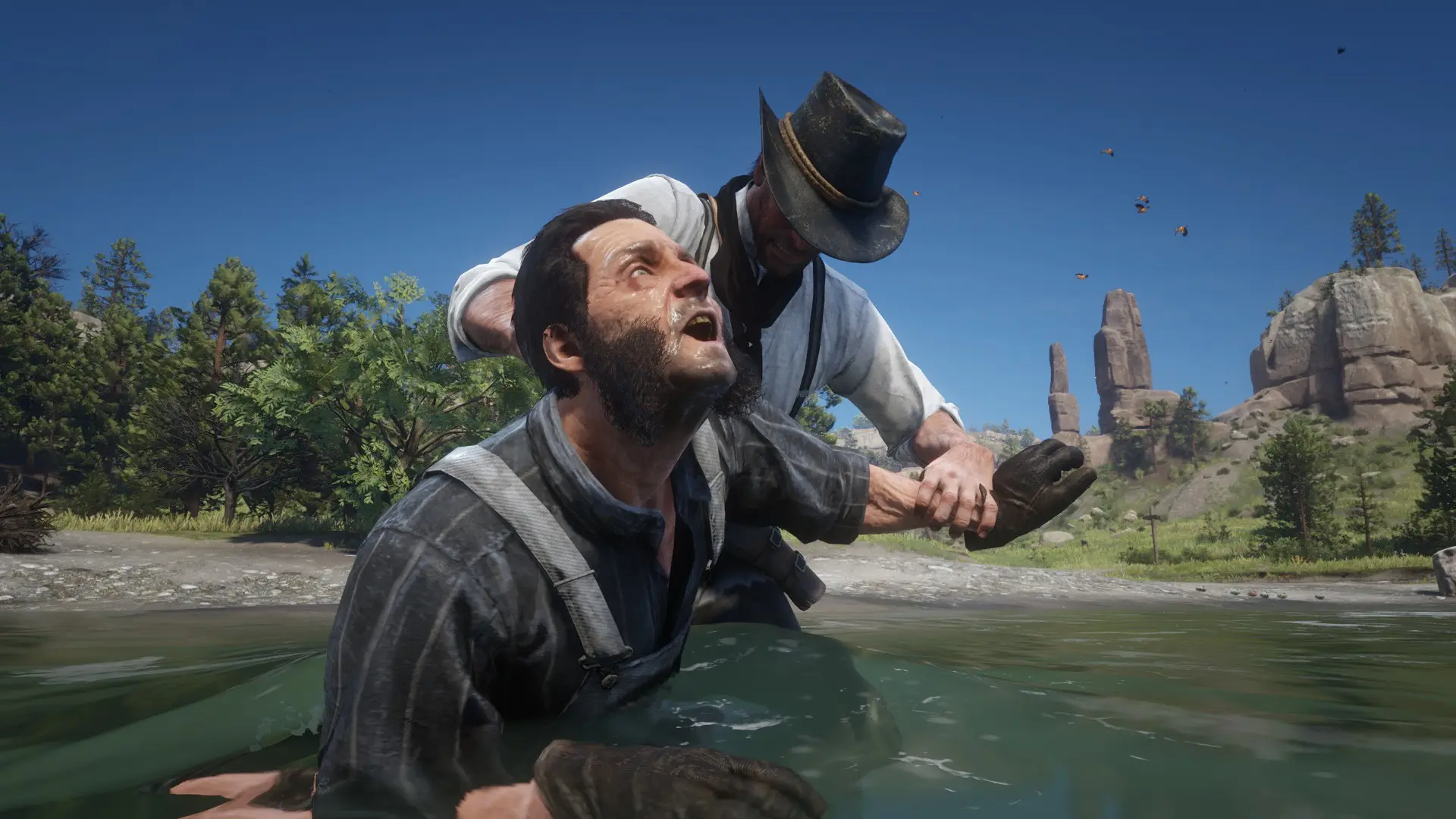
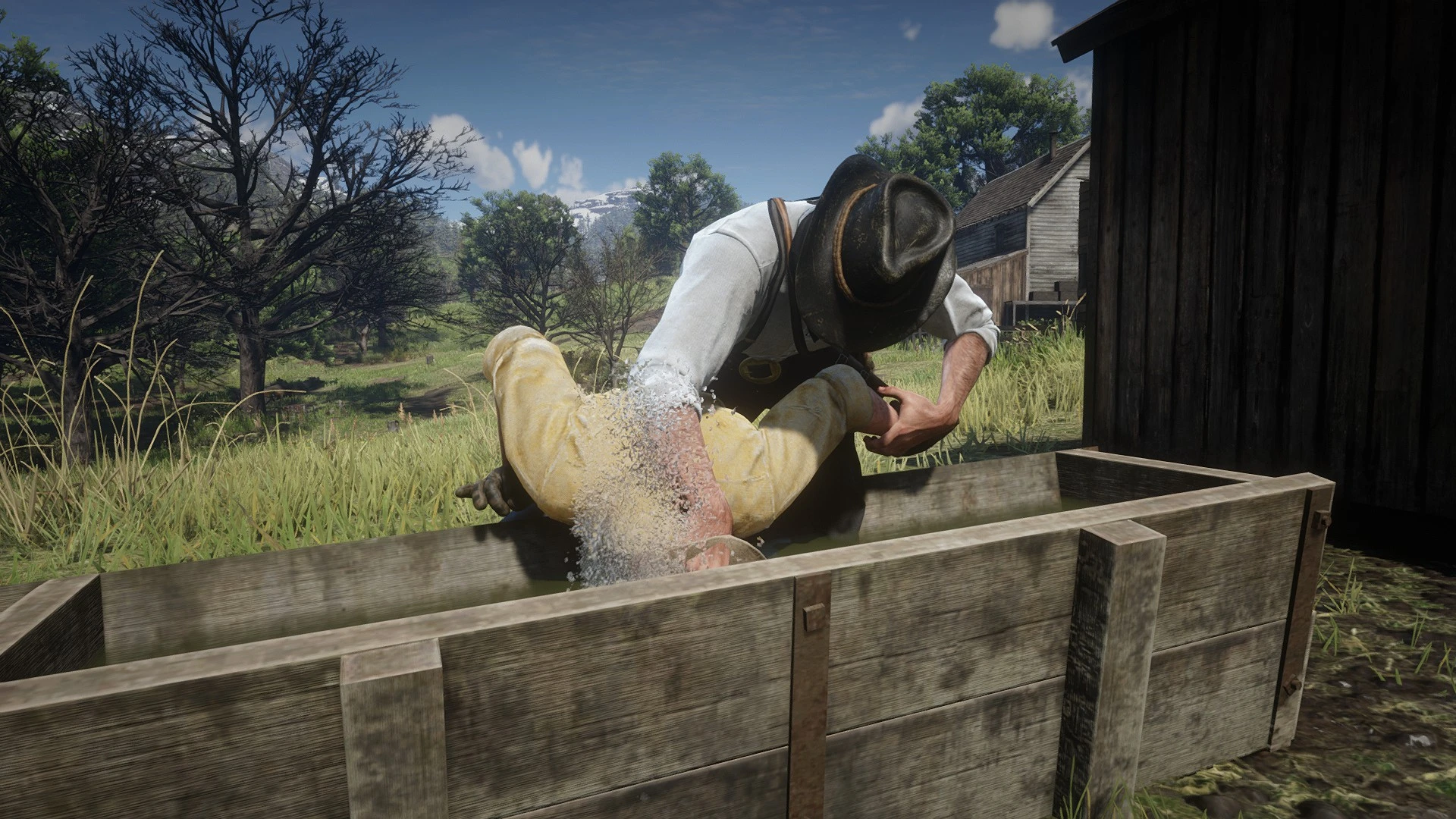
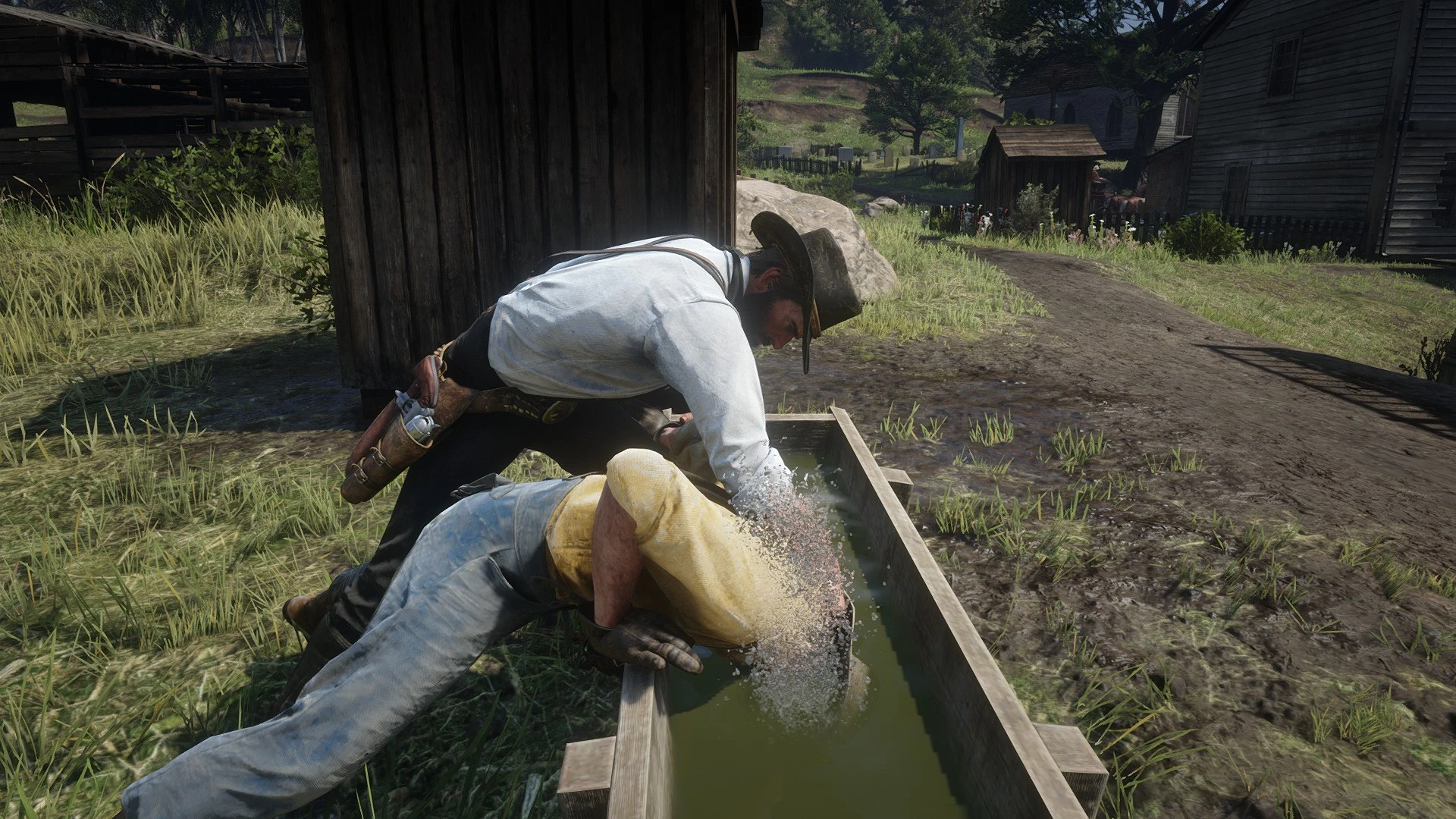
[Controls]
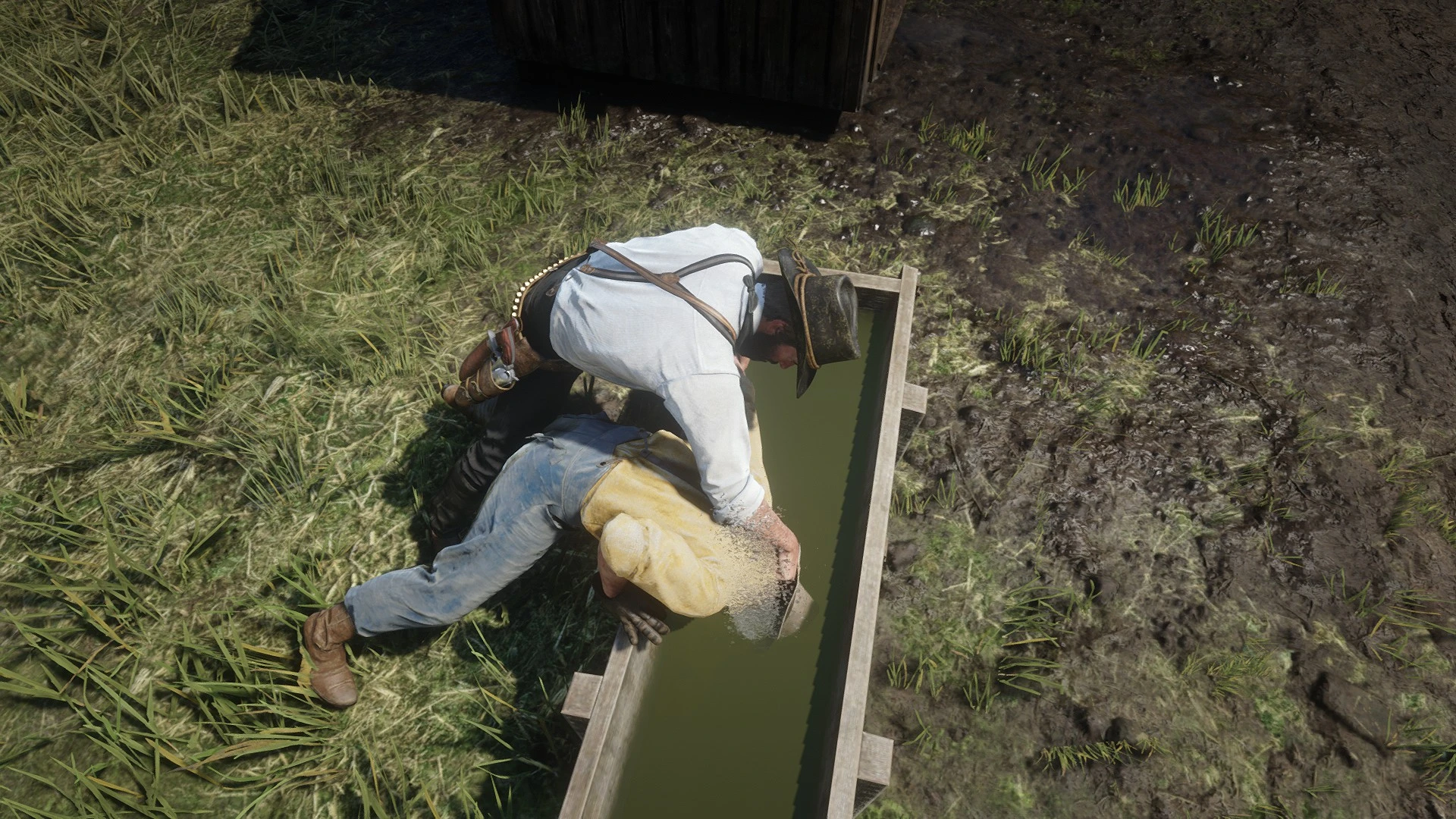
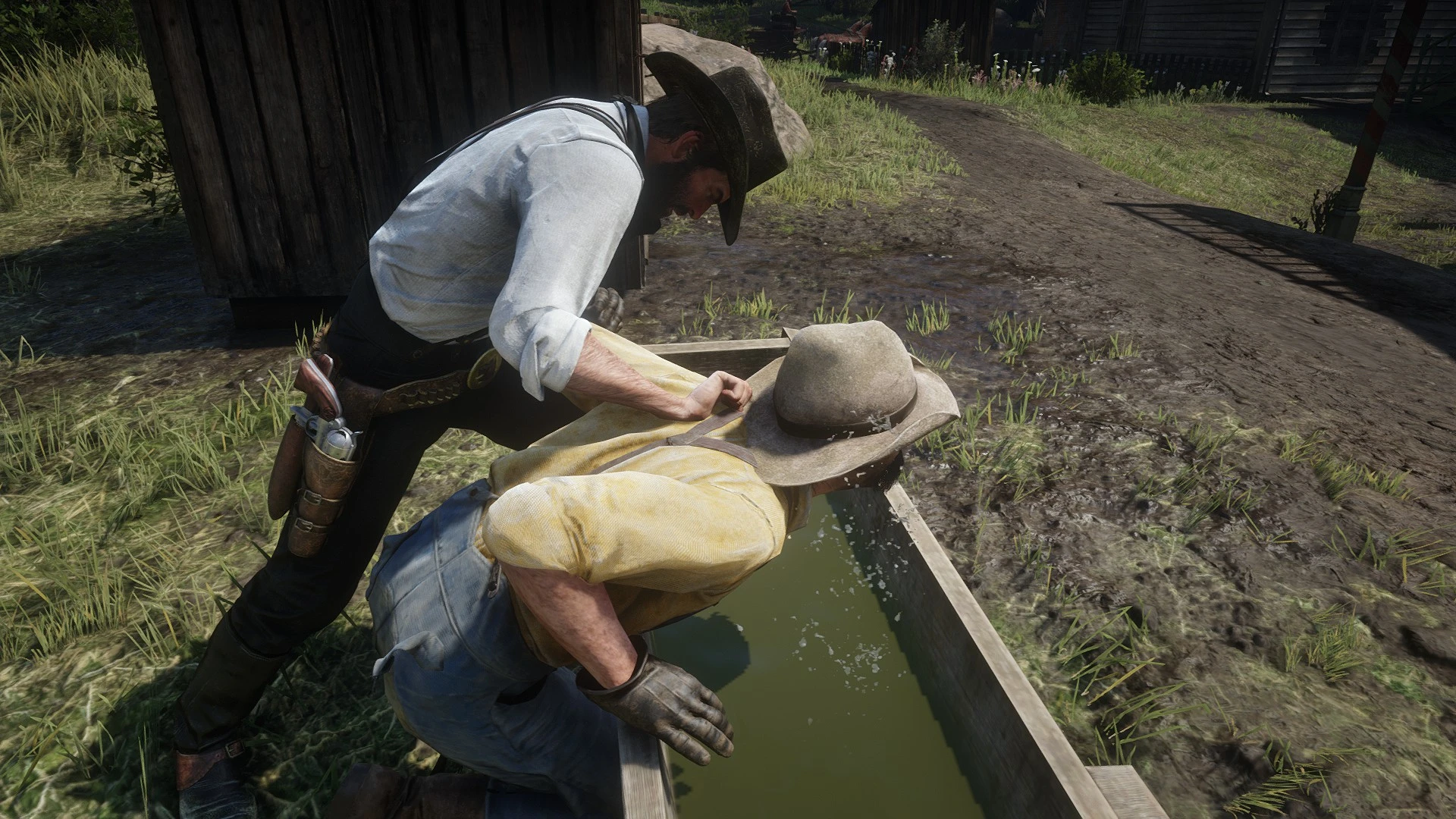
TAB/LB/LT = Start Drowning action
Hold / E / △ / Ⓨ = Drown
F / Ⓞ / Ⓑ = Quick dunk and release
R / □ / ✕ = Quick dunk and release
[Features]
- Drown prompt appears near a trough.
- The drowning action can play all of the troughs you can find around the world.
- You can start this action from both sides of the trough.
- Water splash effects, and drowning sound is added.
- Dismissing the enemy puts them into the intimidated state.
[Issues]
- Placement can look off depending on when you pressed the button.
- The entry animation Rockstar left in the game was broken. Because of that I used a custom animation.
- If you start the trough action and don't press a button you'll see that players looks in a other directions. However, when you press one of the action buttons this will be fixed.
What's New in Version 1.0
Released
No changelog available for this version.
-
 1
1
Recommended Comments
Create an account or sign in to comment