





.png.bb34a3fcc9074376484f308ee7eddbb3.png)
Kill Yourself
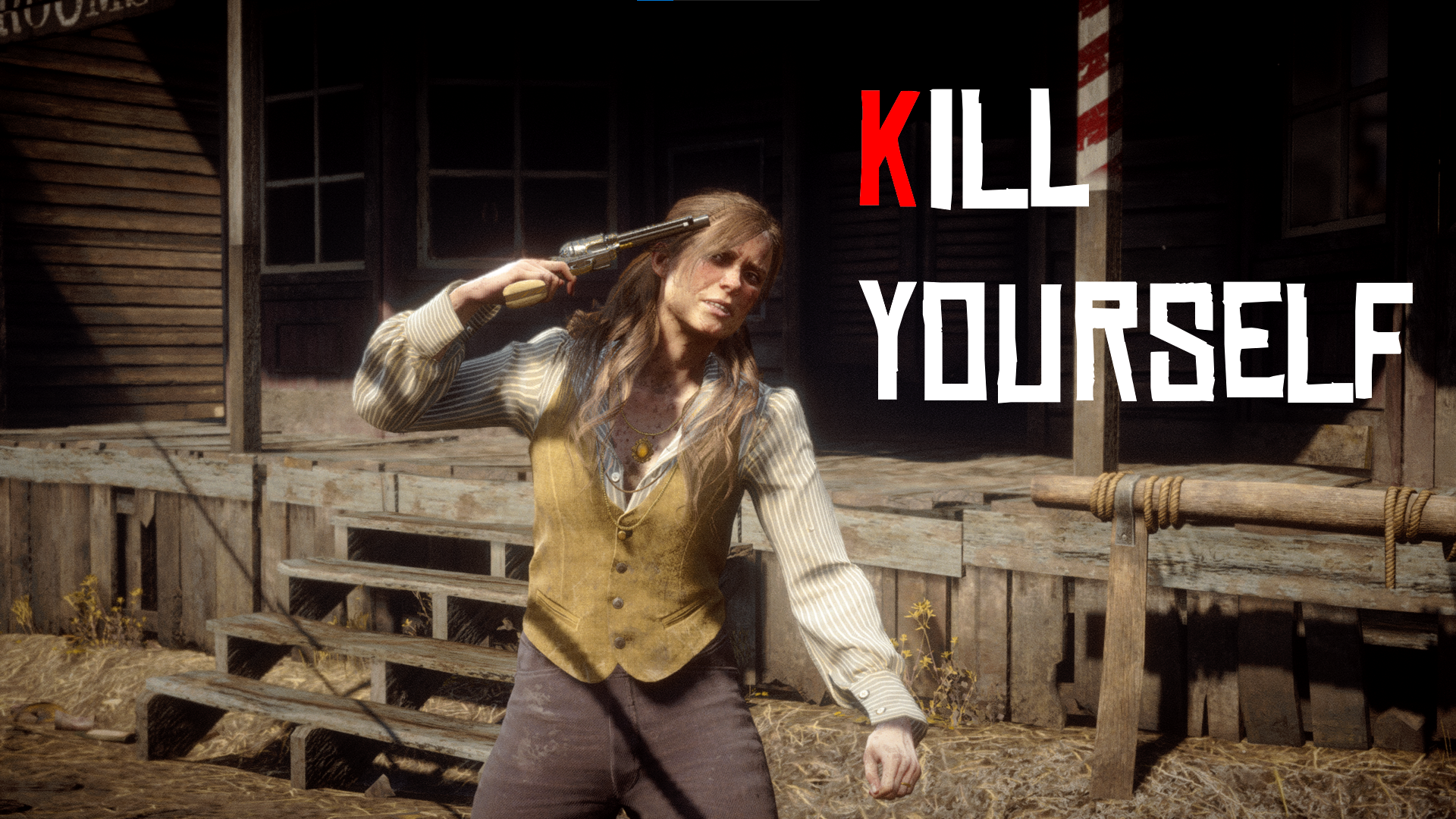
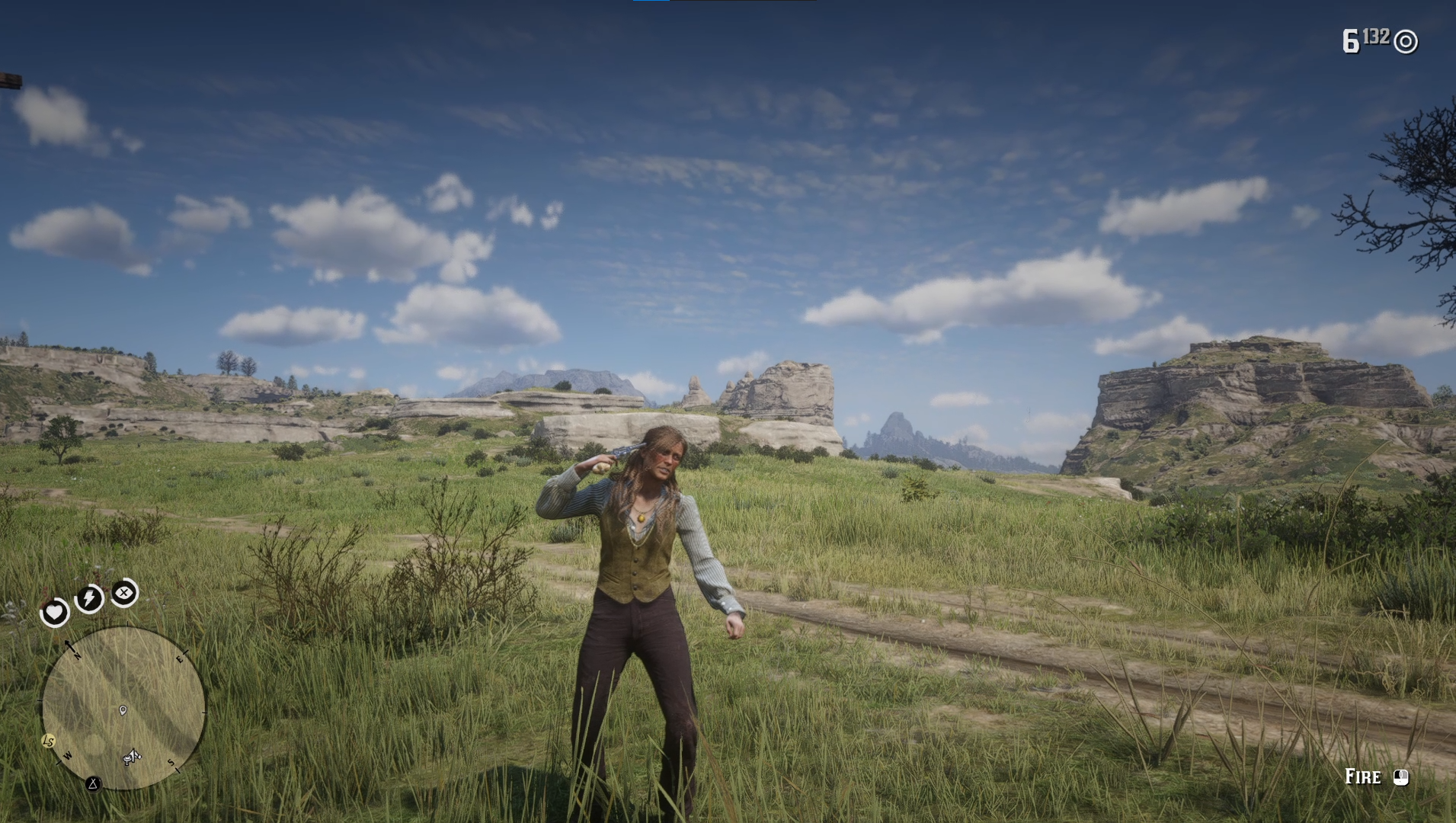
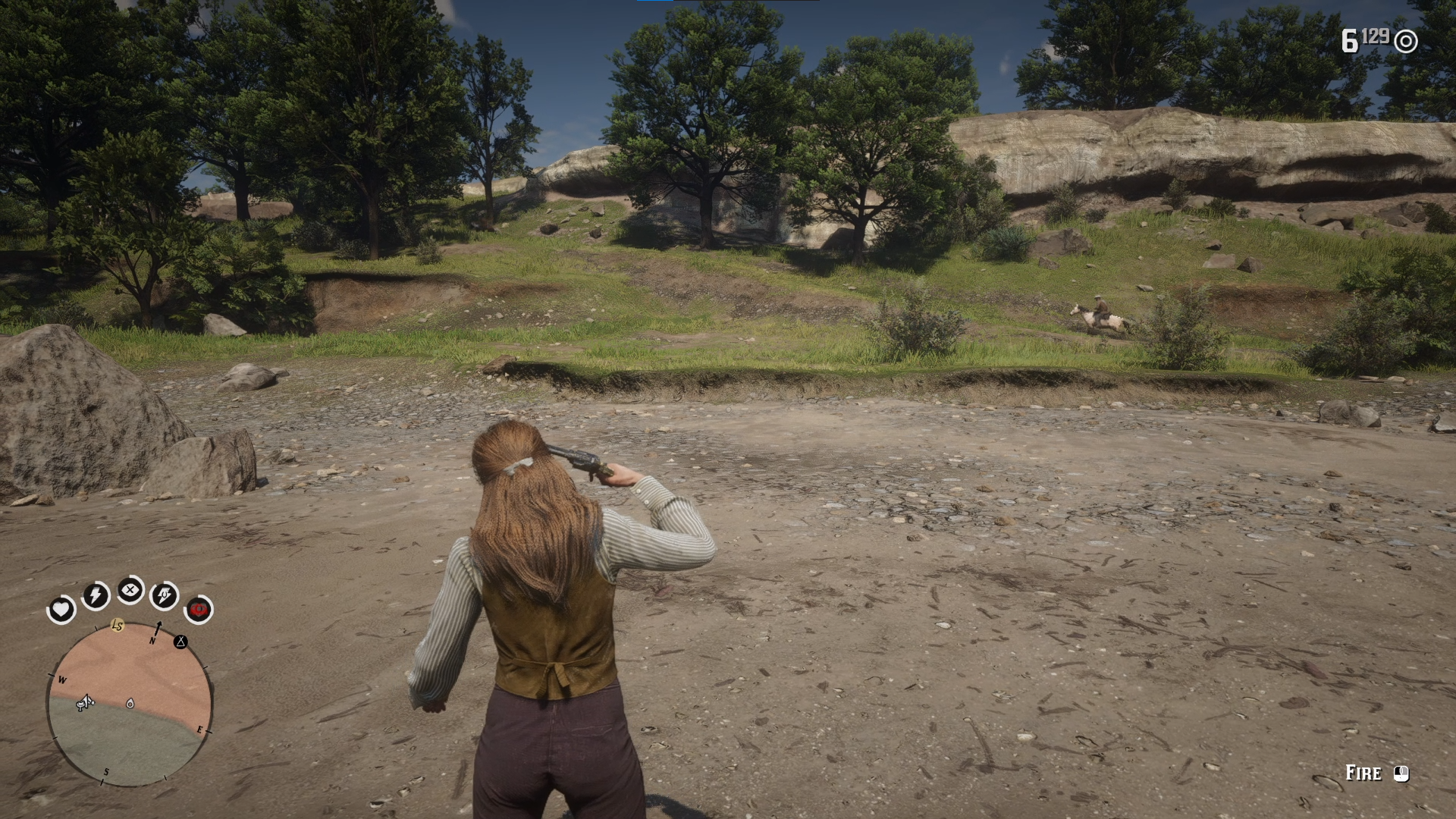
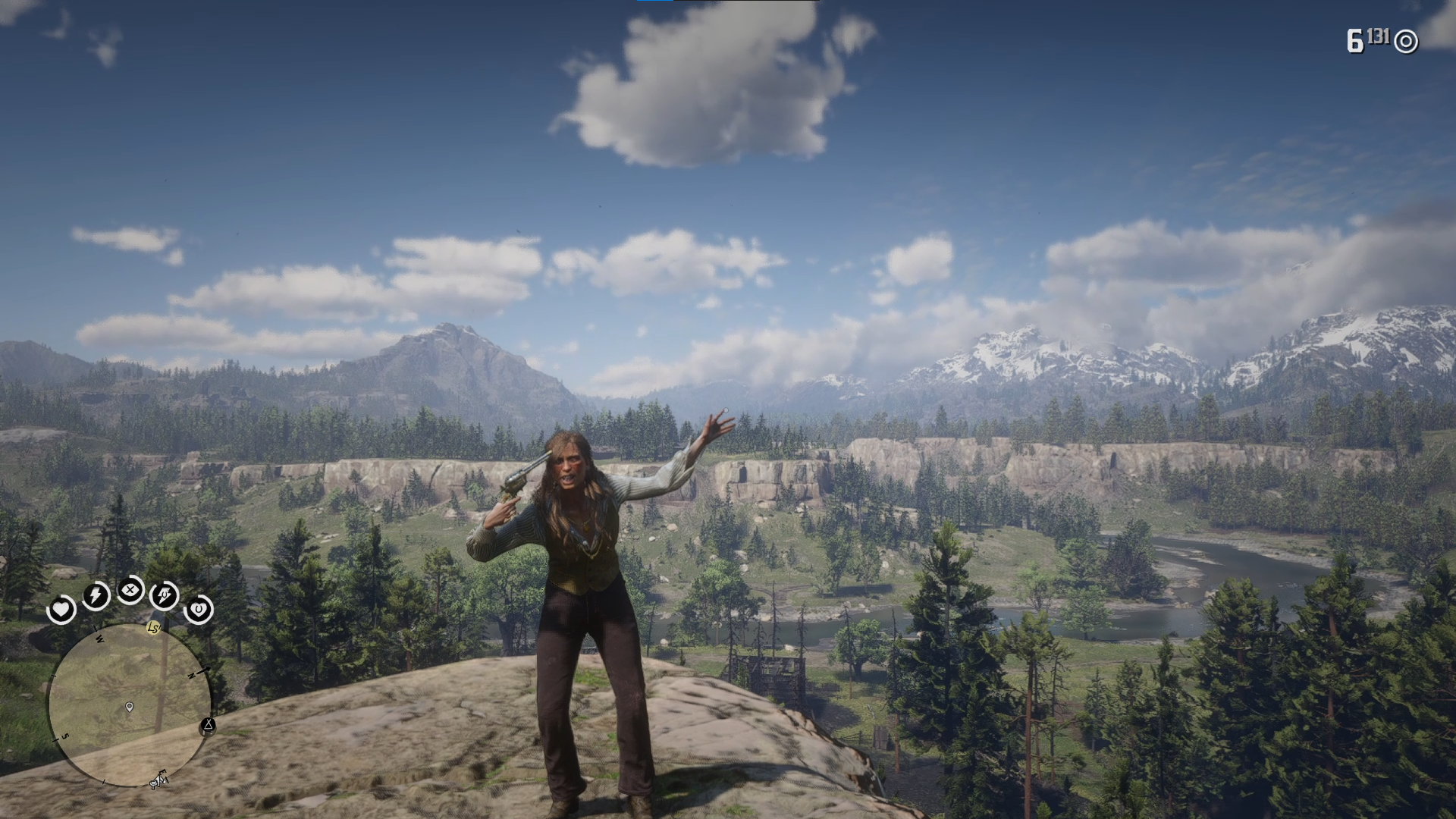
This mod allows you to commit suicide in Red Dead Redemption 2!
Choose from any 3 available animations to go out with style!
Features:
- Allows the player to perform a suicide animation on themselves
- Includes every known suicide animation in the game
- NPCs flee when seeing you attempt to kill yourself
- Configurable keybinds and enable/disable features
- NEW: Make NPCs Kill Themselves
- NEW: Controller Support
How to Use:
- Hold out any single-handed gun
- Press T to perform a quick suicide (Shady Belle encounter suicide animation)
- Long press T to perform Billy Midnight's suicide animation
- Press K to perform a manual suicide (Jamie Gillis' suicide animation).
- Press O while targeting an NPC to select the NPC you want to make kill themselves. Then perform any suicide animation.
- Controller: Press right on D-pad while holding a single-handed gun; to make NPCs kill themselves, target them, then press right on D-pad, then stop targeting to see prompt
Installation:
- Install ScriptHookV2: https://www.nexusmods.com/reddeadredemption2/mods/1472
- Have an .asi loader installed
- Copy KillYourself.asi and KillYourself.ini to the game's main installation folder.
Edited by rejuvenate
What's New in Version 2.1
Released
Changelog:
1. Added more blood
2. You can cancel your suicide now by selecting your hand using the item wheel
Recommended Comments
Create an account or sign in to comment