Skip to content
View in the app

A better way to browse. Learn more.

RDR2Mods.com

A full-screen app on your home screen with push notifications, badges and more.

To install this app on iOS and iPadOS
  1. Tap the Share icon in Safari
  2. Scroll the menu and tap Add to Home Screen.
  3. Tap Add in the top-right corner.
To install this app on Android
  1. Tap the 3-dot menu (⋮) in the top-right corner of the browser.
  2. Tap Add to Home screen or Install app.
  3. Confirm by tapping Install.
7 files
  1. Shoot it out with bandits, hunt down outlaws and walk the streets with a star.
    • 165629 Downloads
    • 820370 Views
    • 17.34 MB File Size
    • 133 Comments
    LMS in RDRFR
    Updated
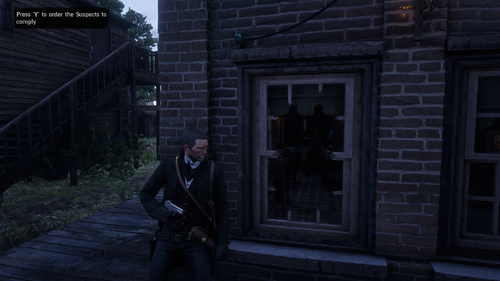
  2. Have you been in a gunfight in RDRFR, and frantically searched for the N button on your keyboard for
    • 924 Downloads
    • 23329 Views
    • 37.11 MB File Size
    Updated
  3. A callout pack with in depth & longer callouts
    • 4112 Downloads
    • 46213 Views
    • 112.25 kB File Size
    • 4 Comments
    Updated
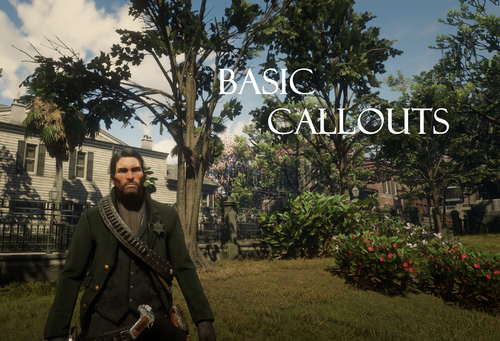
  4. Basic callouts for RDRFR
    • 22638 Downloads
    • 131780 Views
    • 174.57 kB File Size
    • 28 Comments
    Updated
  5. Deputy, you've got work to do! These callouts will make you feel like a true lawman in the Wild West
    • 21138 Downloads
    • 187278 Views
    • 27.27 kB File Size
    • 28 Comments
    Updated
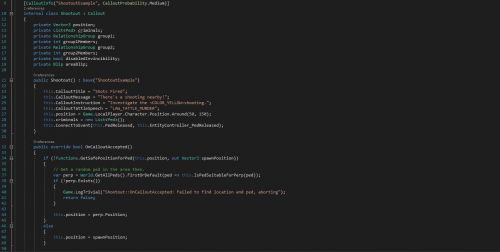
  6. Callout example for RDRFR
    • 1215 Downloads
    • 41252 Views
    • 683.24 kB File Size
    • 4 Comments
    Updated
  7. A callouts pack for RDRFR
    • 15241 Downloads
    • 104856 Views
    • 18.31 kB File Size
    • 18 Comments
    Updated

Account

Navigation

Search

Search

Configure browser push notifications

Chrome (Android)
  1. Tap the lock icon next to the address bar.
  2. Tap Permissions → Notifications.
  3. Adjust your preference.
Chrome (Desktop)
  1. Click the padlock icon in the address bar.
  2. Select Site settings.
  3. Find Notifications and adjust your preference.