





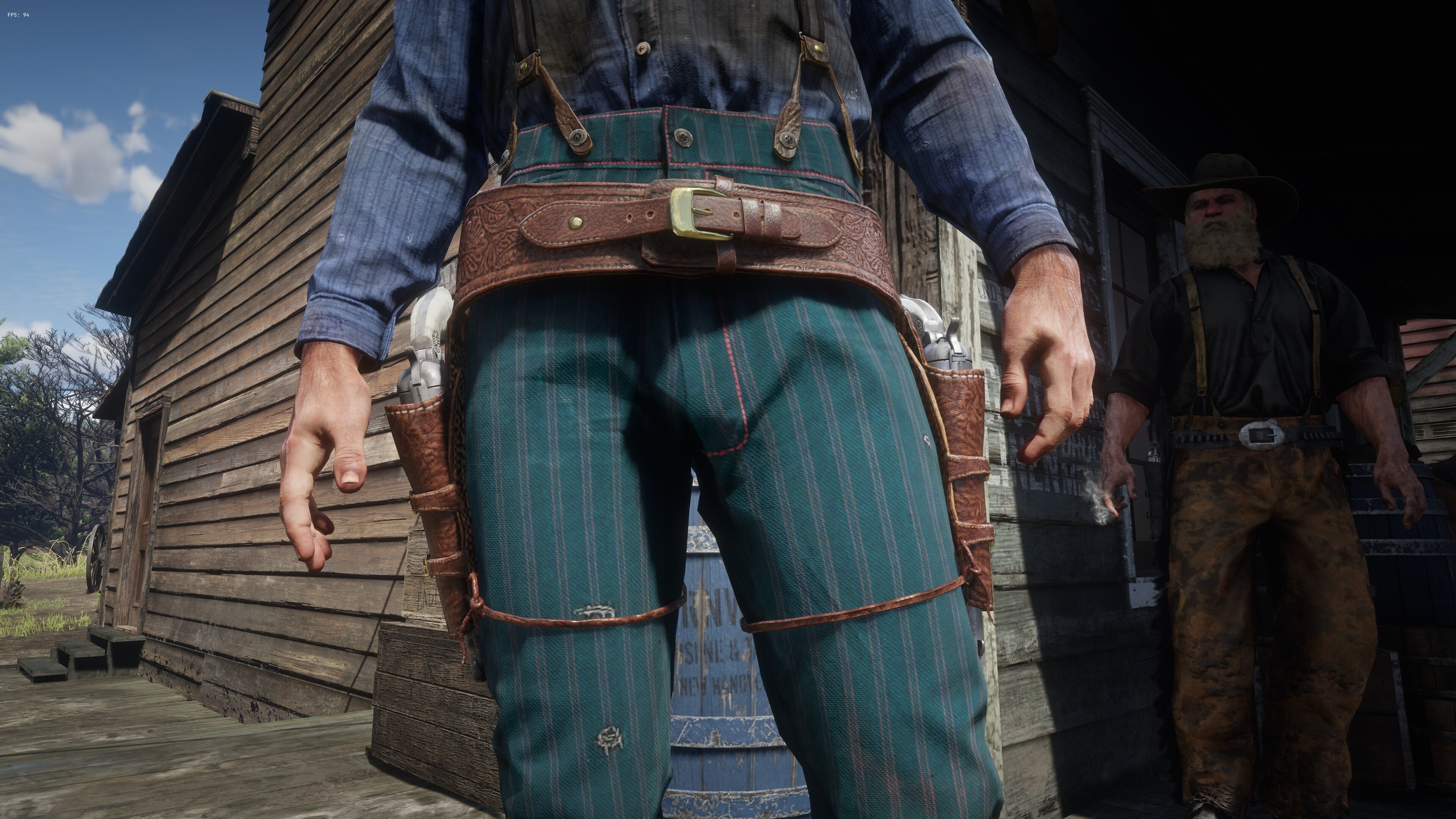
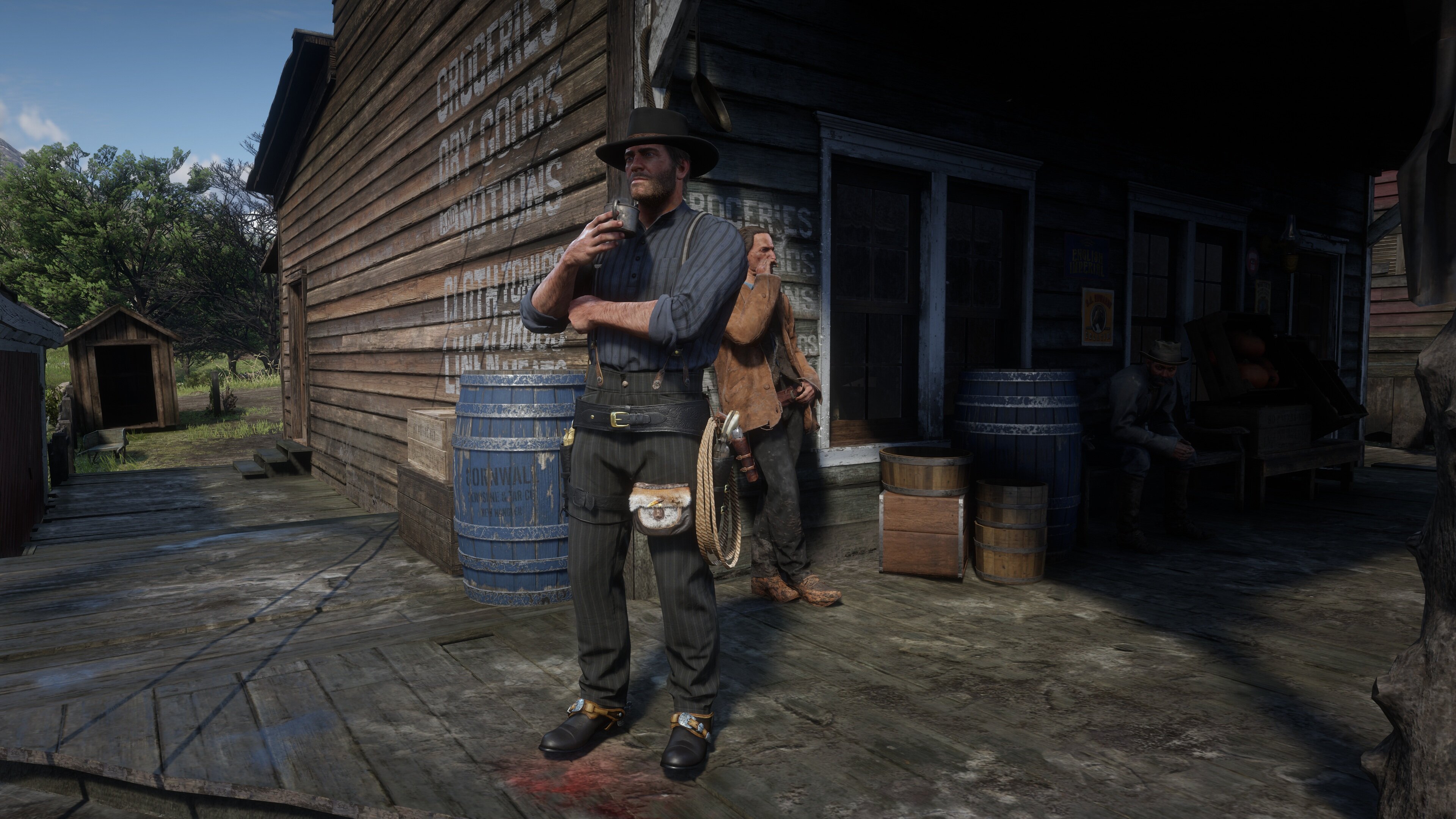
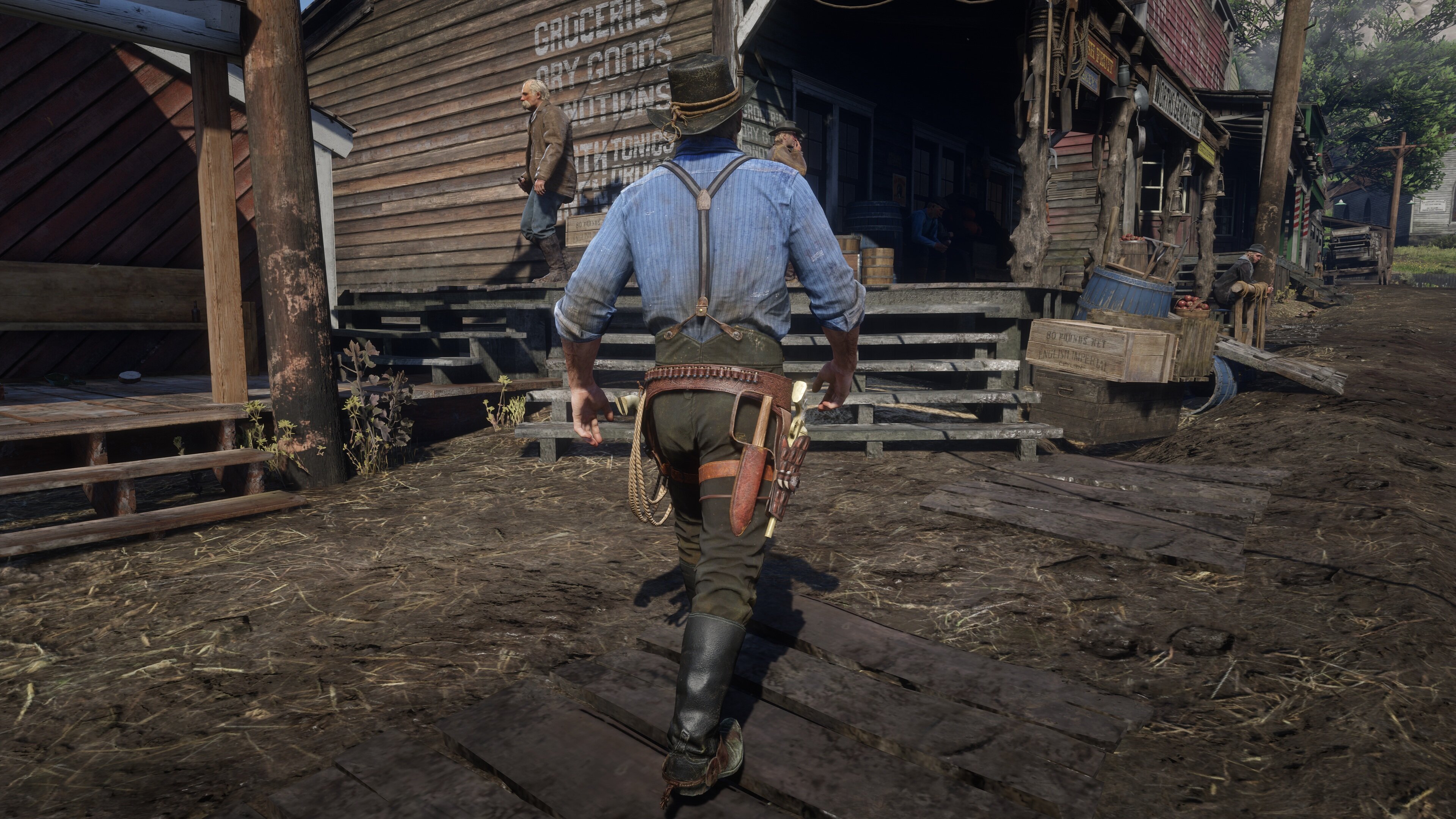
Remodeled Hermit’s gun belt to fit Arthur’s holsters.
Replaces all of Arthur’s gun belts with different colour variants. Compatible with all of Arthur’s holsters.
Requires lml and ScriptHookRDR2 V2. Works best with Always Perfect Weight mod.
Place lml folder and asi file inside main game folder.
To merge assets_drawable.ymt, delete all lines labeled COMPONENT_HOLSTERS (hash name=0xDA59F244) from the file. To merge .ytd and .ydd files simply replace files from the other mod with files from this mod (there can not be duplicate files, you have to delete the file from this mod if you replaced it in the other mod).
To merge assets_drawable.ymt (WhyEm uses this file):
1. Delete assets_drawable.ymt file from this mod
2. Open assets_drawable.ymt file from another mod with text editor (notepad)
3. Press CTRL+H to open replace window
4. In find what line put COMPONENT_HOLSTERS
5. Press Find Next
6. If no text is found put 0xDA59F244 in find what line
7. Click on Replace All
8. Save the file
Version 1.1:
-fixed invisible gun
-dual guns are now available from the start of the game story
Version 1.2:
-added lasso
-knife holster and satchel are now attached to the leg
-remodeled pants for better strap compatibility
Edited by alfabravozapa
What's New in Version 1.2
Released
Version 1.2:
-added lasso
-knife holster and satchel are now attached to the leg
-remodeled pants for better strap compatibility
Recommended Comments
Create an account or sign in to comment