Skip to content
View in the app

A better way to browse. Learn more.

RDR2Mods.com

A full-screen app on your home screen with push notifications, badges and more.

To install this app on iOS and iPadOS
  1. Tap the Share icon in Safari
  2. Scroll the menu and tap Add to Home Screen.
  3. Tap Add in the top-right corner.
To install this app on Android
  1. Tap the 3-dot menu (⋮) in the top-right corner of the browser.
  2. Tap Add to Home screen or Install app.
  3. Confirm by tapping Install.
120 files
    • 11 Downloads
    • 358 Views
    • 52.19 kB File Size
    Updated
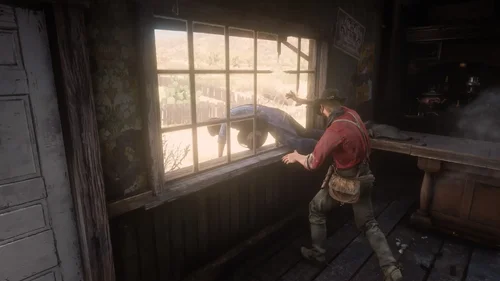
  1. Adds 143 bandit hideouts, 50 ambush Points, Bandits posse, Roaming bandits, Hired guns, & Zombies
    • 63,857 Downloads
    • 394842 Views
    • 30.03 MB File Size
    • 34 Comments
    Updated
    • 496 Downloads
    • 4938 Views
    • 30.69 kB File Size
    Updated
    • 631 Downloads
    • 3695 Views
    • 1.66 MB File Size
    Updated
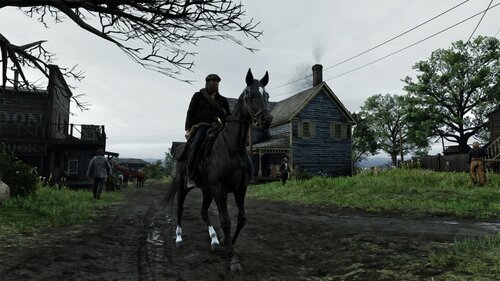
  2. Add your own soundtrack to the frontier! This mod plays custom `.wav` files during cinematic mode!
    • 154 Downloads
    • 5713 Views
    • 384.14 MB File Size
    Updated
    • 15,525 Downloads
    • 149666 Views
    • 61.86 MB File Size
    • 17 Comments
    Updated
    • 1,583 Downloads
    • 151892 Views
    • 2.65 MB File Size
    Updated
    • 13,759 Downloads
    • 64474 Views
    • 198.52 kB File Size
    Updated
    • 5,914 Downloads
    • 25883 Views
    • 1.02 MB File Size
    Updated
    • 116,242 Downloads
    • 493368 Views
    • 14.24 MB File Size
    • 194 Comments
    Updated
    • 188 Downloads
    • 7539 Views
    • 860 B File Size
    Updated
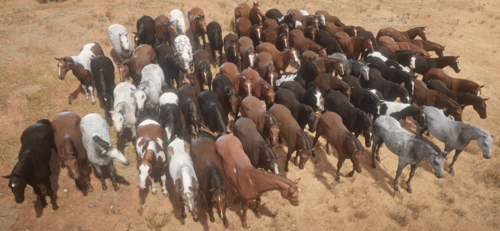
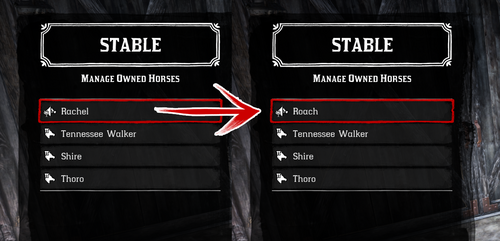
  3. Every horse available fresh out of Chapter 2!
    • 13,294 Downloads
    • 101525 Views
    • 23 MB File Size
    • 17 Comments
    Updated
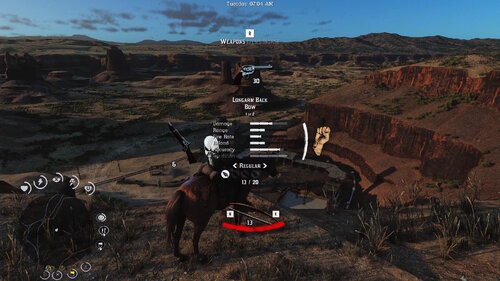
  4. Hardcore difficulty from RDR1
    • 2,911 Downloads
    • 73292 Views
    • 1.83 MB File Size
    • 10 Comments
    Updated
    • 6,716 Downloads
    • 50293 Views
    • 96.67 MB File Size
    • 1 Comments
    Updated
  5. small visual changes
    • 2,073 Downloads
    • 29793 Views
    • 41.47 kB File Size
    Updated
    • 1,252 Downloads
    • 11357 Views
    • 2.93 GB File Size
    Updated

Account

Navigation

Search

Search

Configure browser push notifications

Chrome (Android)
  1. Tap the lock icon next to the address bar.
  2. Tap Permissions → Notifications.
  3. Adjust your preference.
Chrome (Desktop)
  1. Click the padlock icon in the address bar.
  2. Select Site settings.
  3. Find Notifications and adjust your preference.