Skip to content
View in the app

A better way to browse. Learn more.

RDR2Mods.com

A full-screen app on your home screen with push notifications, badges and more.

To install this app on iOS and iPadOS
  1. Tap the Share icon in Safari
  2. Scroll the menu and tap Add to Home Screen.
  3. Tap Add in the top-right corner.
To install this app on Android
  1. Tap the 3-dot menu (⋮) in the top-right corner of the browser.
  2. Tap Add to Home screen or Install app.
  3. Confirm by tapping Install.
116 files
    • 5,062 Downloads
    • 64414 Views
    • 18.92 kB File Size
    • 12 Comments
    Updated
    • 8,409 Downloads
    • 65019 Views
    • 191.49 kB File Size
    • 6 Comments
    Updated
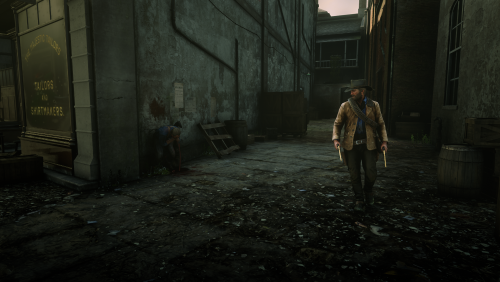
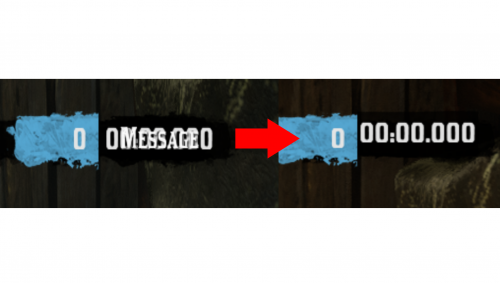
  1. small visual changes
    • 1,965 Downloads
    • 27846 Views
    • 41.47 kB File Size
    Updated
    • 20,943 Downloads
    • 146606 Views
    • 49.7 kB File Size
    • 7 Comments
    Updated
    • 4,877 Downloads
    • 59267 Views
    • 39.22 kB File Size
    • 4 Comments
    Updated
    • 32,568 Downloads
    • 212000 Views
    • 39.02 kB File Size
    • 6 Comments
    Updated
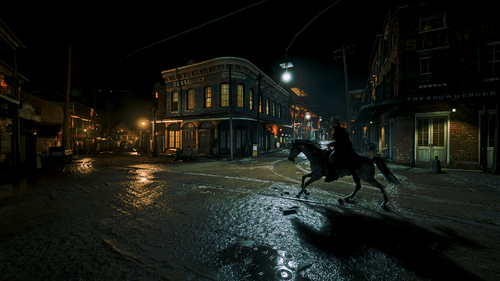
  2. euphoria ragdoll realistic live leak
    • 23,724 Downloads
    • 127365 Views
    • 81.67 kB File Size
    • 2 Comments
    Updated
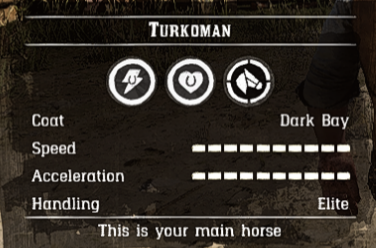
  3. Turns the Turkoman into the ultimate horse
    • 9,359 Downloads
    • 52771 Views
    • 6.16 kB File Size
    • 5 Comments
    Updated
    • 4,780 Downloads
    • 43186 Views
    • 537.1 kB File Size
    Updated
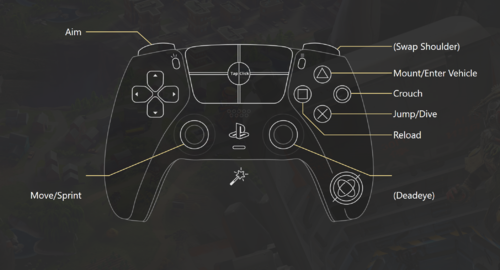
  4. Makes the control scheme more accurate to an actual FPS
    • 557 Downloads
    • 18114 Views
    • 17.18 kB File Size
    • 2 Comments
    Updated
    • 529 Downloads
    • 12503 Views
    • 43.23 MB File Size
    • 1 Comments
    Updated
    • 2,029 Downloads
    • 21219 Views
    • 1.49 kB File Size
    • 2 Comments
    Updated
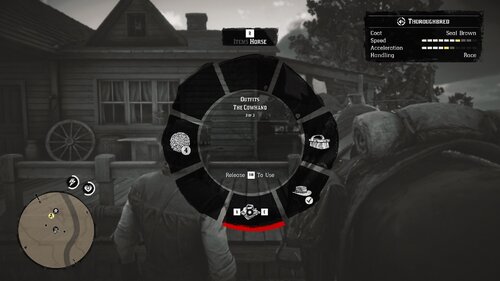
  5. Fixes a bug in the Epilogue where The Cowhand outfit would not appear when stored on your horse.
    • 521 Downloads
    • 13158 Views
    • 17.33 kB File Size
    Updated
  6. Every horse available fresh out of Chapter 2!
    • 12,080 Downloads
    • 92300 Views
    • 23 MB File Size
    • 17 Comments
    Updated
    • 166 Downloads
    • 6222 Views
    • 860 B File Size
    Updated
    • 10,413 Downloads
    • 62370 Views
    • 64.23 kB File Size
    • 2 Comments
    Updated

Account

Navigation

Search

Search

Configure browser push notifications

Chrome (Android)
  1. Tap the lock icon next to the address bar.
  2. Tap Permissions → Notifications.
  3. Adjust your preference.
Chrome (Desktop)
  1. Click the padlock icon in the address bar.
  2. Select Site settings.
  3. Find Notifications and adjust your preference.