Jump to content
View in the app

A better way to browse. Learn more.

RDR2Mods.com

A full-screen app on your home screen with push notifications, badges and more.

To install this app on iOS and iPadOS
  1. Tap the Share icon in Safari
  2. Scroll the menu and tap Add to Home Screen.
  3. Tap Add in the top-right corner.
To install this app on Android
  1. Tap the 3-dot menu (⋮) in the top-right corner of the browser.
  2. Tap Add to Home screen or Install app.
  3. Confirm by tapping Install.
115 files
    • 1,753 Downloads
    • 25235 Views
    • 713.13 kB File Size
    • 1 Comments
    Updated
    • 3,832 Downloads
    • 19007 Views
    • 136.14 kB File Size
    Updated
    • 5,145 Downloads
    • 40380 Views
    • 6.83 MB File Size
    • 5 Comments
    Updated
    • 8,973 Downloads
    • 42963 Views
    • 143.49 kB File Size
    • 2 Comments
    Updated
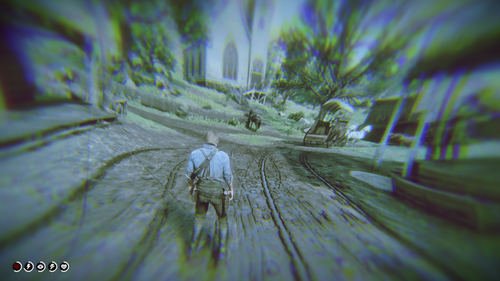
  1. Removes annoying VRAM message.
    • 3,781 Downloads
    • 27325 Views
    • 122.64 kB File Size
    • 2 Comments
    Updated
  2. Custom loading screens!
    • 853 Downloads
    • 15874 Views
    • 3.12 MB File Size
    • 5 Comments
    LMS in Misc
    Updated
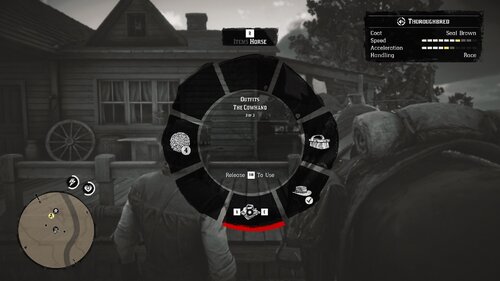
  3. Fixes a bug in the Epilogue where The Cowhand outfit would not appear when stored on your horse.
    • 488 Downloads
    • 12152 Views
    • 17.33 kB File Size
    Updated
  4. Restores the Liver Chestnut Hungarian Half-Bred
    • 2,454 Downloads
    • 28093 Views
    • 827.63 kB File Size
    Updated
    • 3,644 Downloads
    • 25046 Views
    • 2.8 kB File Size
    • 1 Comments
    Updated
    • 2,860 Downloads
    • 29911 Views
    • 1.23 MB File Size
    Updated
  5. This mod makes euphoria motions feel more authentic
    • 14,009 Downloads
    • 61935 Views
    • 150.46 kB File Size
    • 6 Comments
    Updated
    • 9,948 Downloads
    • 58715 Views
    • 64.23 kB File Size
    • 2 Comments
    Updated
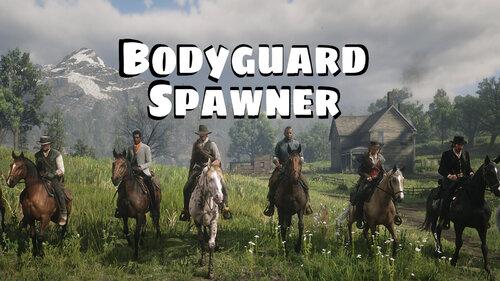
  6. Spawn up to seven customizable bodyguards...
    • 7,436 Downloads
    • 68192 Views
    • 2.72 MB File Size
    • 10 Comments
    Updated
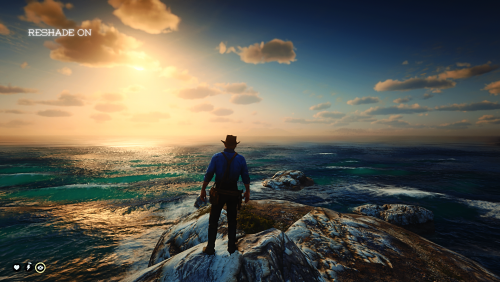
  7. Beautiful atmosphere for RDR2
    • 8,390 Downloads
    • 57337 Views
    • 1012.9 kB File Size
    Updated
    • 20,126 Downloads
    • 137773 Views
    • 49.7 kB File Size
    • 7 Comments
    Updated
    • 2,811 Downloads
    • 40212 Views
    • 14.14 kB File Size
    • 1 Comments
    Updated

Configure browser push notifications

Chrome (Android)
  1. Tap the lock icon next to the address bar.
  2. Tap Permissions → Notifications.
  3. Adjust your preference.
Chrome (Desktop)
  1. Click the padlock icon in the address bar.
  2. Select Site settings.
  3. Find Notifications and adjust your preference.