Jump to content
View in the app

A better way to browse. Learn more.

RDR2Mods.com

A full-screen app on your home screen with push notifications, badges and more.

To install this app on iOS and iPadOS
  1. Tap the Share icon in Safari
  2. Scroll the menu and tap Add to Home Screen.
  3. Tap Add in the top-right corner.
To install this app on Android
  1. Tap the 3-dot menu (⋮) in the top-right corner of the browser.
  2. Tap Add to Home screen or Install app.
  3. Confirm by tapping Install.
116 files
    • 5,025 Downloads
    • 63507 Views
    • 18.92 kB File Size
    • 12 Comments
    Updated
    • 8,282 Downloads
    • 63088 Views
    • 191.49 kB File Size
    • 6 Comments
    Updated
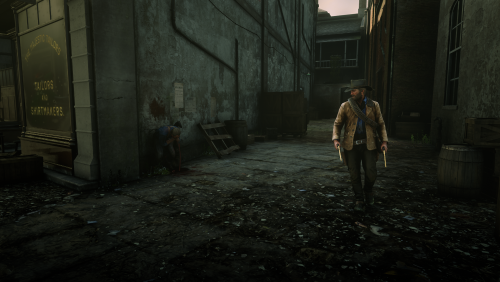
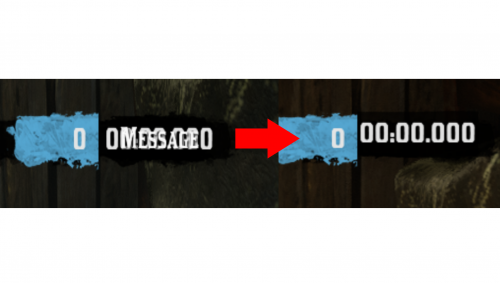
  1. small visual changes
    • 1,895 Downloads
    • 26692 Views
    • 41.47 kB File Size
    Updated
    • 20,727 Downloads
    • 143754 Views
    • 49.7 kB File Size
    • 7 Comments
    Updated
    • 4,802 Downloads
    • 57974 Views
    • 39.22 kB File Size
    • 4 Comments
    Updated
    • 31,719 Downloads
    • 207394 Views
    • 39.02 kB File Size
    • 6 Comments
    Updated
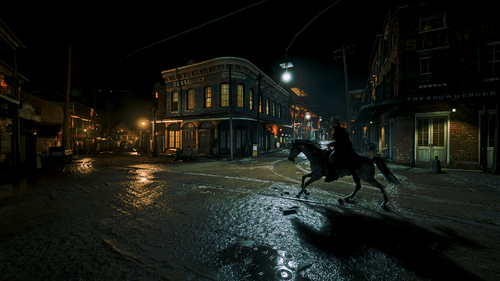
  2. euphoria ragdoll realistic live leak
    • 22,473 Downloads
    • 121853 Views
    • 81.67 kB File Size
    • 2 Comments
    Updated
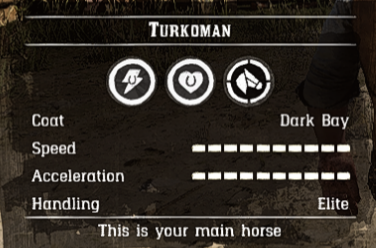
  3. Turns the Turkoman into the ultimate horse
    • 9,210 Downloads
    • 51226 Views
    • 6.16 kB File Size
    • 5 Comments
    Updated
    • 4,682 Downloads
    • 41738 Views
    • 537.1 kB File Size
    Updated
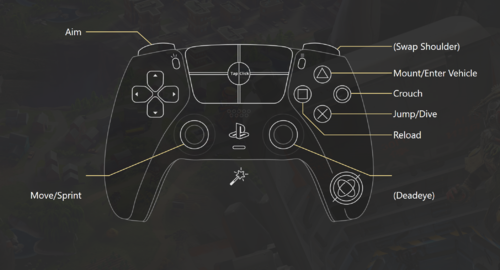
  4. Makes the control scheme more accurate to an actual FPS
    • 550 Downloads
    • 17848 Views
    • 17.18 kB File Size
    • 2 Comments
    Updated
    • 518 Downloads
    • 11900 Views
    • 43.23 MB File Size
    • 1 Comments
    Updated
    • 1,992 Downloads
    • 20167 Views
    • 1.49 kB File Size
    • 2 Comments
    Updated
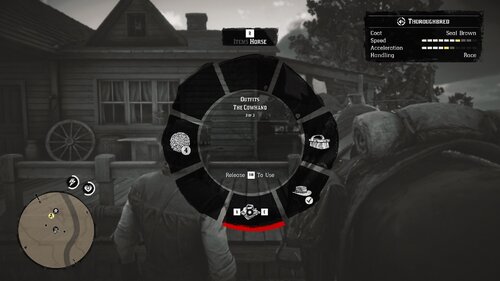
  5. Fixes a bug in the Epilogue where The Cowhand outfit would not appear when stored on your horse.
    • 516 Downloads
    • 12549 Views
    • 17.33 kB File Size
    Updated
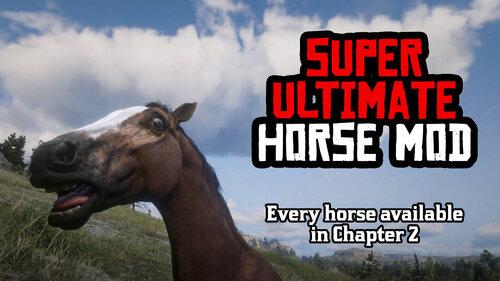
  6. Every horse available fresh out of Chapter 2!
    • 11,401 Downloads
    • 86991 Views
    • 23 MB File Size
    • 17 Comments
    Updated
    • 155 Downloads
    • 5375 Views
    • 860 B File Size
    Updated
    • 10,256 Downloads
    • 61338 Views
    • 64.23 kB File Size
    • 2 Comments
    Updated

Account

Navigation

Search

Configure browser push notifications

Chrome (Android)
  1. Tap the lock icon next to the address bar.
  2. Tap Permissions → Notifications.
  3. Adjust your preference.
Chrome (Desktop)
  1. Click the padlock icon in the address bar.
  2. Select Site settings.
  3. Find Notifications and adjust your preference.