Jump to content
View in the app

A better way to browse. Learn more.

RDR2Mods.com

A full-screen app on your home screen with push notifications, badges and more.

To install this app on iOS and iPadOS
  1. Tap the Share icon in Safari
  2. Scroll the menu and tap Add to Home Screen.
  3. Tap Add in the top-right corner.
To install this app on Android
  1. Tap the 3-dot menu (⋮) in the top-right corner of the browser.
  2. Tap Add to Home screen or Install app.
  3. Confirm by tapping Install.
115 files
    • 4,969 Downloads
    • 62500 Views
    • 18.92 kB File Size
    • 12 Comments
    Updated
    • 8,144 Downloads
    • 62078 Views
    • 191.49 kB File Size
    • 6 Comments
    Updated
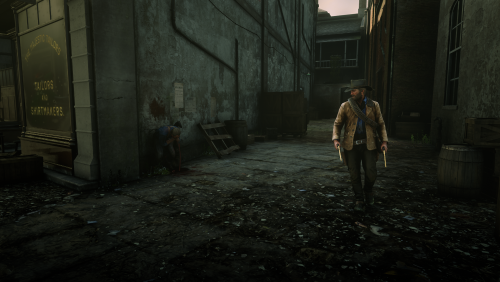
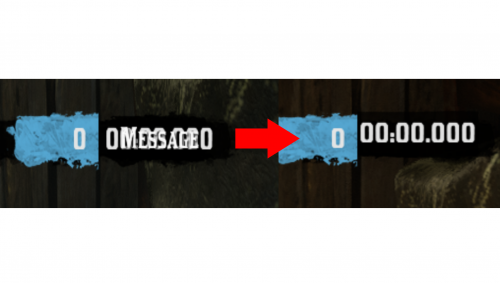
  1. small visual changes
    • 1,814 Downloads
    • 25126 Views
    • 41.47 kB File Size
    Updated
    • 20,484 Downloads
    • 141549 Views
    • 49.7 kB File Size
    • 7 Comments
    Updated
    • 4,718 Downloads
    • 57049 Views
    • 39.22 kB File Size
    • 4 Comments
    Updated
    • 30,869 Downloads
    • 202450 Views
    • 39.02 kB File Size
    • 6 Comments
    Updated
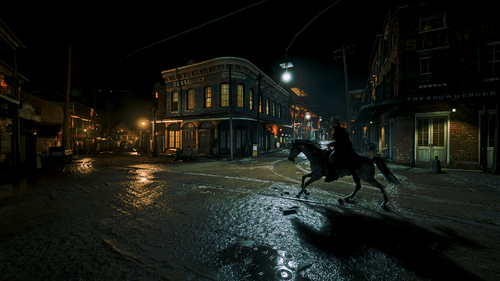
  2. euphoria ragdoll realistic live leak
    • 21,350 Downloads
    • 117110 Views
    • 81.67 kB File Size
    • 2 Comments
    Updated
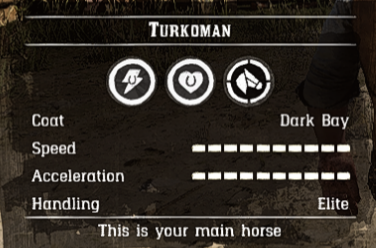
  3. Turns the Turkoman into the ultimate horse
    • 9,054 Downloads
    • 50240 Views
    • 6.16 kB File Size
    • 5 Comments
    Updated
    • 4,590 Downloads
    • 40408 Views
    • 537.1 kB File Size
    Updated
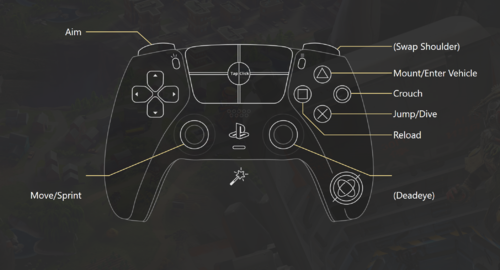
  4. Makes the control scheme more accurate to an actual FPS
    • 545 Downloads
    • 17327 Views
    • 17.18 kB File Size
    • 2 Comments
    Updated
    • 506 Downloads
    • 11153 Views
    • 43.23 MB File Size
    • 1 Comments
    Updated
    • 1,959 Downloads
    • 19834 Views
    • 1.49 kB File Size
    • 2 Comments
    Updated
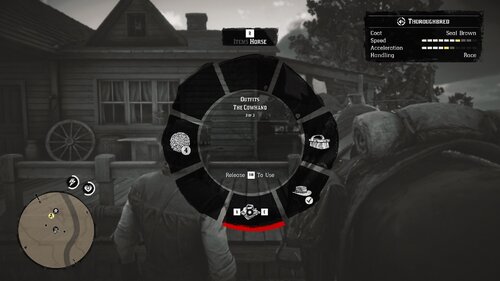
  5. Fixes a bug in the Epilogue where The Cowhand outfit would not appear when stored on your horse.
    • 504 Downloads
    • 12378 Views
    • 17.33 kB File Size
    Updated
  6. Every horse available fresh out of Chapter 2!
    • 10,696 Downloads
    • 81222 Views
    • 23 MB File Size
    • 15 Comments
    Updated
    • 139 Downloads
    • 4851 Views
    • 860 B File Size
    Updated
    • 10,117 Downloads
    • 60228 Views
    • 64.23 kB File Size
    • 2 Comments
    Updated

Configure browser push notifications

Chrome (Android)
  1. Tap the lock icon next to the address bar.
  2. Tap Permissions → Notifications.
  3. Adjust your preference.
Chrome (Desktop)
  1. Click the padlock icon in the address bar.
  2. Select Site settings.
  3. Find Notifications and adjust your preference.