
Skip to content
View in the app

A better way to browse. Learn more.

RDR2Mods.com

A full-screen app on your home screen with push notifications, badges and more.

To install this app on iOS and iPadOS
  1. Tap the Share icon in Safari
  2. Scroll the menu and tap Add to Home Screen.
  3. Tap Add in the top-right corner.
To install this app on Android
  1. Tap the 3-dot menu (⋮) in the top-right corner of the browser.
  2. Tap Add to Home screen or Install app.
  3. Confirm by tapping Install.
116 files
    • 293 Downloads
    • 3066 Views
    • 2.65 MB File Size
    Updated
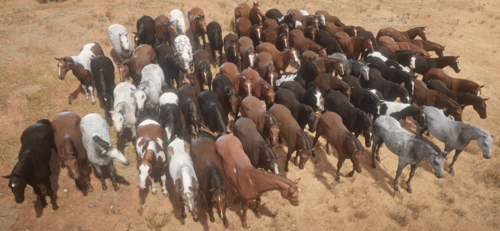
  1. Every horse available fresh out of Chapter 2!
    • 11,466 Downloads
    • 87456 Views
    • 23 MB File Size
    • 17 Comments
    Updated
    • 13,578 Downloads
    • 131625 Views
    • 37.09 MB File Size
    • 17 Comments
    Updated
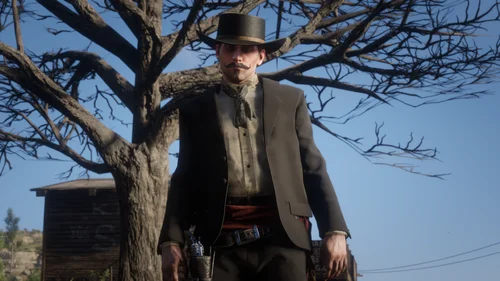
  2. Custom Ped
    • 1,130 Downloads
    • 26360 Views
    • 45.81 kB File Size
    • 3 Comments
    Updated
  3. Get everything from the trapper with much less grind
    • 6,816 Downloads
    • 47972 Views
    • 1.6 MB File Size
    • 6 Comments
    Updated
  4. Learn how to create LML mods!
    • 13,053 Downloads
    • 99096 Views
    • 2.84 MB File Size
    • 1 Comments
    LMS in Misc
    Updated
    • 108,225 Downloads
    • 461941 Views
    • 14.24 MB File Size
    • 194 Comments
    Updated
    • 5,855 Downloads
    • 42634 Views
    • 96.67 MB File Size
    • 1 Comments
    Updated
    • 130,972 Downloads
    • 437624 Views
    • 43.57 MB File Size
    • 11 Comments
    Updated
    • 3,161 Downloads
    • 14871 Views
    • 1.02 MB File Size
    Updated
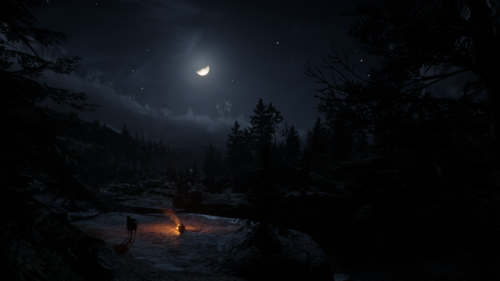
  5. This mod makes the nights darker and more realistic.
    • 70,186 Downloads
    • 254097 Views
    • 1.67 MB File Size
    • 49 Comments
    Updated
  6. No more Dogs, they are now foxes. Hound Become Fox.
    • 713 Downloads
    • 18126 Views
    • 520.42 kB File Size
    • 5 Comments
    Updated
    • 4,810 Downloads
    • 93306 Views
    • 4.65 MB File Size
    • 11 Comments
    Updated
    • 5,117 Downloads
    • 54030 Views
    • 16.51 kB File Size
    • 4 Comments
    Updated
    • 155 Downloads
    • 5473 Views
    • 860 B File Size
    Updated
    • 850 Downloads
    • 21831 Views
    • 1.39 kB File Size
    • 4 Comments
    Updated

Account

Navigation

Search

Search

Configure browser push notifications

Chrome (Android)
  1. Tap the lock icon next to the address bar.
  2. Tap Permissions → Notifications.
  3. Adjust your preference.
Chrome (Desktop)
  1. Click the padlock icon in the address bar.
  2. Select Site settings.
  3. Find Notifications and adjust your preference.