




Jump to content
View in the app

A better way to browse. Learn more.

RDR2Mods.com

A full-screen app on your home screen with push notifications, badges and more.

To install this app on iOS and iPadOS
  1. Tap the Share icon in Safari
  2. Scroll the menu and tap Add to Home Screen.
  3. Tap Add in the top-right corner.
To install this app on Android
  1. Tap the 3-dot menu (⋮) in the top-right corner of the browser.
  2. Tap Add to Home screen or Install app.
  3. Confirm by tapping Install.

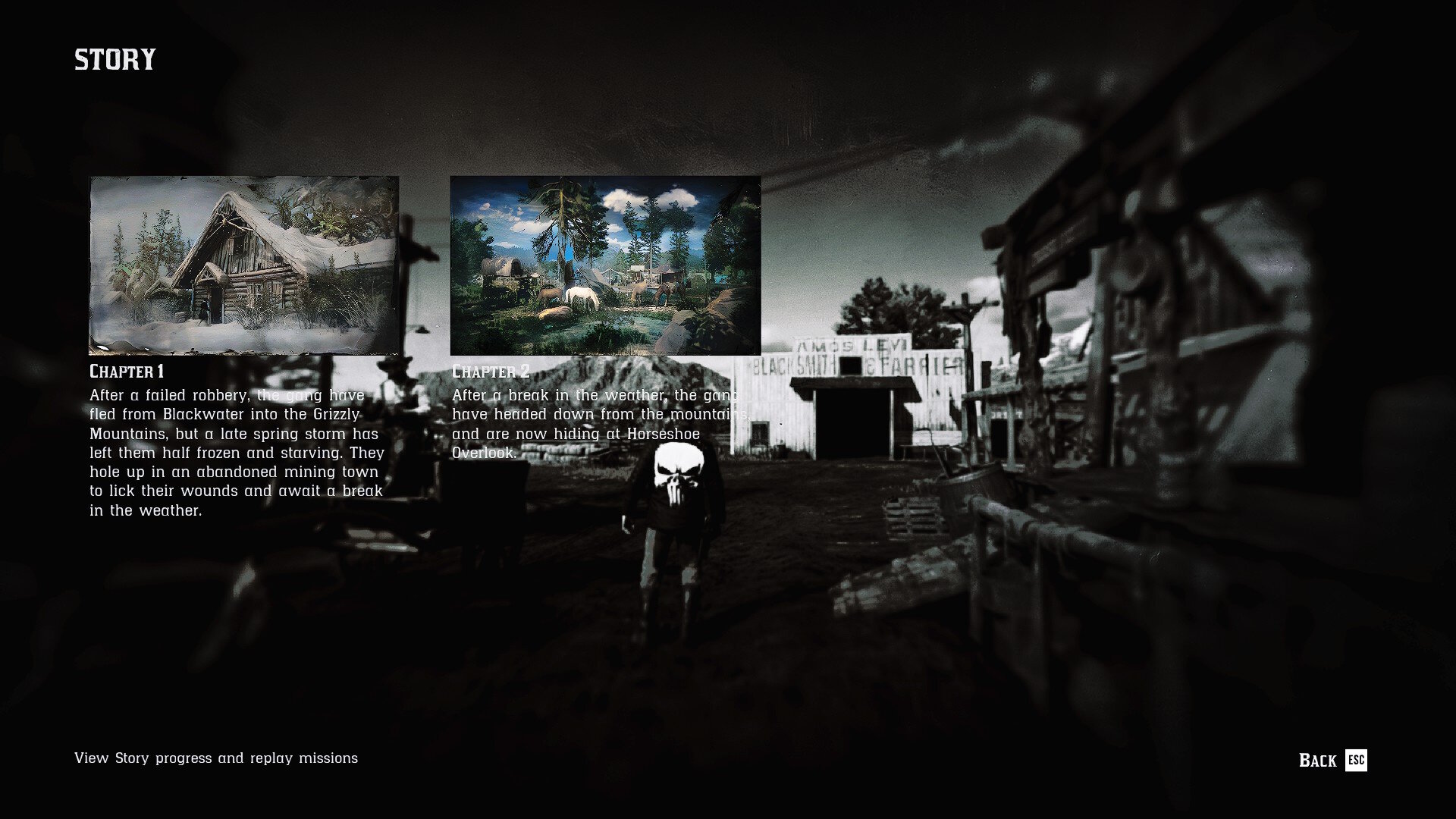
17 Screenshots

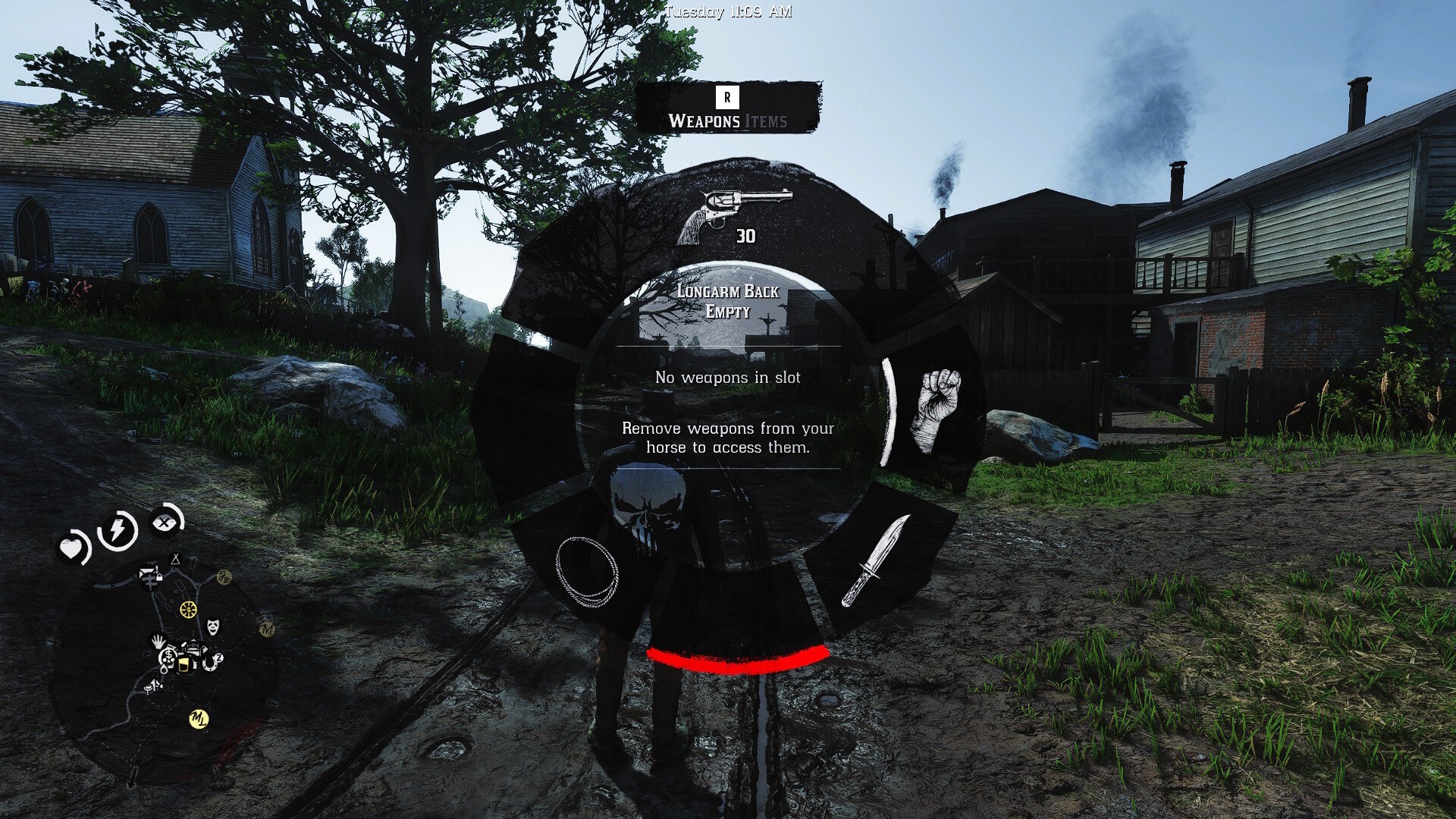
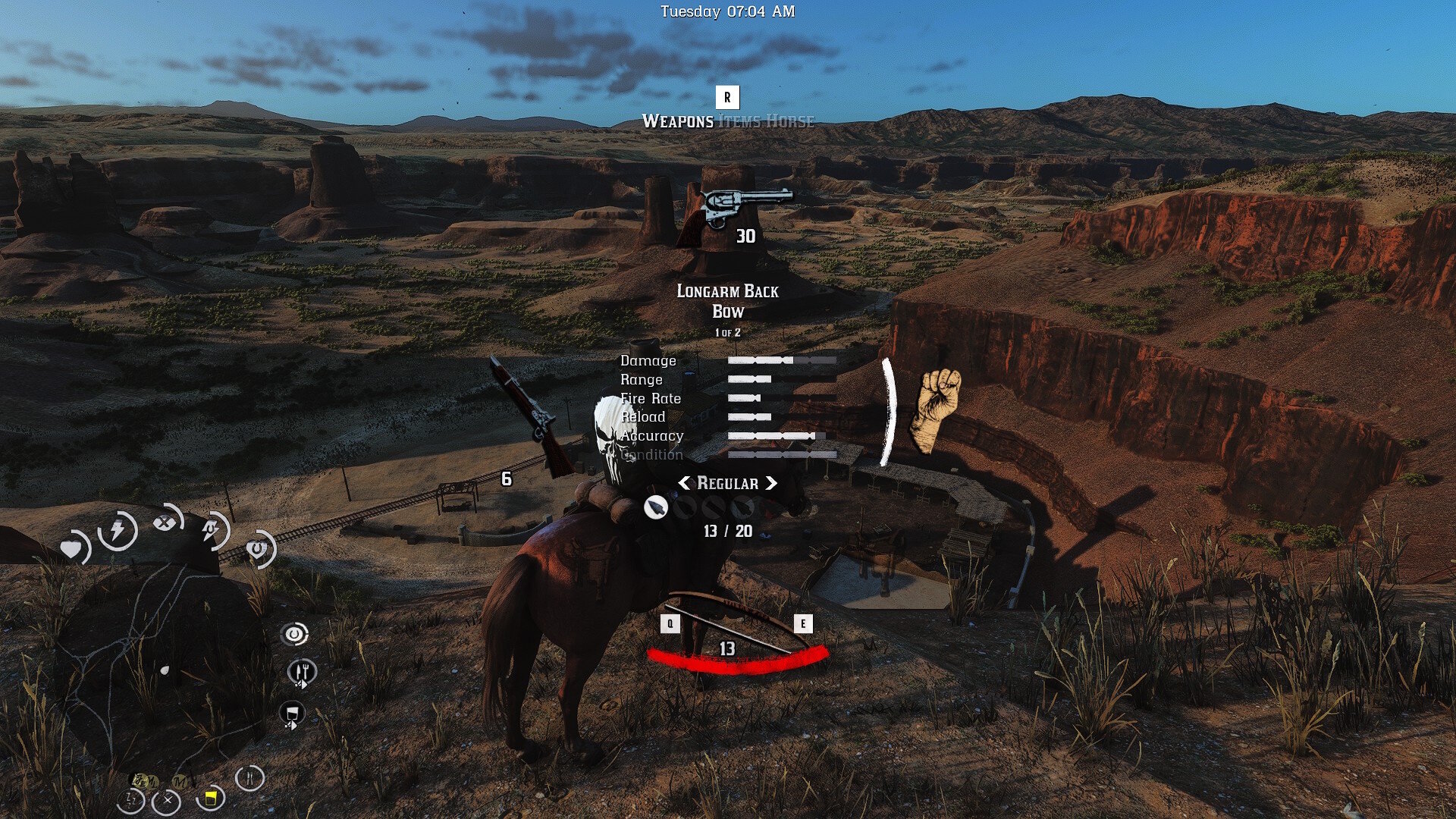
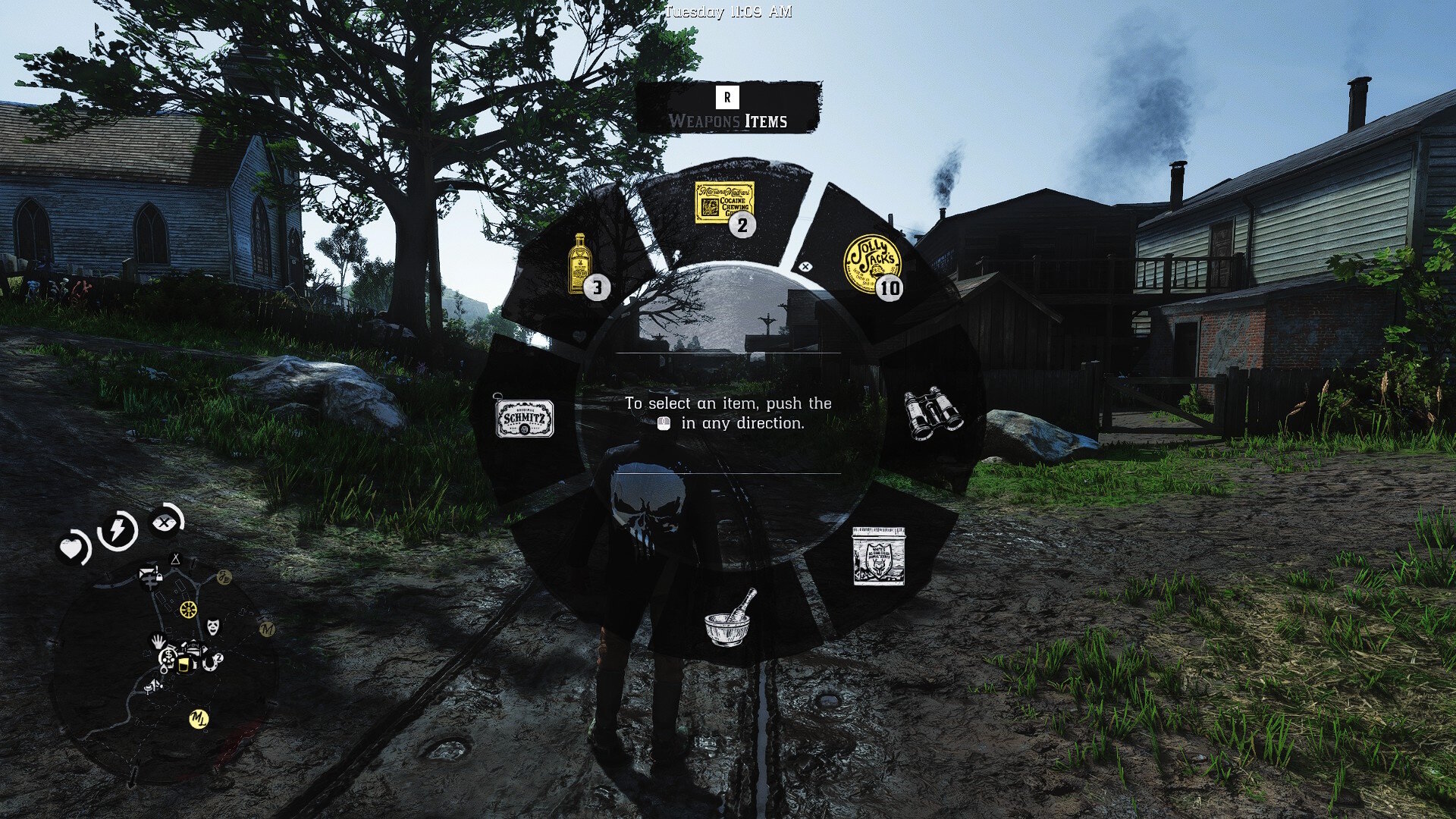
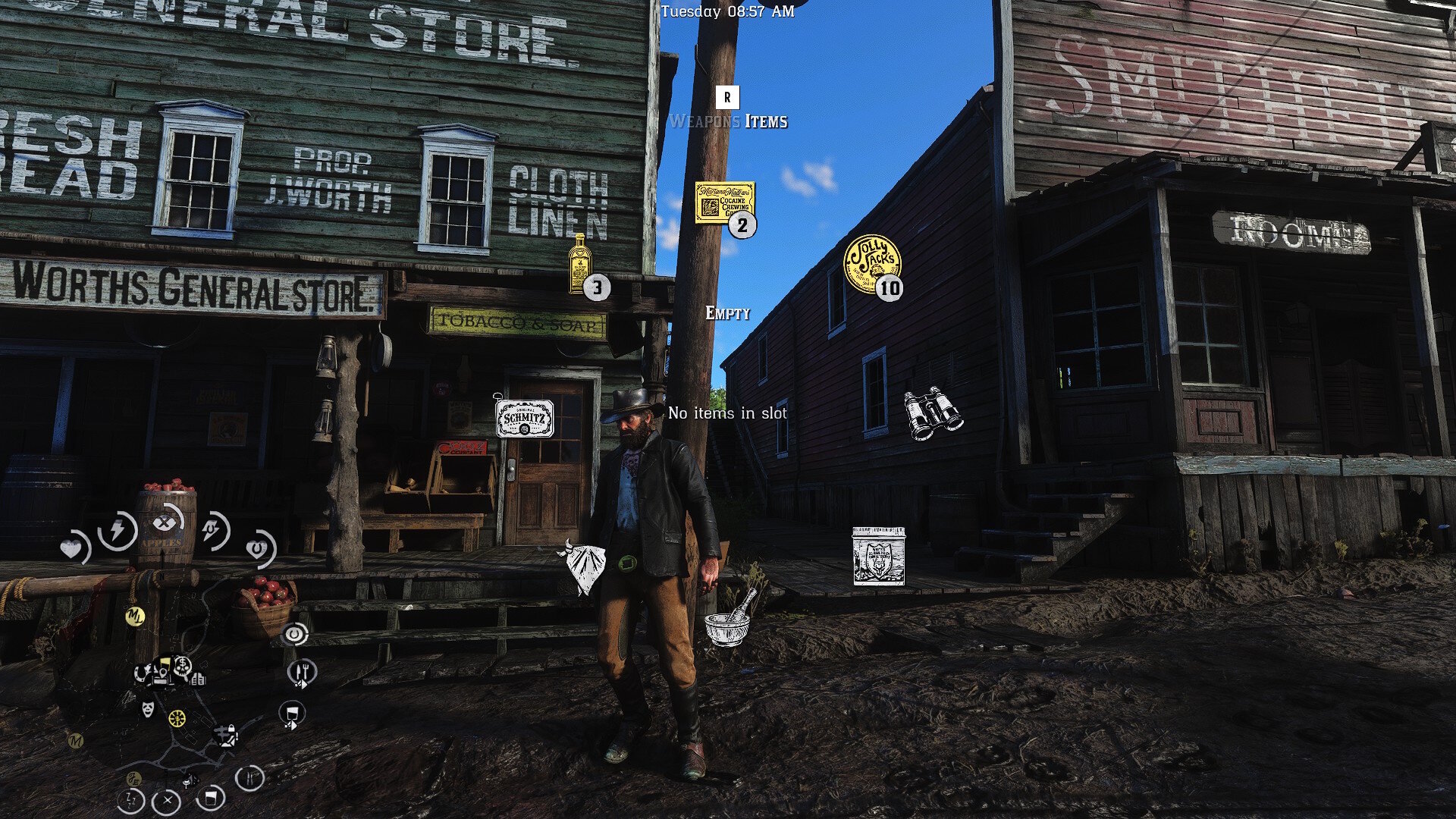
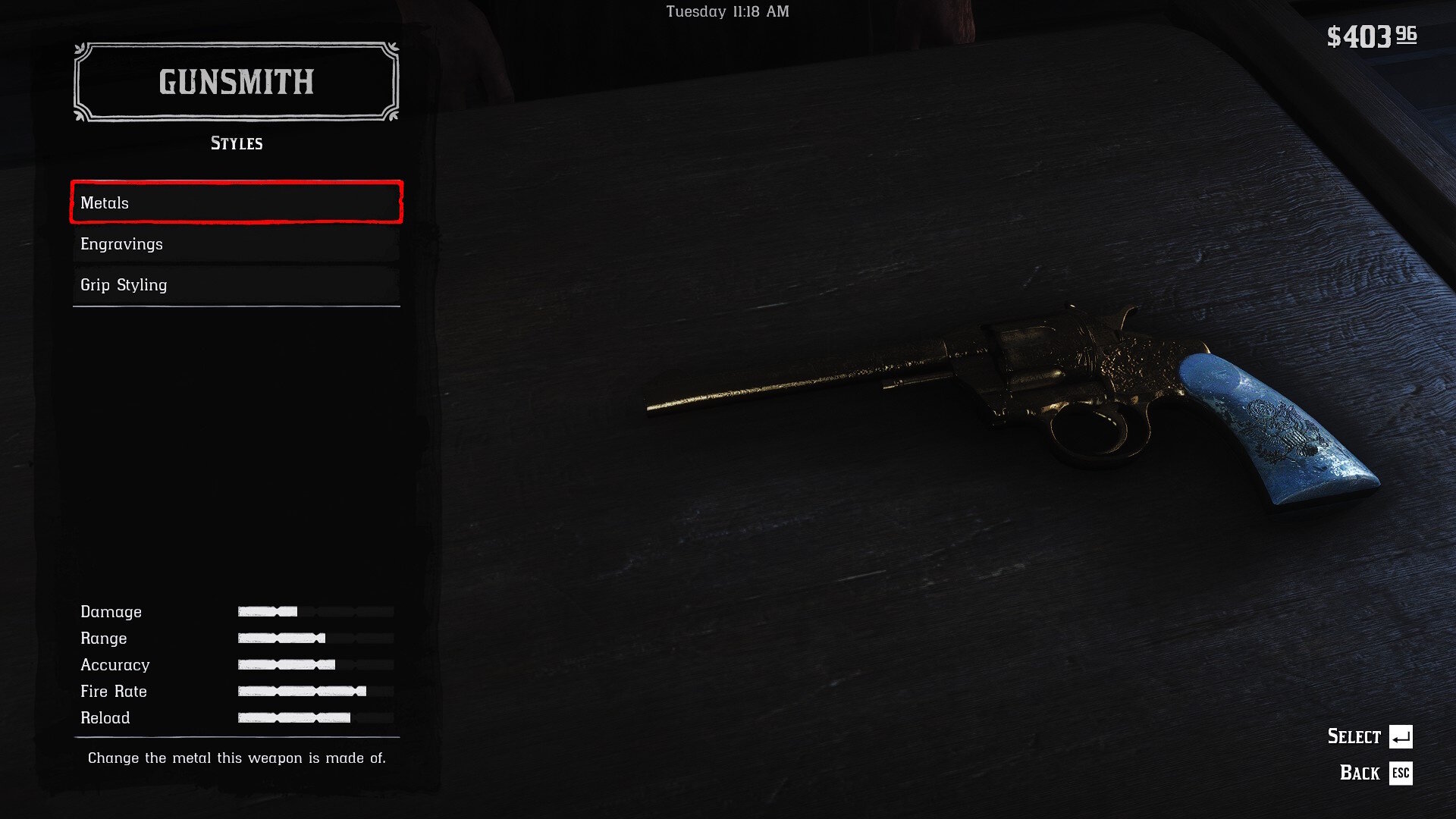
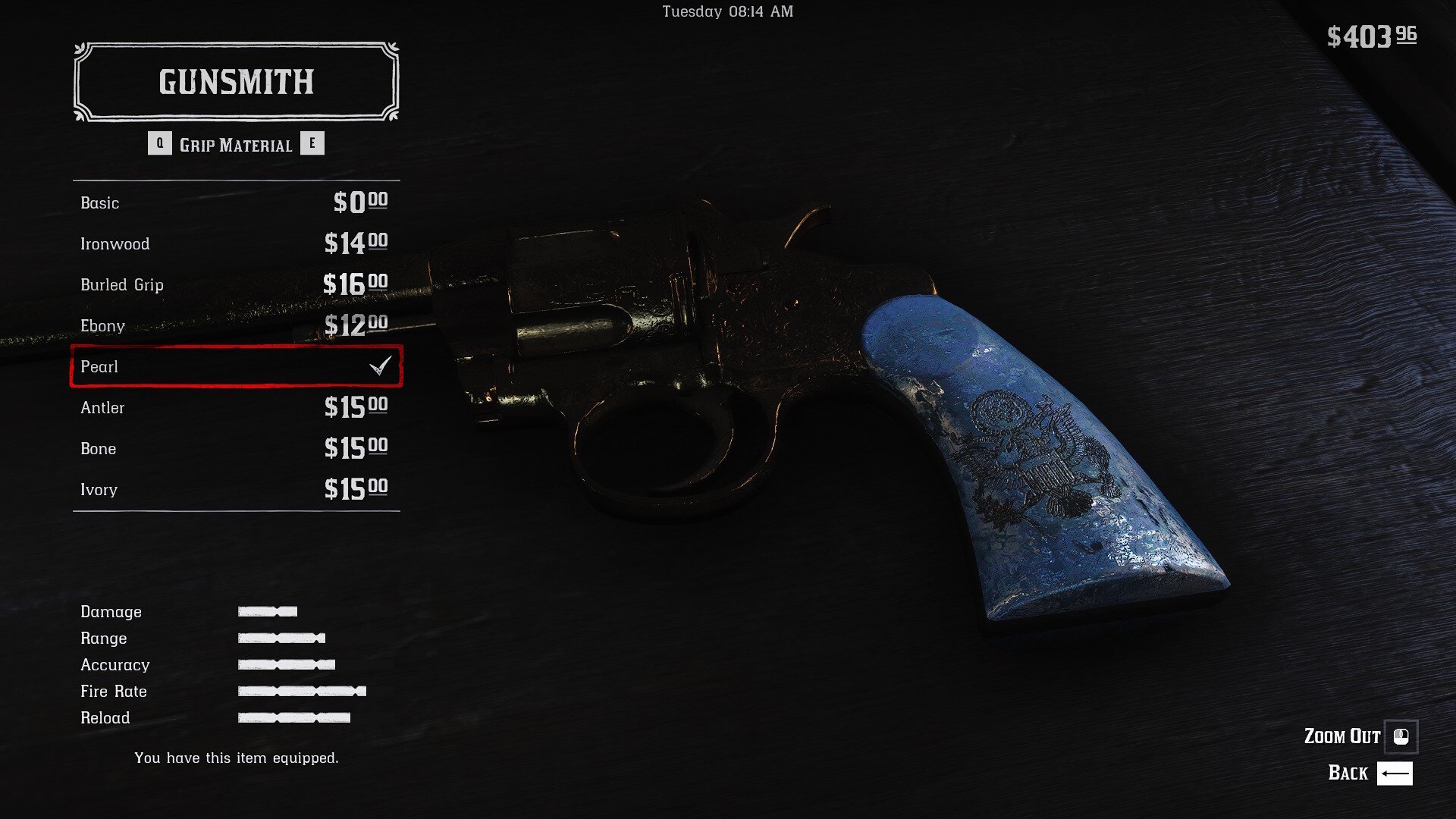
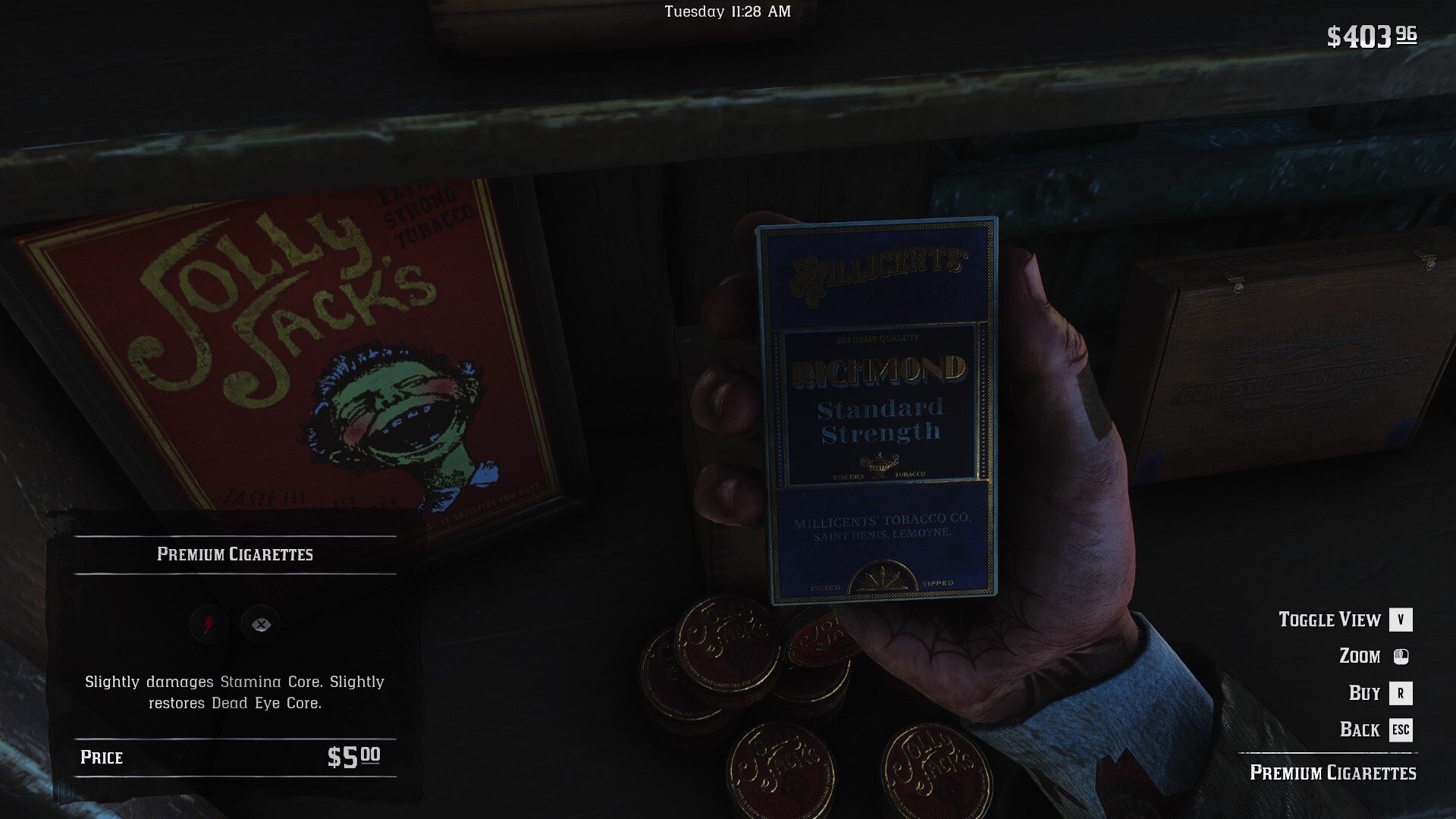
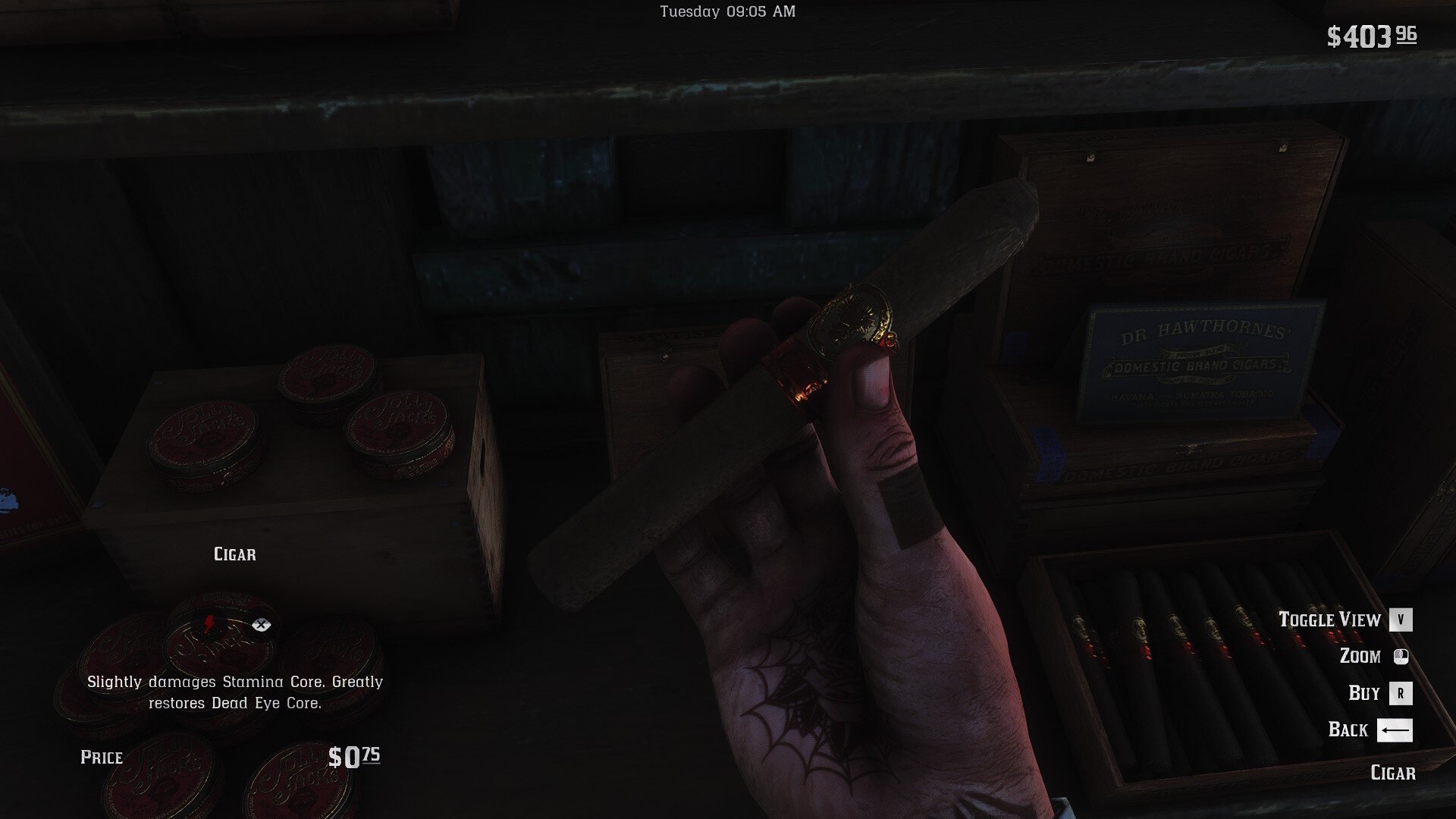
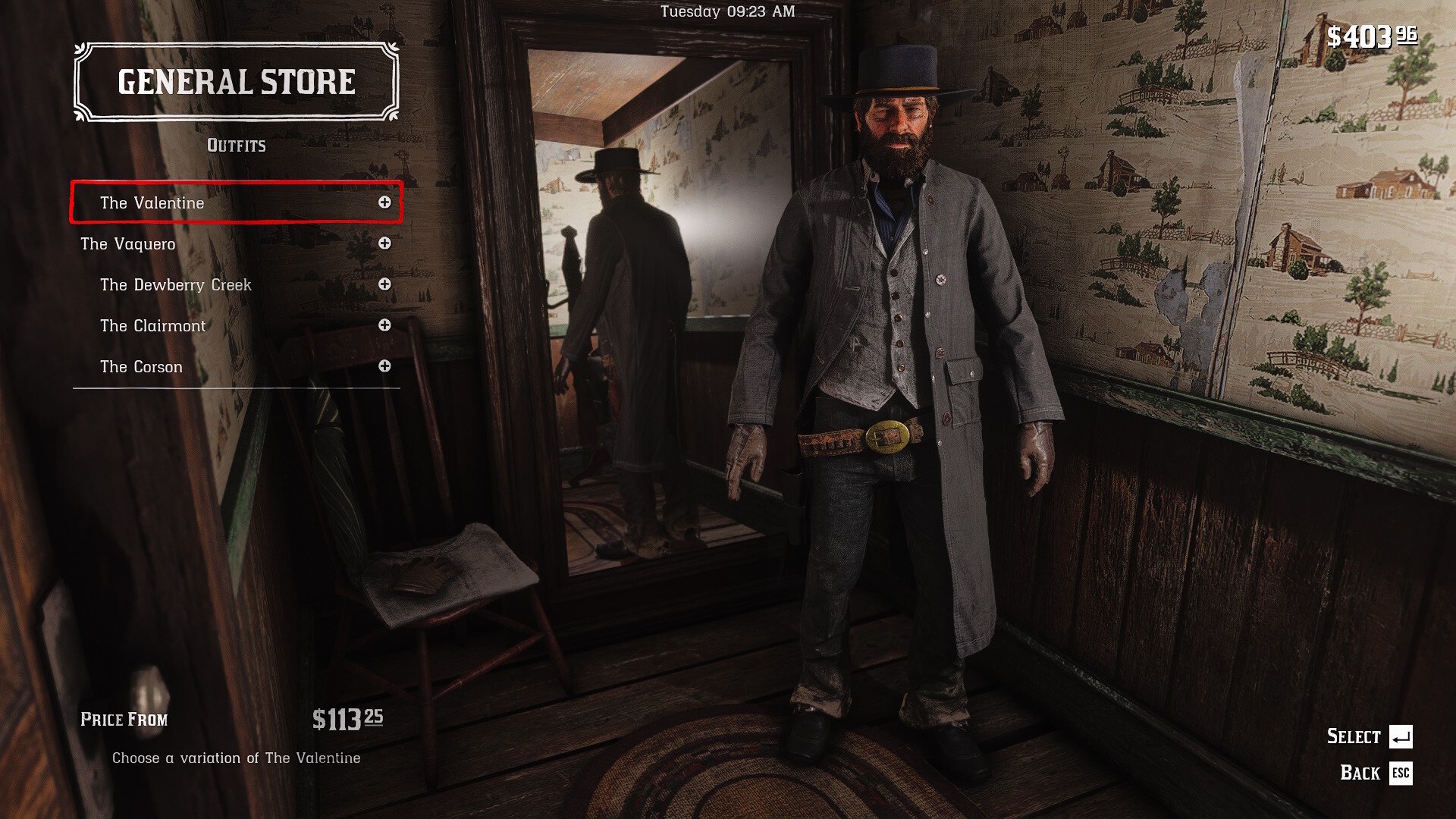
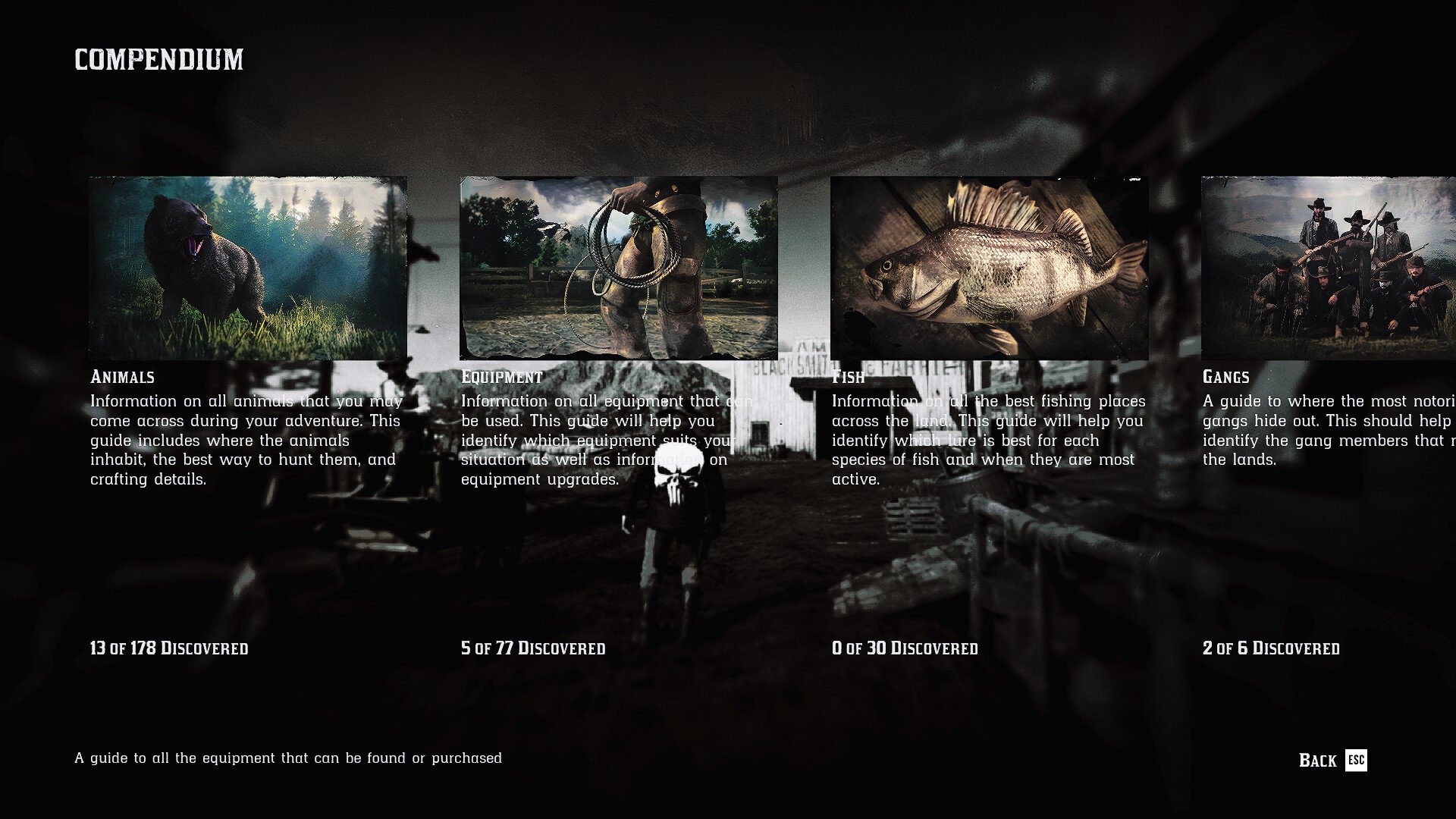
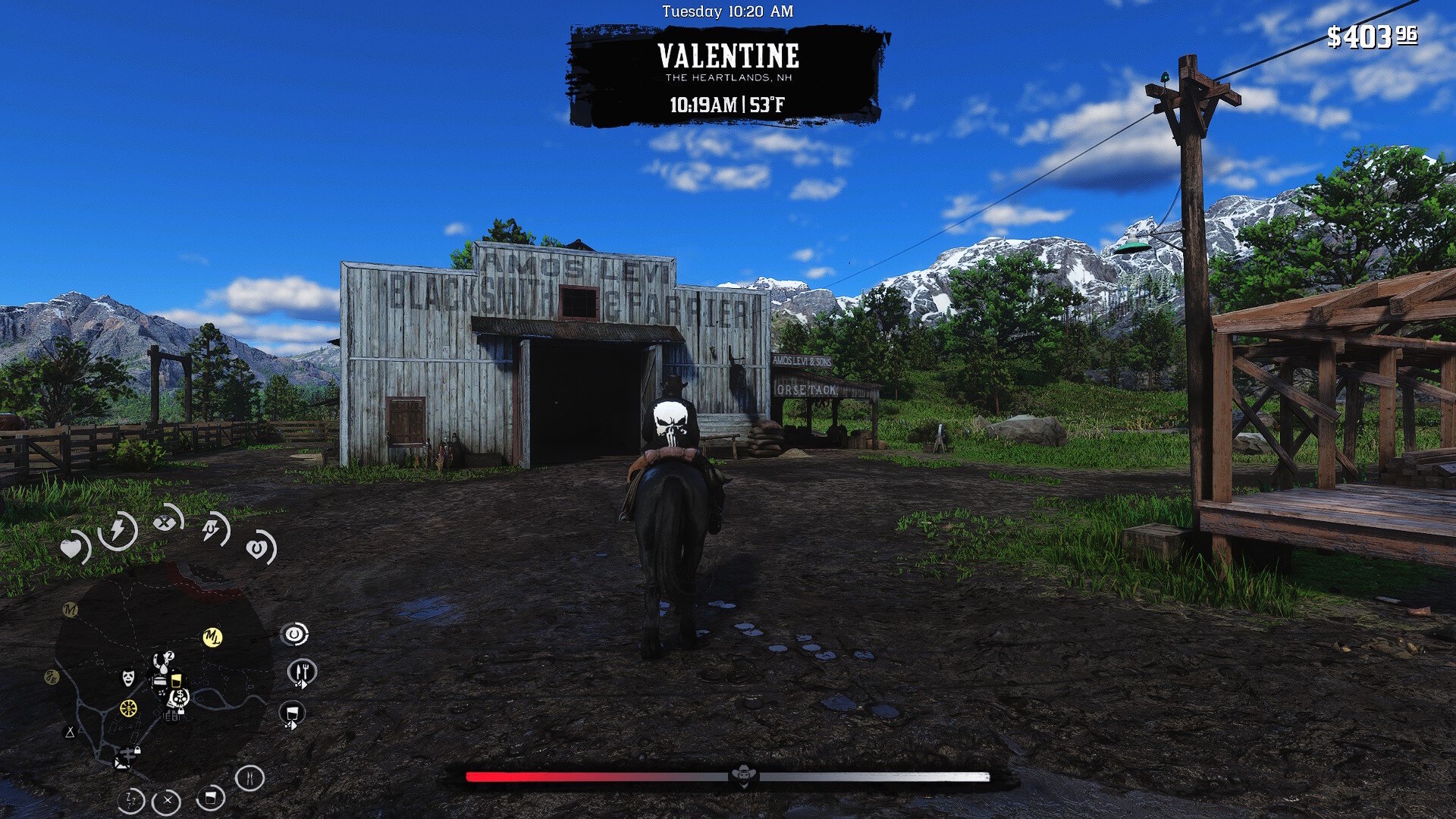
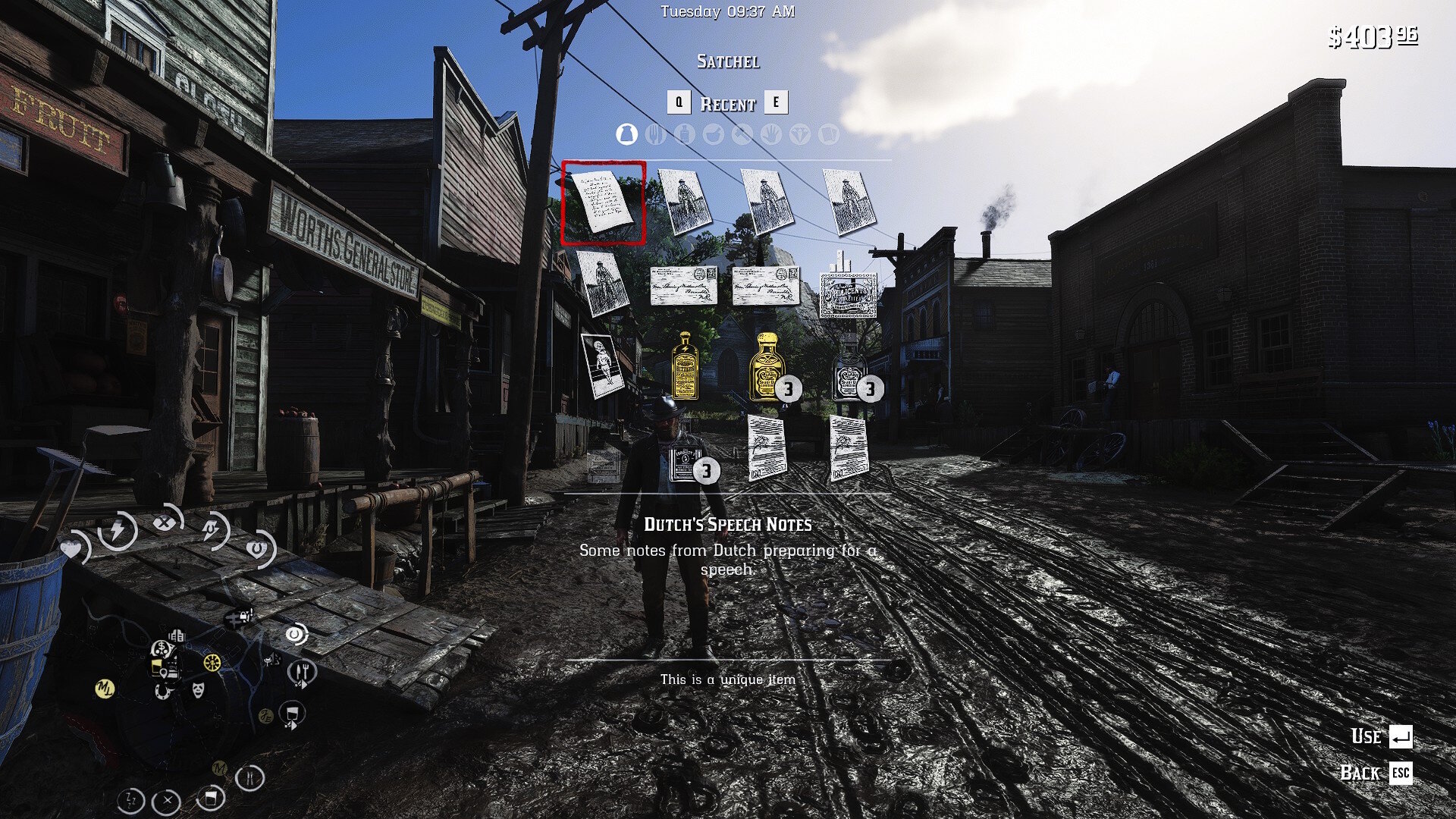
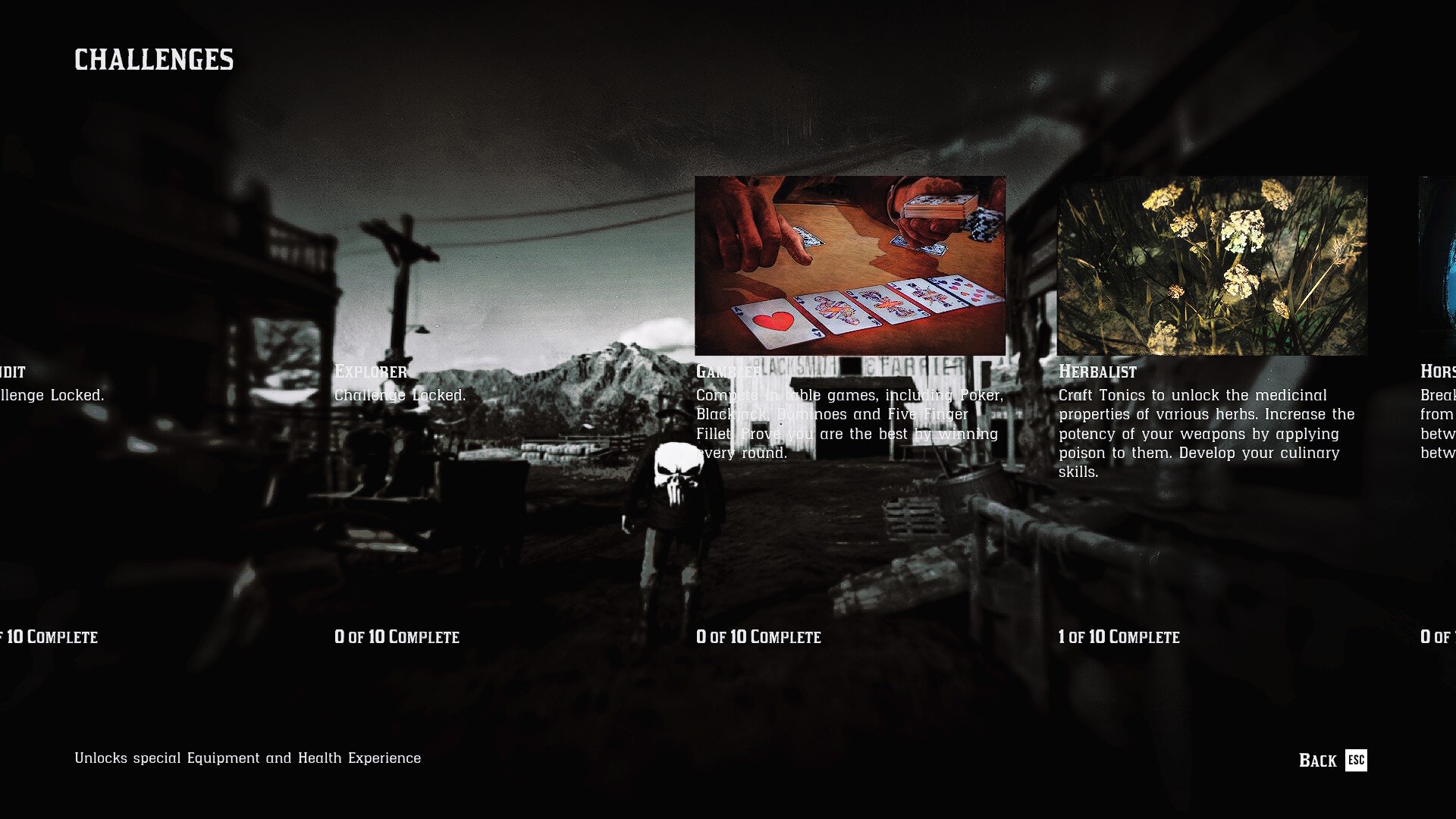
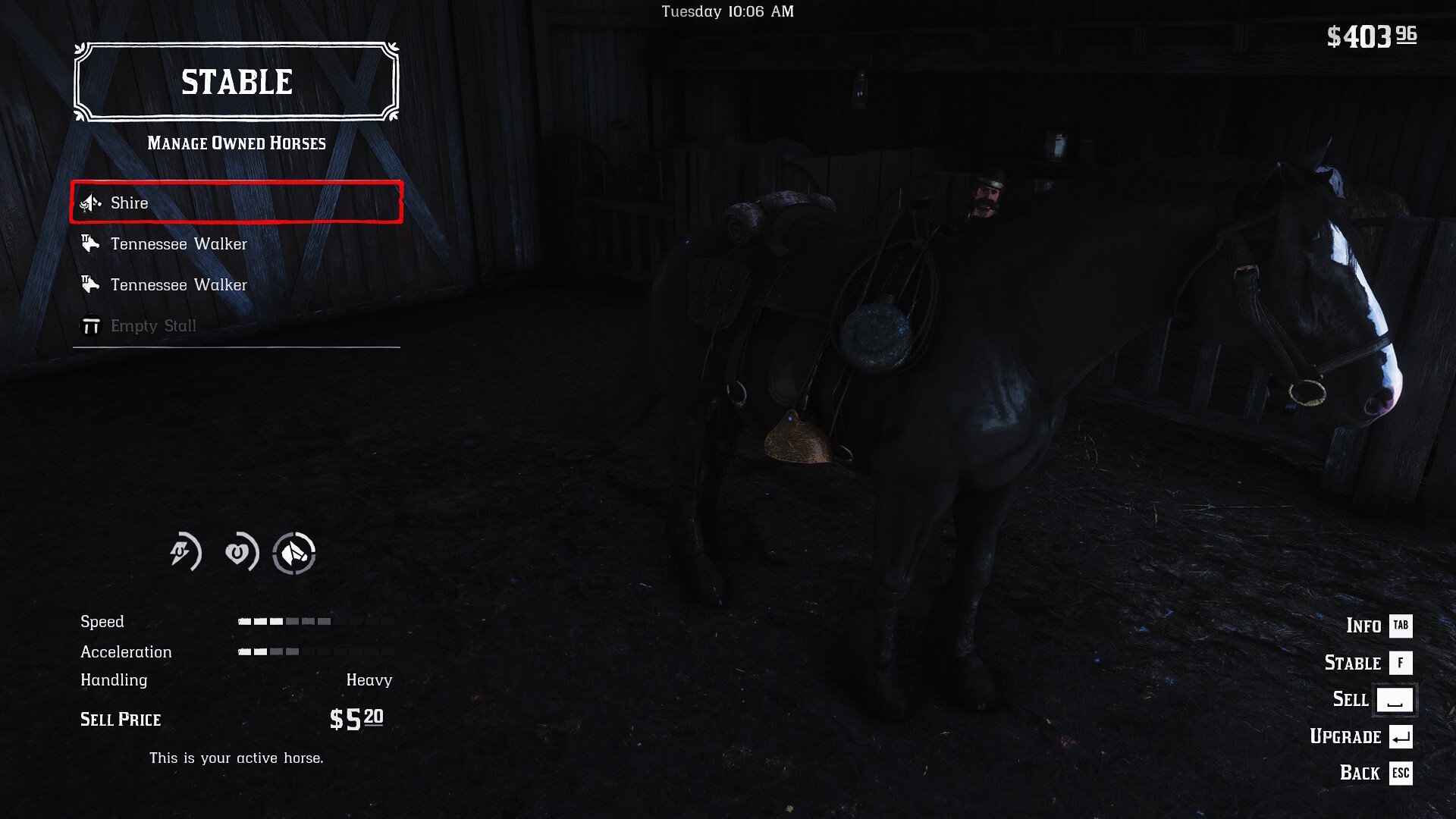
What does this mod do?
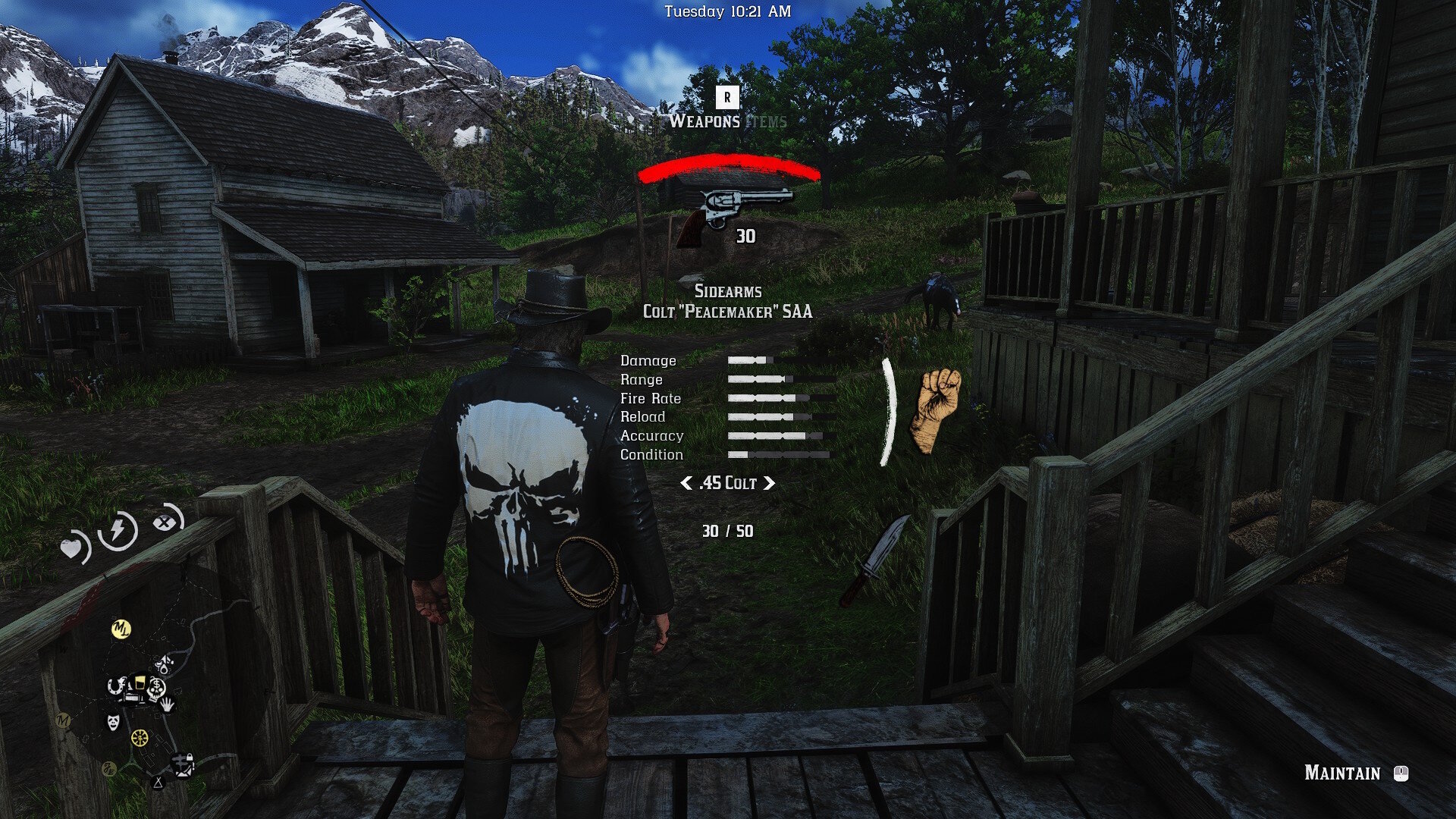
NEW Colored Weapon Icons 
Translucent Menus for Shops and Weapon and Item wheel
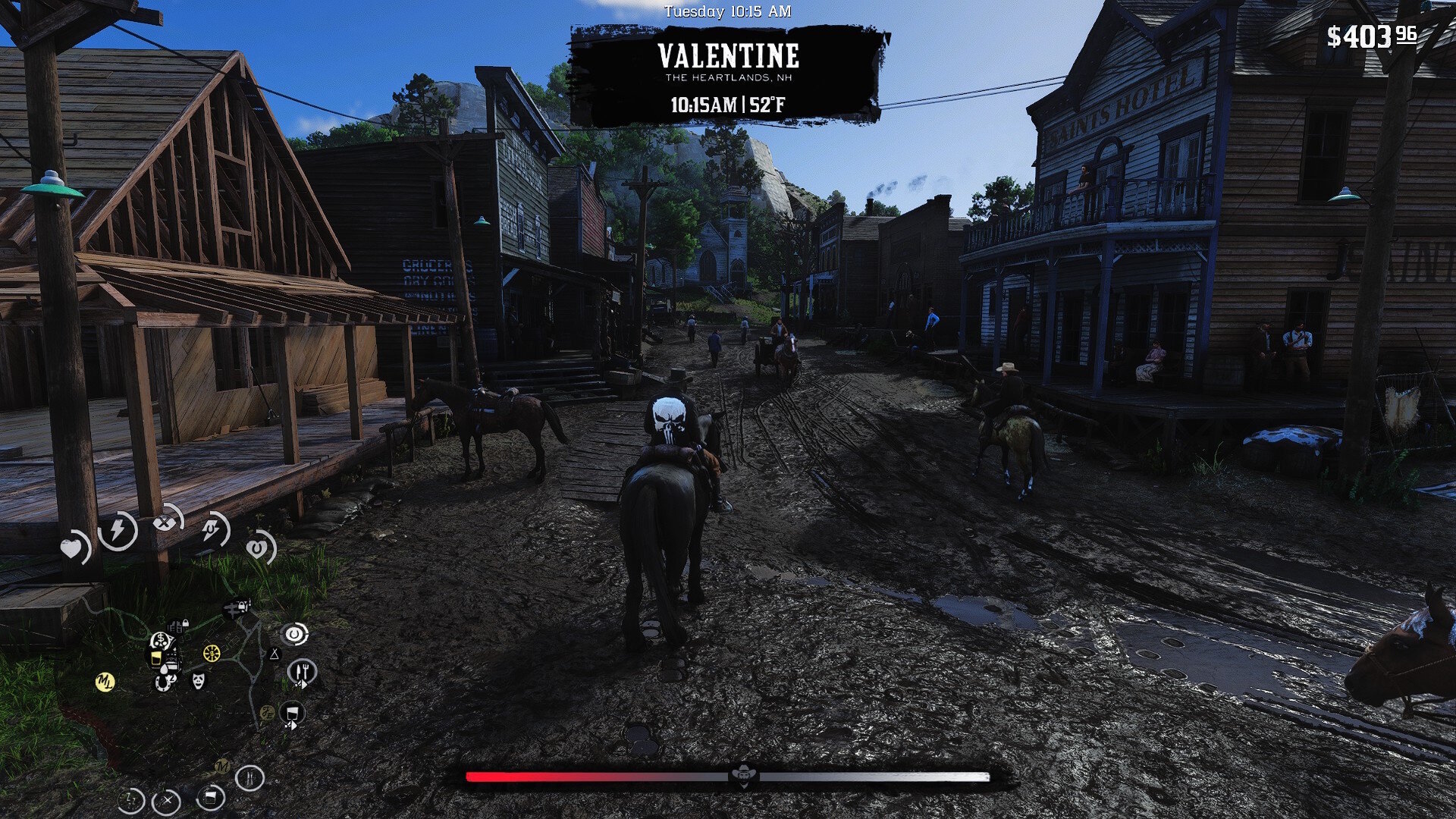
Translucent Player Cores
ETC..

User Feedback

Recommended Comments

DasPookieBearr

Members

Hey buddy. I was looking into mods the other day. The owner of a RedM server I play on doesn't like the normal wheel. And we would like to change it to something like yours. Could I get your discord to see if we could hash out recreating something like this? Mines the same as my username here. daspookiebear

Create an account or sign in to comment

Configure browser push notifications

Chrome (Android)
  1. Tap the lock icon next to the address bar.
  2. Tap Permissions → Notifications.
  3. Adjust your preference.
Chrome (Desktop)
  1. Click the padlock icon in the address bar.
  2. Select Site settings.
  3. Find Notifications and adjust your preference.