Skip to content
View in the app

A better way to browse. Learn more.

RDR2Mods.com

A full-screen app on your home screen with push notifications, badges and more.

To install this app on iOS and iPadOS
  1. Tap the Share icon in Safari
  2. Scroll the menu and tap Add to Home Screen.
  3. Tap Add in the top-right corner.
To install this app on Android
  1. Tap the 3-dot menu (⋮) in the top-right corner of the browser.
  2. Tap Add to Home screen or Install app.
  3. Confirm by tapping Install.
66 files
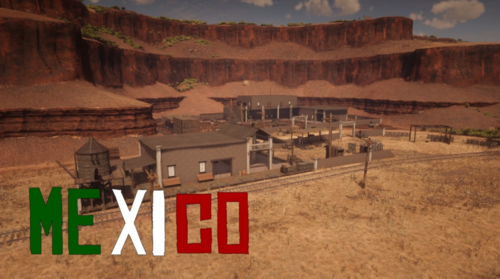
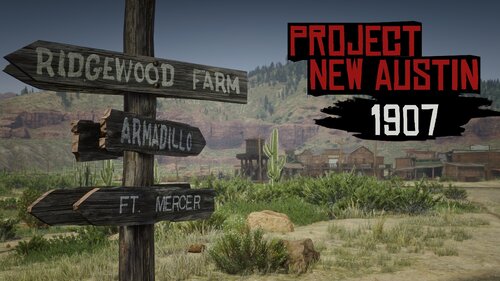
  1. Brings back those classic RDR1 locations (with peds) and New Austin color scheme. Full list of chang
    • 30100 Downloads
    • 155142 Views
    • 23.58 MB File Size
    • 9 Comments
    Updated
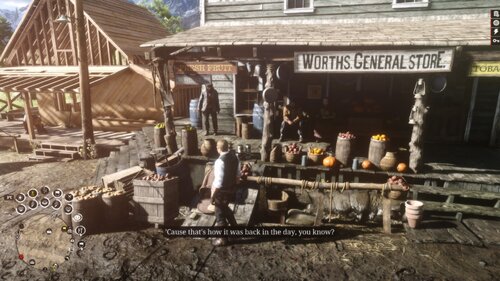
  2. Enhances Armadillo like the original game!
    • 23170 Downloads
    • 217775 Views
    • 47.16 MB File Size
    • 56 Comments
    Updated
    • 8958 Downloads
    • 119218 Views
    • 114.9 kB File Size
    • 9 Comments
    Updated
    • 7702 Downloads
    • 81644 Views
    • 4.96 kB File Size
    Updated
  3. Populates Colter + Adds multiple houses/properties to the game.
    • 6293 Downloads
    • 147239 Views
    • 81.54 kB File Size
    • 22 Comments
    Updated
    • 3879 Downloads
    • 53017 Views
    • 22.29 kB File Size
    • 4 Comments
    Updated
    • 3512 Downloads
    • 44730 Views
    • 60.88 kB File Size
    Updated
    • 3342 Downloads
    • 53424 Views
    • 164.57 kB File Size
    • 5 Comments
    Updated
    • 3315 Downloads
    • 41223 Views
    • 152.52 kB File Size
    Updated
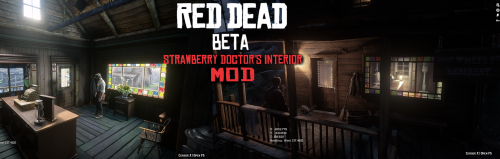
  4. Cut Interior Added to Strawberry
    • 3061 Downloads
    • 31712 Views
    • 17.66 kB File Size
    • 1 Comments
    Updated
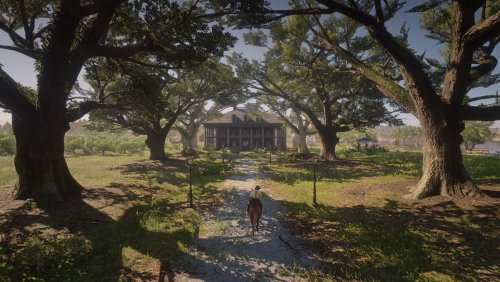
  5. Reupload of my El Presidio Map
    • 2924 Downloads
    • 36712 Views
    • 27.04 kB File Size
    Updated
    • 2921 Downloads
    • 32983 Views
    • 139.58 kB File Size
    • 1 Comments
    Updated
    • 2804 Downloads
    • 26880 Views
    • 280.13 kB File Size
    • 3 Comments
    Updated
    • 2788 Downloads
    • 29773 Views
    • 1.25 kB File Size
    • 1 Comments
    Updated
    • 2718 Downloads
    • 33964 Views
    • 178.43 kB File Size
    • 1 Comments
    Updated
    • 2565 Downloads
    • 26660 Views
    • 136.96 kB File Size
    Updated

Account

Navigation

Search

Search

Configure browser push notifications

Chrome (Android)
  1. Tap the lock icon next to the address bar.
  2. Tap Permissions → Notifications.
  3. Adjust your preference.
Chrome (Desktop)
  1. Click the padlock icon in the address bar.
  2. Select Site settings.
  3. Find Notifications and adjust your preference.