Skip to content
View in the app

A better way to browse. Learn more.

RDR2Mods.com

A full-screen app on your home screen with push notifications, badges and more.

To install this app on iOS and iPadOS
  1. Tap the Share icon in Safari
  2. Scroll the menu and tap Add to Home Screen.
  3. Tap Add in the top-right corner.
To install this app on Android
  1. Tap the 3-dot menu (⋮) in the top-right corner of the browser.
  2. Tap Add to Home screen or Install app.
  3. Confirm by tapping Install.
66 files
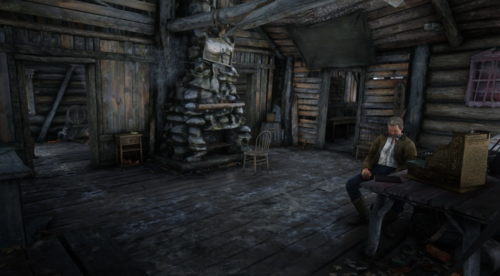
  1. Populates Colter + Adds multiple houses/properties to the game.
    • 6,274 Downloads
    • 135284 Views
    • 81.54 kB File Size
    • 22 Comments
    Updated
    • 1,847 Downloads
    • 31818 Views
    • 7.68 kB File Size
    • 1 Comments
    Updated
    • 2,439 Downloads
    • 35401 Views
    • 44.16 kB File Size
    • 1 Comments
    Updated
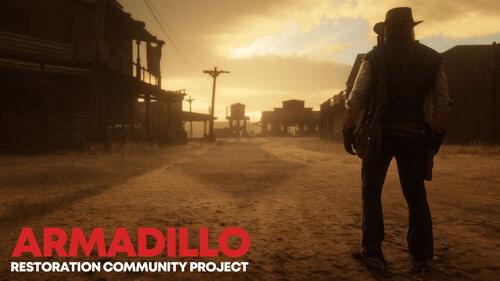
  2. Enhances Armadillo like the original game!
    • 23,057 Downloads
    • 215528 Views
    • 47.16 MB File Size
    • 56 Comments
    Updated
    • 1,319 Downloads
    • 31430 Views
    • 635 B File Size
    Updated
    • 3,464 Downloads
    • 43719 Views
    • 60.88 kB File Size
    Updated
    • 1,928 Downloads
    • 51211 Views
    • 115.97 kB File Size
    • 1 Comments
    Updated
    • 460 Downloads
    • 13316 Views
    • 14.43 kB File Size
    Updated
    • 705 Downloads
    • 17735 Views
    • 1.56 kB File Size
    • 1 Comments
    Updated
    • 1,969 Downloads
    • 31541 Views
    • 5.45 kB File Size
    • 5 Comments
    Updated
    • 1,247 Downloads
    • 25856 Views
    • 2.76 kB File Size
    • 1 Comments
    Updated
  3. Expansion On RedMaxBR's Mexican Camps mod
    • 675 Downloads
    • 13949 Views
    • 9.44 kB File Size
    Updated
  4. An Update for a previous mod i made (original File Required
    • 787 Downloads
    • 15752 Views
    • 3.12 kB File Size
    • 2 Comments
    Updated
    • 2,911 Downloads
    • 32347 Views
    • 139.58 kB File Size
    • 1 Comments
    Updated
    • 3,327 Downloads
    • 52642 Views
    • 164.57 kB File Size
    • 5 Comments
    Updated
    • 761 Downloads
    • 21654 Views
    • 211.24 kB File Size
    Updated

Account

Navigation

Search

Search

Configure browser push notifications

Chrome (Android)
  1. Tap the lock icon next to the address bar.
  2. Tap Permissions → Notifications.
  3. Adjust your preference.
Chrome (Desktop)
  1. Click the padlock icon in the address bar.
  2. Select Site settings.
  3. Find Notifications and adjust your preference.