Jump to content
View in the app

A better way to browse. Learn more.

RDR2Mods.com

A full-screen app on your home screen with push notifications, badges and more.

To install this app on iOS and iPadOS
  1. Tap the Share icon in Safari
  2. Scroll the menu and tap Add to Home Screen.
  3. Tap Add in the top-right corner.
To install this app on Android
  1. Tap the 3-dot menu (⋮) in the top-right corner of the browser.
  2. Tap Add to Home screen or Install app.
  3. Confirm by tapping Install.
395 files
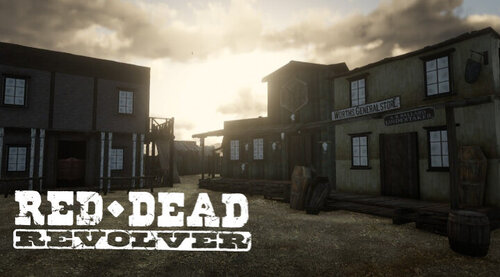
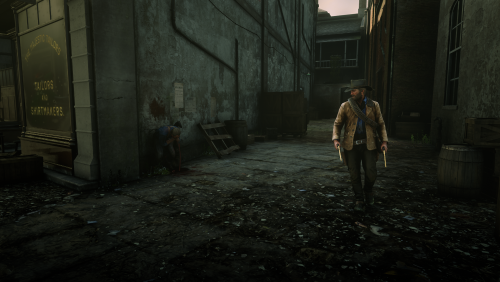
  1. Shoot it out with bandits, hunt down outlaws and walk the streets with a star.
    • 152,050 Downloads
    • 749369 Views
    • 17.34 MB File Size
    • 132 Comments
    LMS in RDRFR
    Updated
  2. Unhashes YMT file member names and data contents.
    • 1,776 Downloads
    • 59928 Views
    • 1.34 MB File Size
    • 10 Comments
    Updated
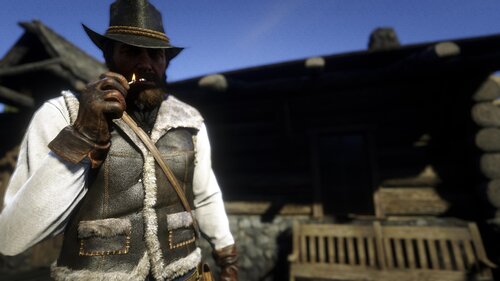
  3. This makes Arthur's gunslinger jacket and hat more worn so it looks older
    • 695 Downloads
    • 36007 Views
    • 8.62 MB File Size
    • 1 Comments
    Updated
    • 4,969 Downloads
    • 62504 Views
    • 18.92 kB File Size
    • 12 Comments
    Updated
  4. Deputy, you've got work to do! These callouts will make you feel like a true lawman in the Wild West
    • 19,700 Downloads
    • 157156 Views
    • 27.27 kB File Size
    • 28 Comments
    Updated
    • 706 Downloads
    • 27362 Views
    • 36.36 kB File Size
    Updated
    • 795 Downloads
    • 4621 Views
    • 10.67 kB File Size
    Updated
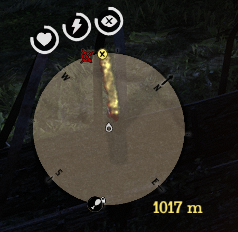
  5. This mod shows distance between waypoint and player.
    • 1,203 Downloads
    • 5985 Views
    • 62.48 kB File Size
    • 1 Comments
    Updated
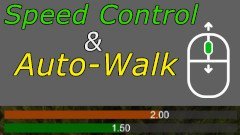
  6. Control Character & Horse Walk Speed with Mouse-Wheel. Also has Auto-Walk.
    • 2,852 Downloads
    • 26986 Views
    • 623.5 kB File Size
    • 1 Comments
    Updated
    • 8,144 Downloads
    • 62079 Views
    • 191.49 kB File Size
    • 6 Comments
    Updated
  7. small visual changes
    • 1,815 Downloads
    • 25143 Views
    • 41.47 kB File Size
    Updated
    • 12,357 Downloads
    • 95577 Views
    • 11.59 MB File Size
    Updated
    • 599 Downloads
    • 18945 Views
    • 3.65 kB File Size
    • 7 Comments
    Updated
    • 332 Downloads
    • 9856 Views
    • 956 B File Size
    • 2 Comments
    Updated
    • 2,530 Downloads
    • 27509 Views
    • 1.25 kB File Size
    • 1 Comments
    Updated
    • 20,484 Downloads
    • 141553 Views
    • 49.7 kB File Size
    • 7 Comments
    Updated

Configure browser push notifications

Chrome (Android)
  1. Tap the lock icon next to the address bar.
  2. Tap Permissions → Notifications.
  3. Adjust your preference.
Chrome (Desktop)
  1. Click the padlock icon in the address bar.
  2. Select Site settings.
  3. Find Notifications and adjust your preference.