
Skip to content
View in the app

A better way to browse. Learn more.

RDR2Mods.com

A full-screen app on your home screen with push notifications, badges and more.

To install this app on iOS and iPadOS
  1. Tap the Share icon in Safari
  2. Scroll the menu and tap Add to Home Screen.
  3. Tap Add in the top-right corner.
To install this app on Android
  1. Tap the 3-dot menu (⋮) in the top-right corner of the browser.
  2. Tap Add to Home screen or Install app.
  3. Confirm by tapping Install.
401 files
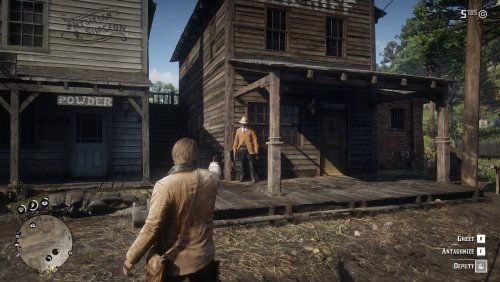
  1. Shoot it out with bandits, hunt down outlaws and walk the streets with a star.
    • 155,504 Downloads
    • 768411 Views
    • 17.34 MB File Size
    • 132 Comments
    LMS in RDRFR
    Updated
  2. YMT Editing simple trainer
    • 37 Downloads
    • 351 Views
    • 255.2 kB File Size
    CID9 in Tools
    Updated
  3. Get everything from the trapper with much less grind
    • 6,863 Downloads
    • 48335 Views
    • 1.6 MB File Size
    • 7 Comments
    Updated
    • 5,605 Downloads
    • 38547 Views
    • 132.77 kB File Size
    • 3 Comments
    Updated
    • 1,234 Downloads
    • 6773 Views
    • 207.45 kB File Size
    Updated
    • 889 Downloads
    • 16362 Views
    • 15.54 MB File Size
    • 2 Comments
    Updated
  4. Shoot bad guys without the intrusive hitmarker!
    • 48,476 Downloads
    • 224787 Views
    • 55.63 kB File Size
    • 21 Comments
    Updated
    • 461 Downloads
    • 4329 Views
    • 2.65 MB File Size
    Updated
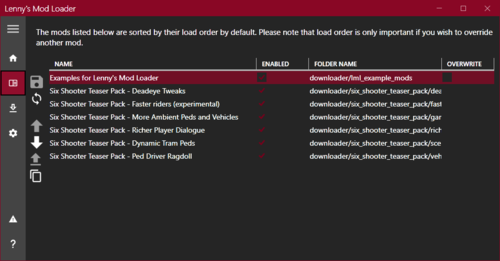
  5. Replace any game file!
    • 4,407,376 Downloads
    • 13318923 Views
    • 41.6 MB File Size
    • 779 Comments
    LMS in Tools
    Updated
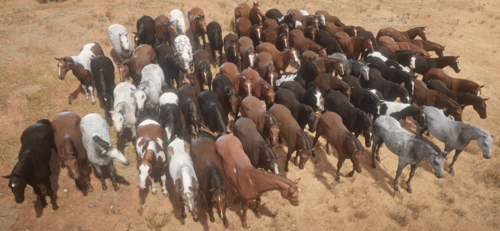
  6. Every horse available fresh out of Chapter 2!
    • 11,701 Downloads
    • 89282 Views
    • 23 MB File Size
    • 17 Comments
    Updated
  7. Load ASI files and custom code into the game.
    • 2,369,808 Downloads
    • 6399954 Views
    • 2.94 MB File Size
    • 162 Comments
    LMS in Tools
    Updated
    • 13,796 Downloads
    • 133738 Views
    • 37.09 MB File Size
    • 17 Comments
    Updated
    • 1,880 Downloads
    • 11337 Views
    • 10.67 kB File Size
    • 1 Comments
    Updated
    • 935 Downloads
    • 6079 Views
    • 34.94 MB File Size
    Updated
    • 198 Downloads
    • 5063 Views
    • 11.78 MB File Size
    Updated
  8. Custom Ped
    • 1,133 Downloads
    • 26748 Views
    • 45.81 kB File Size
    • 3 Comments
    Updated

Account

Navigation

Search

Search

Configure browser push notifications

Chrome (Android)
  1. Tap the lock icon next to the address bar.
  2. Tap Permissions → Notifications.
  3. Adjust your preference.
Chrome (Desktop)
  1. Click the padlock icon in the address bar.
  2. Select Site settings.
  3. Find Notifications and adjust your preference.