



.thumb.png.239d5fe167f5bd603166c33e611a1771.png)
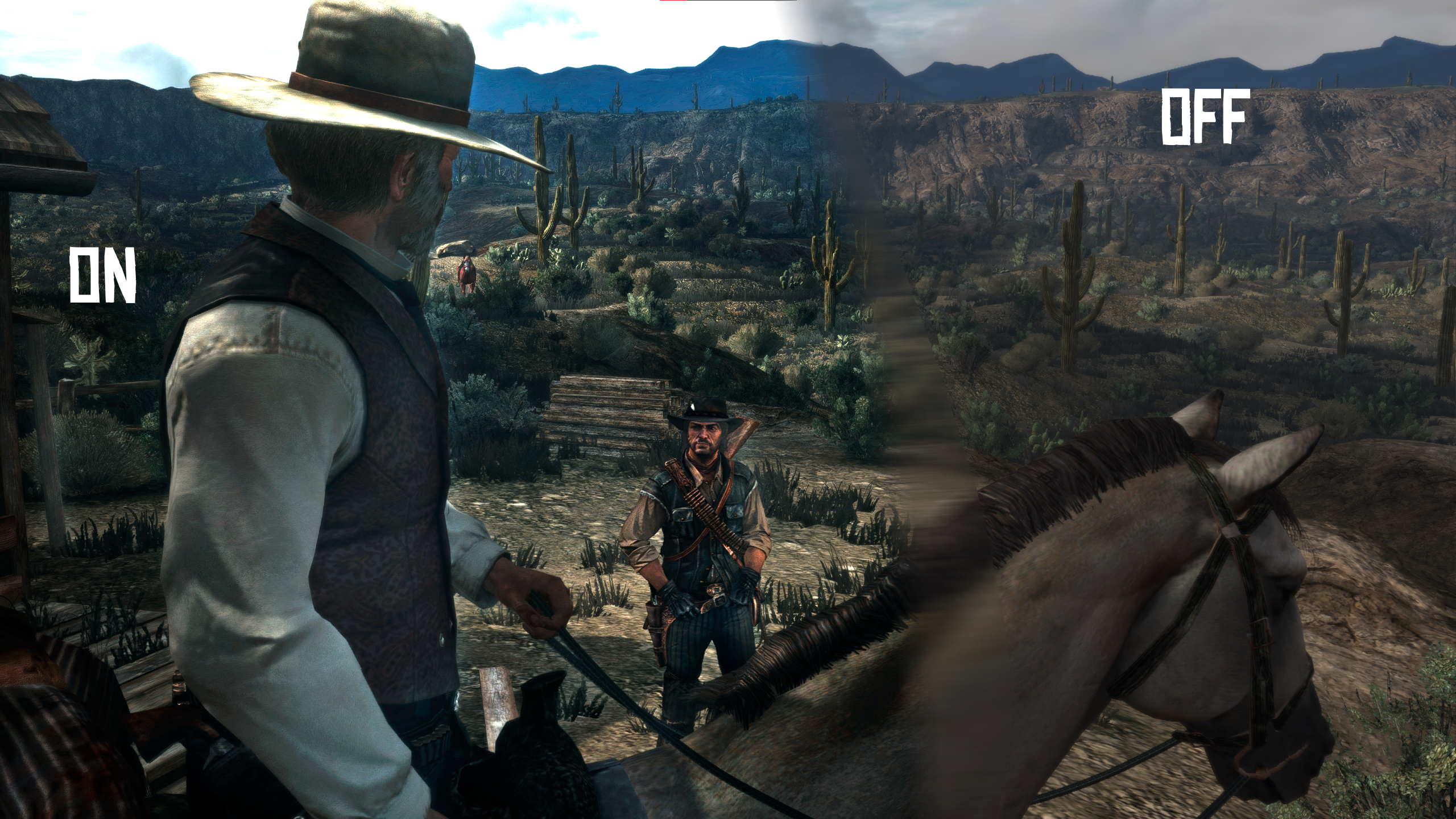
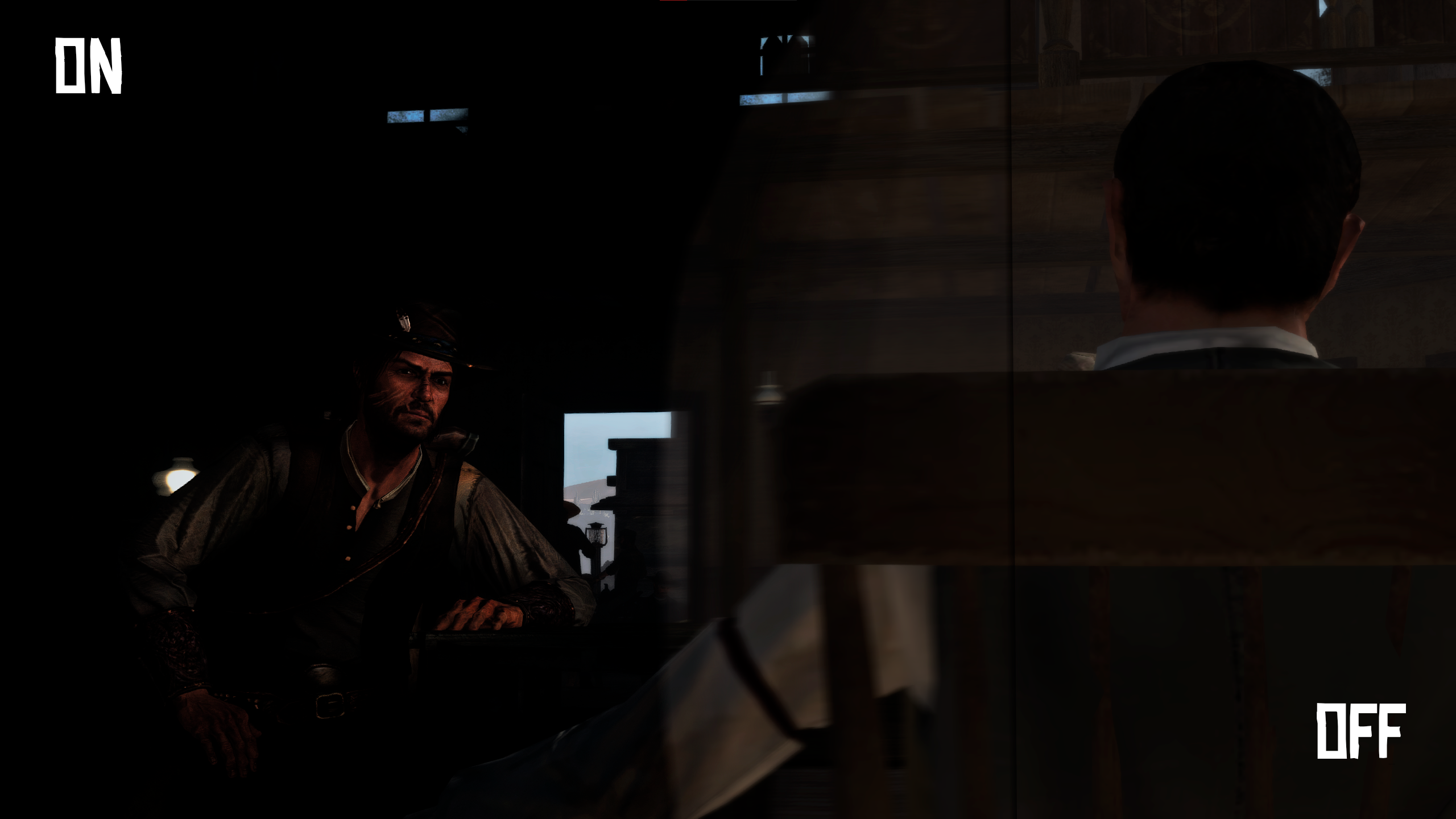
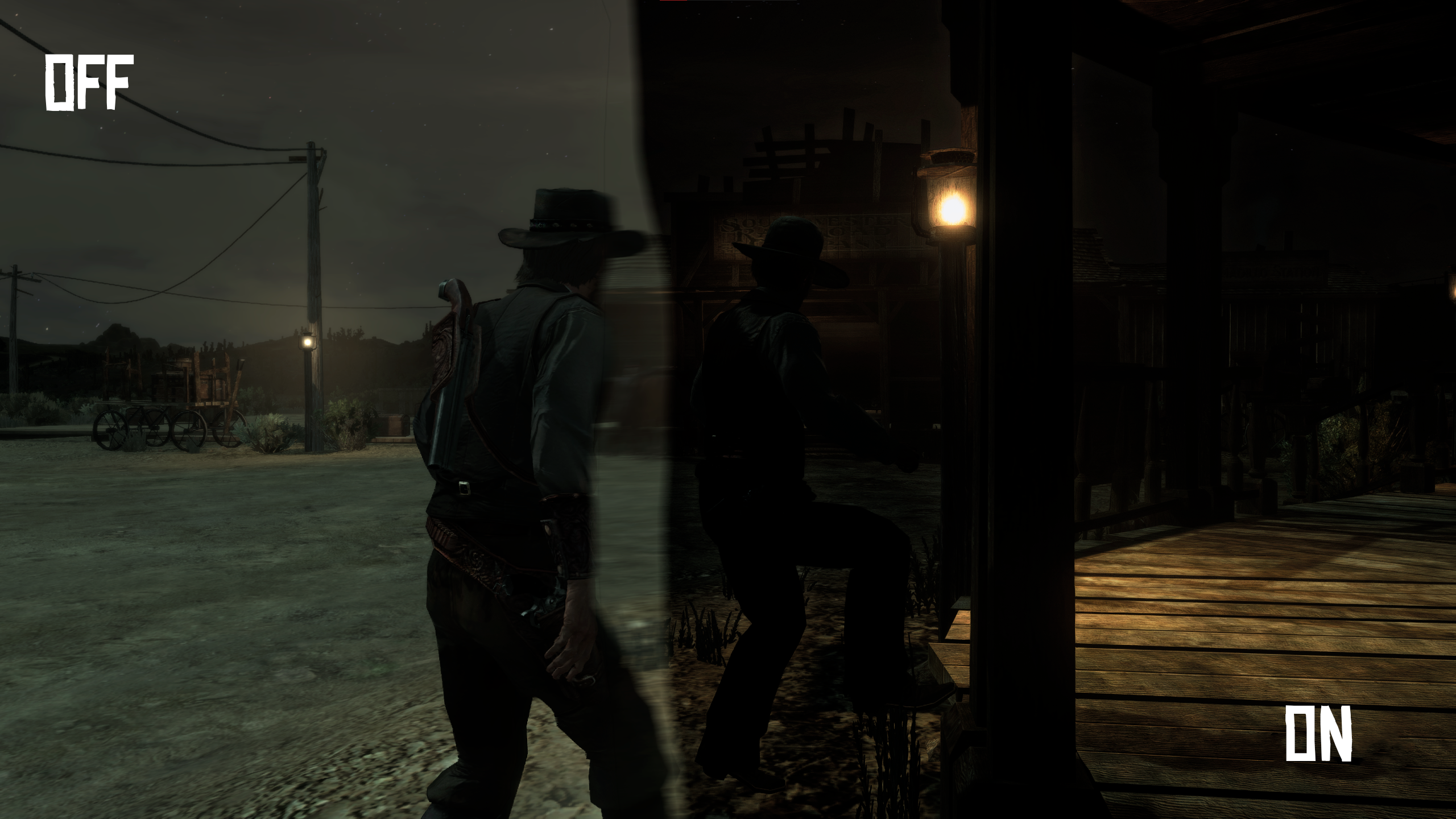
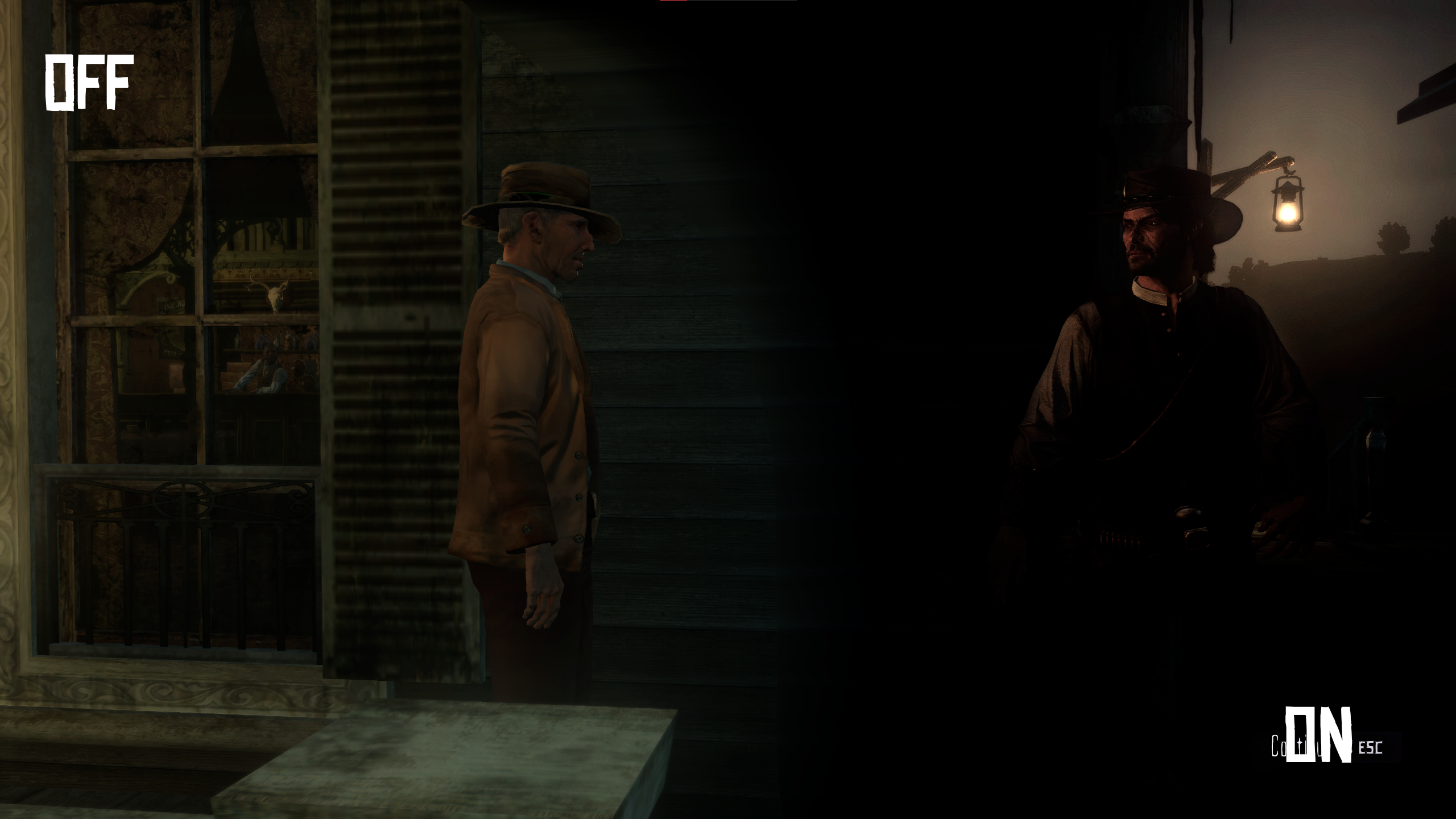
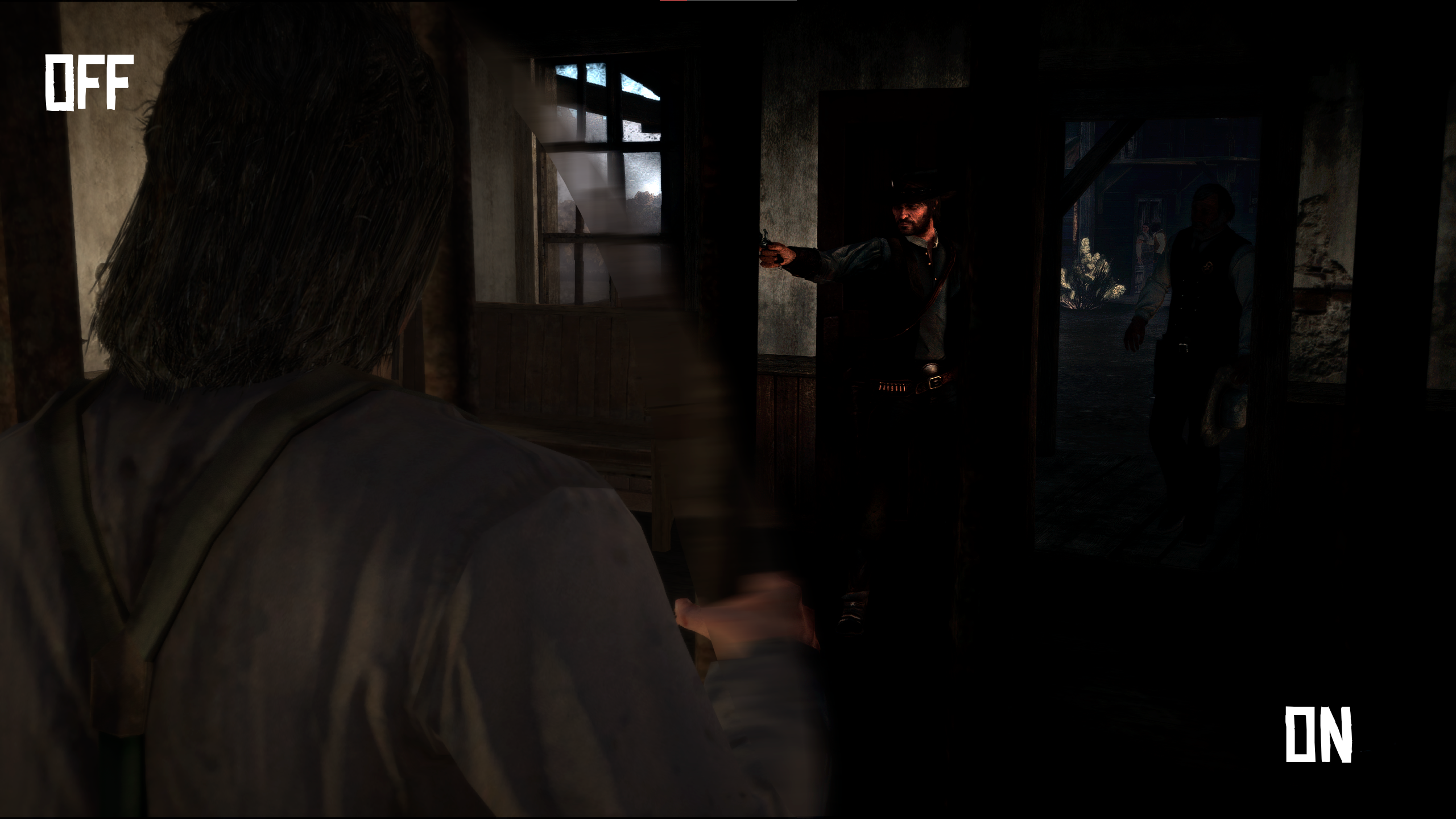
(Requires Reshade and RDR-Reimaninged for shader puposes.)
This mod's restores Red Dead Redemption's aesthetic by adding better shadows. The reshade saturate's the game to look like a bit more like a sphagetti western
Any FPS issues?
No there is not any fps issues or stutters it runs perfectly fine on a budget PC.
Installation:
1. Install Reshade from Reshade's website i would recommend watching a tutorial on download reshade you can find one here just choose you Red Dead One directory instead of RDR2
2. Download RDR Reimaninged, open the rdr file and drag the reshade-shaders into your Red Dead Redemption directory and replace the files.
3. After you have a downloaded my Mod it's just a simple drag and drop into the directory of the game.
4.Enjoy the Mod.
Edited by V7BEZ
-
 1
1
Recommended Comments
Create an account or sign in to comment